 clacky
Click sounds and a screen recorder for Mac.
Clacky is a cozy app for people who make things on their Mac.
Free for 7 days, no card. macOS 13 or later.
- Sounds


37 click sounds in 8 families
See the sounds - Studio


Records your screen with the clicks in the video
See the recorder - Screenshots


Area, window or screen, framed
See screenshots - Clackyland


A harbour town that grows while you work
Visit the harbour
Every plan has everything, on 2 Macs: $4.99 a month, or $19.99 once.
Clacky in 30 seconds
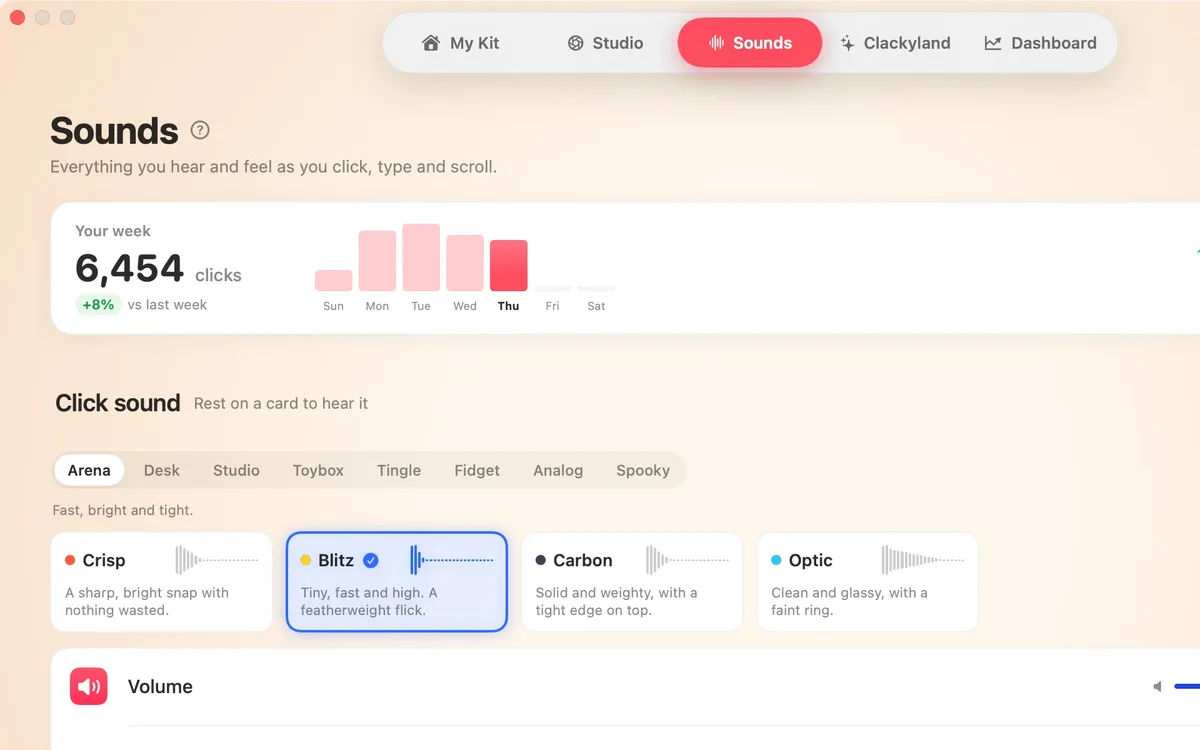
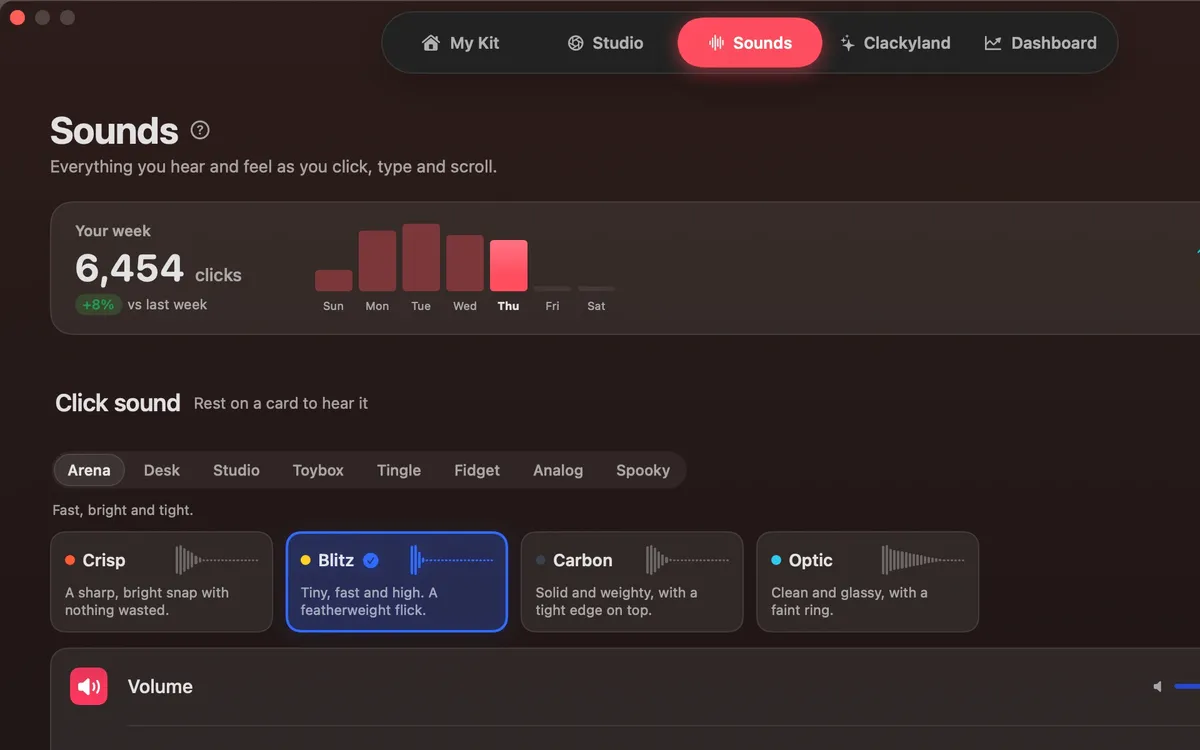
Sounds: Every click, key and scroll
37 click sounds in 8 families, 29 keyboard sounds, 8 scroll tick styles and a ripple under the pointer on every click, visible in recordings.
- Click Sounds. A satisfying click for every press and release of your mouse or trackpad: 37 sounds in 8 families, from Arena to Spooky.
- Keyboard Sounds. Typing sounds as you type: 29 sounds in 9 families. Clacky listens for key down and up only and never records, stores or sends which keys you type. Password fields (Secure Input) stay quiet.
- Click Ripples. A ripple under the pointer on every click, so anyone watching sees where you clicked.
- Sounds where you want them. Only with headphones, on the output you pick, or only in the apps you choose. Ripples still show everywhere.
Studio: A screen recorder that hears your clicks
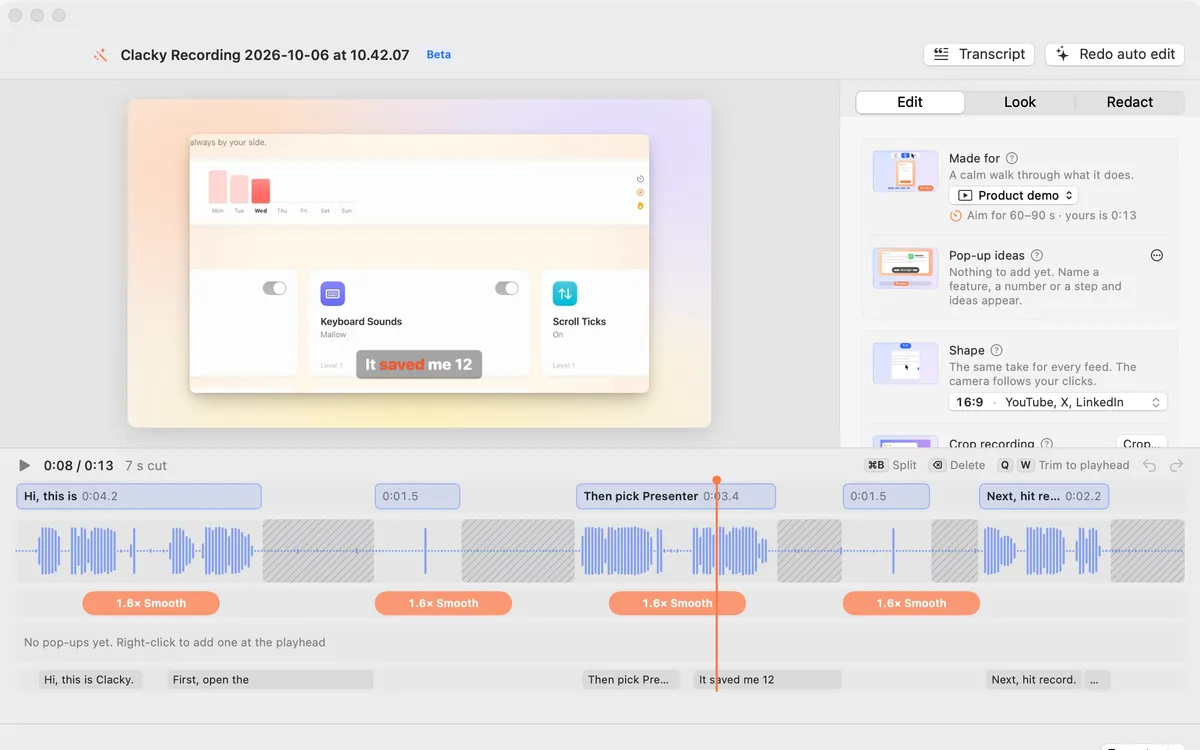
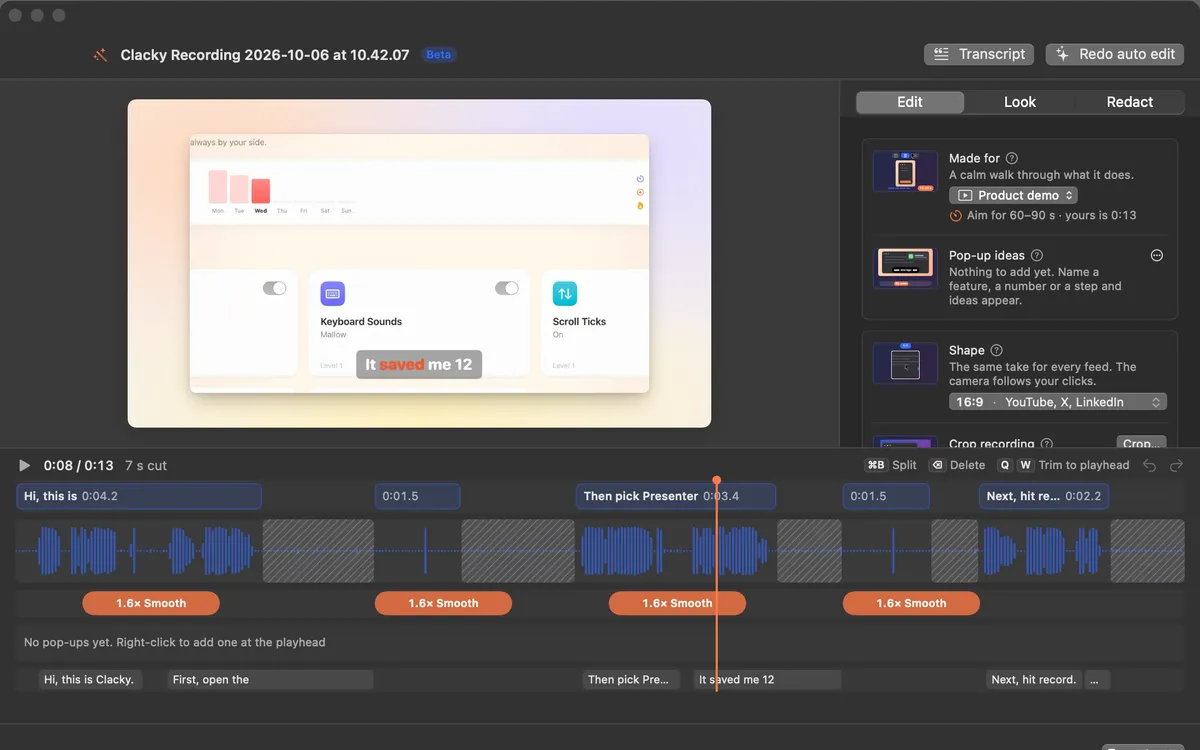
Record your screen with your Mac’s sound, so the clicks are in the video, add a camera bubble, then trim, zoom and caption it.
- Screen Recorder. Record the full screen, one window or an area, with your clicks heard and their ripples seen. Saved to Movies › Clacky. macOS 15 or later.
- Auto edit. Studio cuts the quiet between your sentences, zooms in on every burst of clicks and speeds up the waiting. Click a cut to bring it back.
- Edit by transcript. Select words in the transcript and press Delete: they’re cut from the video with a soft fade. Click a struck word to bring it back.
- Captions. Your words appear as you say them, written on your Mac, nothing uploaded. Seven caption looks and five fonts.
Screenshots: Screenshots, done right
A screenshot editor, Scrolling Capture for whole pages, and Grab Text to copy text from anything on your screen.
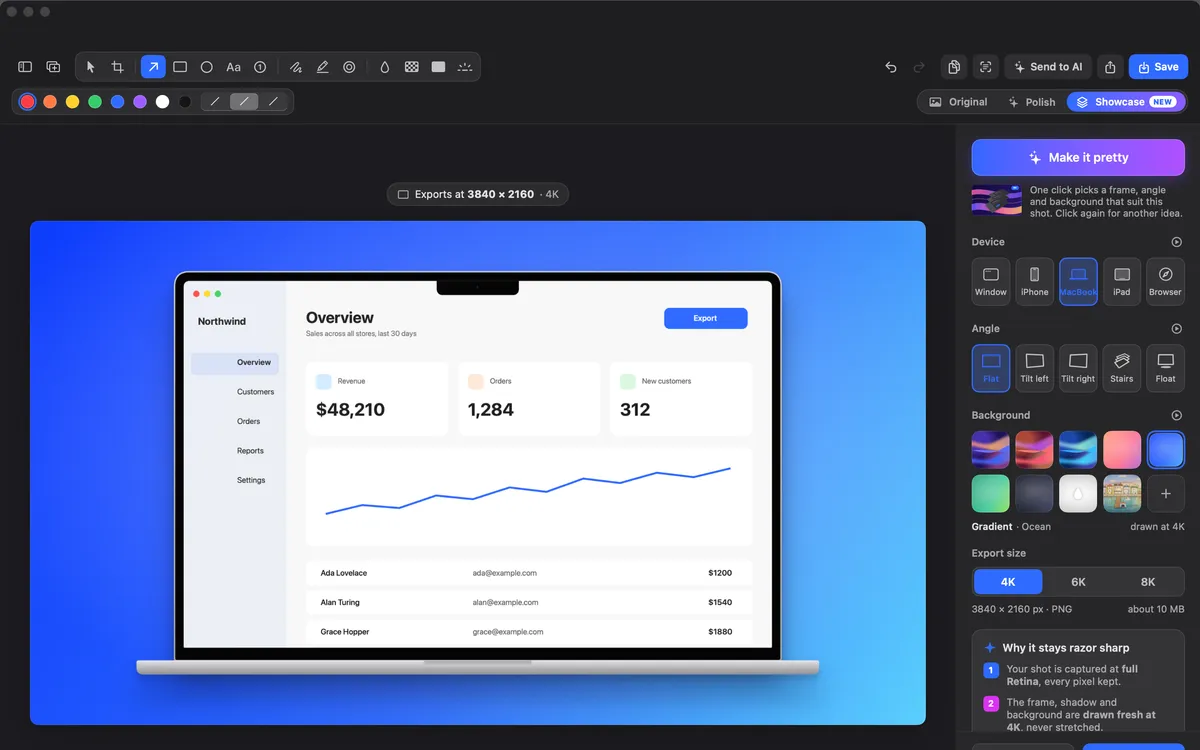
- Showcase. Your shot in a window, iPhone, MacBook, iPad or browser frame, at a 3D angle on a background. Copy or save at 4K, 6K or 8K.
- Window and browser frames. Give an area shot a title bar, or a browser frame with your link in the address bar. Auto-balance evens out the margins.
- Scrolling Capture. Pick a window and Clacky scrolls it for you, stitching one tall image of the whole page.
- Grab Text. Press ⌥⇧⌘T and drag over any text: a video, a PDF, a photo. Your Mac reads it right there and it’s on your clipboard.
The screenshot studio needs macOS 14.
Every screenshot feature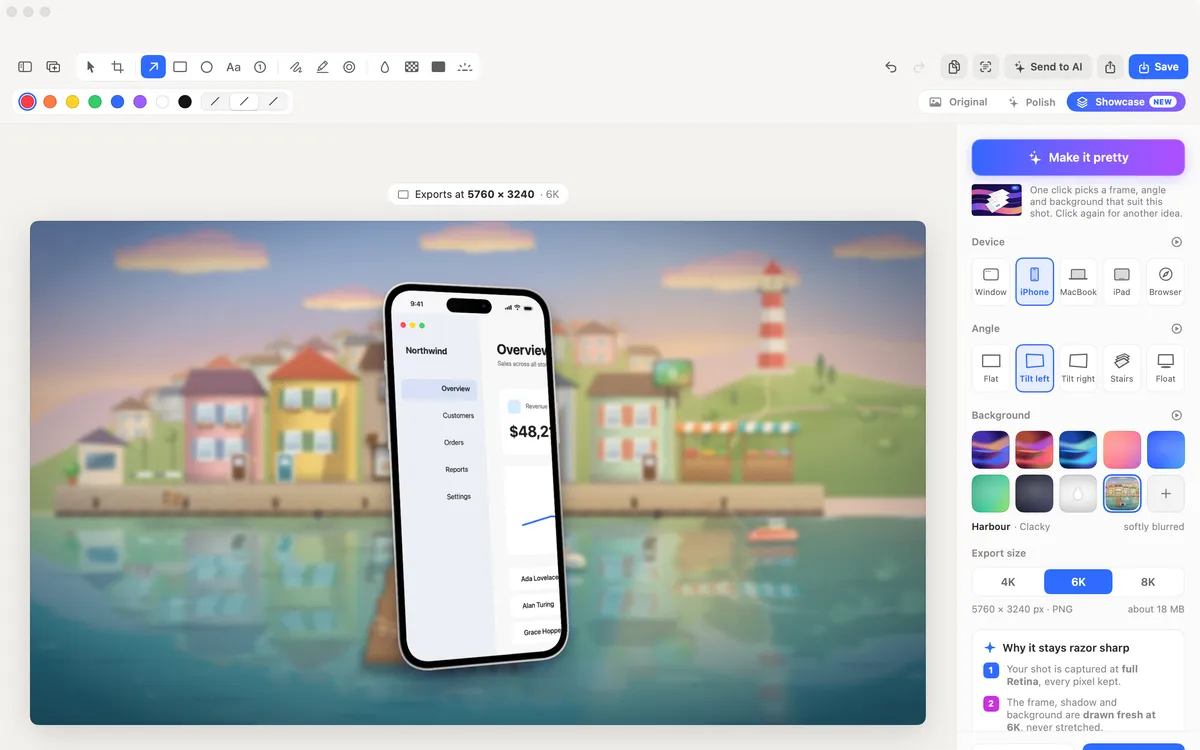
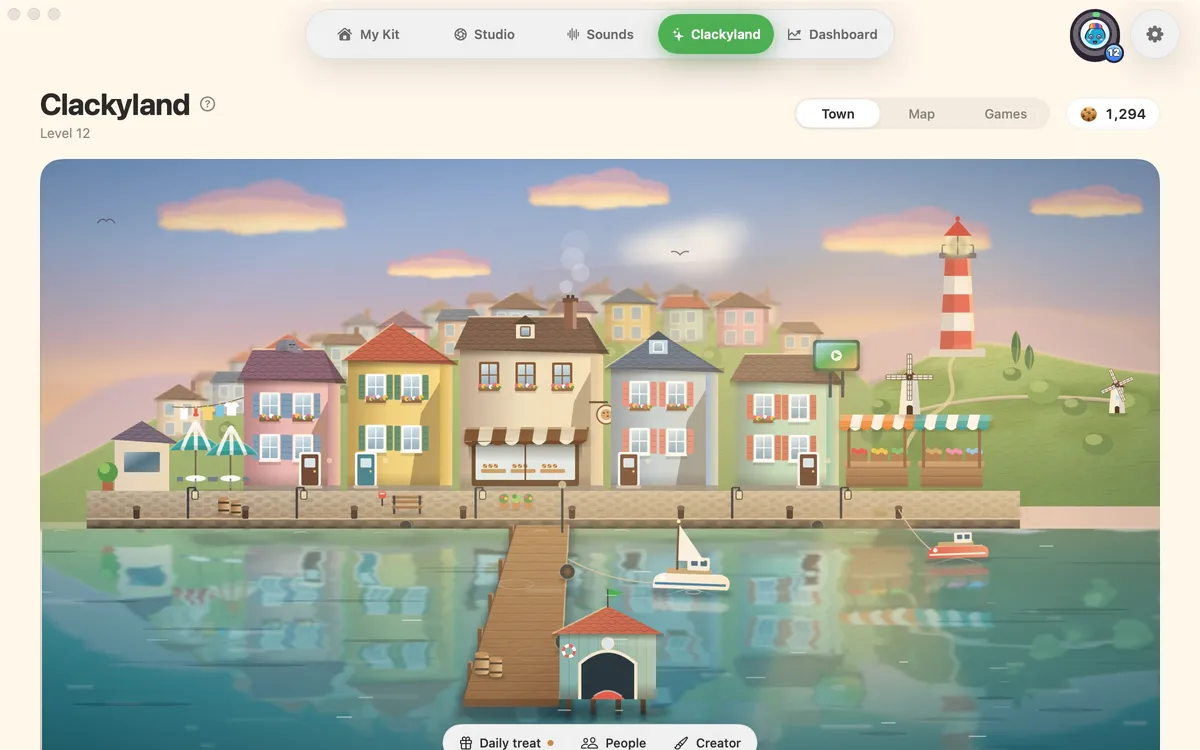
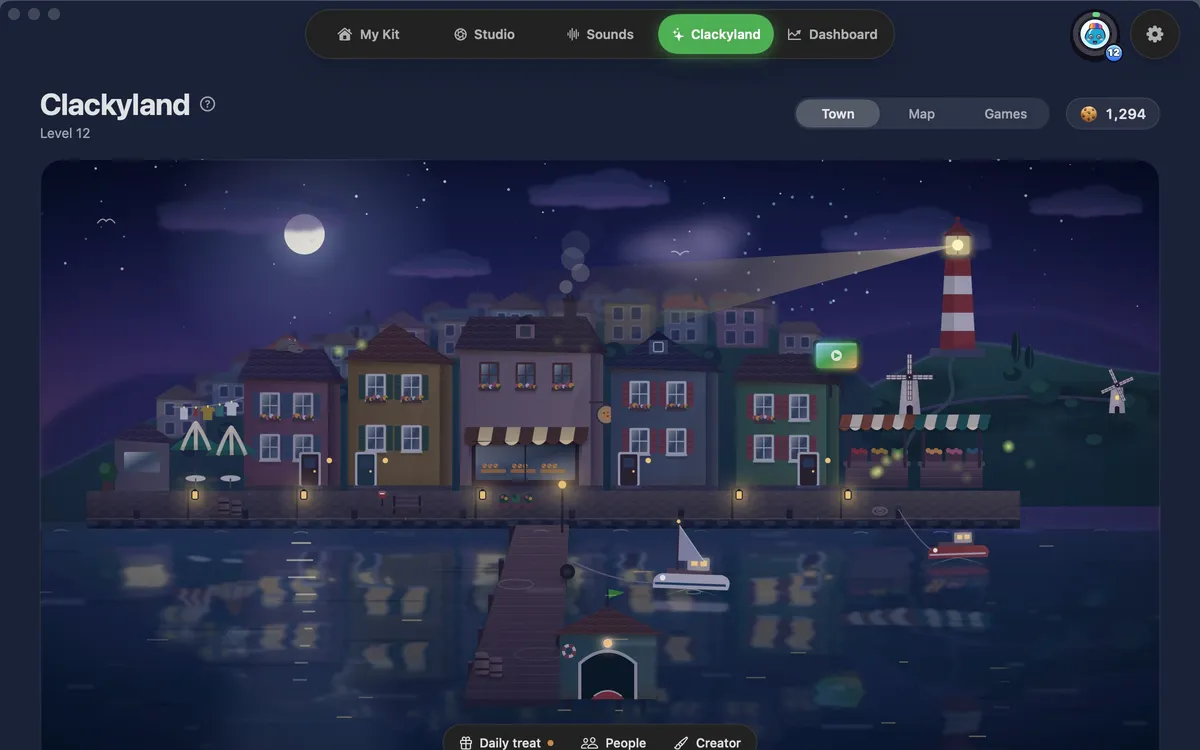
Clackyland: A cozy harbour town that grows as you make things
A harbour town that grows as you use your Mac. Clicks bake cookies at the Cookie Factory, cookies unlock buildings and looks for your Blip, the little creature who lives there. It is a game you play by working.
- The harbour. Clackyland is a little harbour town with wind, windmills, gulls and a lighthouse. Point at a building to see its name; click and your Blip walks there.
- Cookie Factory. Once a day Boop bakes a batch, bigger at higher levels. Away? Up to 3 days of batches wait for you.
- Your Blip. Your own little character. Making things with Clacky levels it up, earns it things to wear and keeps a streak. It stays on your Mac unless you turn on Friends, which shows it to your friends.
- Daily treat. Open one treat a day. Each day in a row adds a little more, days 7, 14 and 30 bring a gift, and a missed day is forgiven once a week.
What people say

This is a super fun app. I really loved the click counter on the top, plus the scrolling sound. … It’s really so satisfying to listen to.
Nikhil on X
Loving the app Justinas… scrolling and clicking with it so satisfying
@heyrakeshdotcom
Very useful for demo videos!
@bingwu0522
the ripple is perfect for screen recordings
@patebry
it looks so clean. love the sounds 🤩
@attacomsian
Bought it the moment I got the mail, Been using it since, Loved it!
Eknoor on X
– clicks on clacky.app, counted live
One Clacky, two ways to pay
Every plan has everything: sounds, Clackyland, the recorder and screenshots, every update, on 2 Macs.
7 days free
Start with a free 7-day trial, no card: download Clacky and it just works for 7 days.
Download free trial Send it to my MacMost popular
Lifetime
$19.99 once
Paid once, yours for good. No trial, 7-day refund (14 days where your local law gives you longer).
Buy Lifetime · $19.99Buying opens Polar’s checkout in a new tab and starts the download: paste the licence key from your email into Clacky and you are set. Cancelling Monthly is one click in your Polar customer portal.
How to set it up
Three steps, about a minute. Clacky explains Input Monitoring before macOS asks.
Download
Get Clacky.dmg. It’s signed and notarized by Apple.
Drag to Applications
Open Clacky.dmg from your Downloads. In the window that opens, drag the Clacky icon onto the Applications folder.
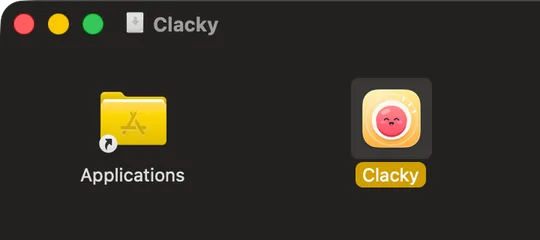
Open & follow Boop
Open Clacky. If macOS says it was downloaded from the Internet, click Open. Boop plays your first click and switches on the tools you pick. Your 7 free days start here.
Questions
What is Clacky?
Clacky is a small Mac app that lives in your menu bar. It plays a satisfying sound and draws a ripple for every click, scroll and keystroke, grows a little harbour town called Clackyland while you work, and records your screen and takes screenshots, with the clicks in the video.
How many sounds are there?
37 click sounds in 8 families (Arena, Desk, Studio, Toybox, Tingle, Fidget, Analog and Spooky), 8 scroll tick styles and keyboard sounds.
Does Clacky read what I type?
No. Keyboard sounds never record which keys are typed. Clacky listens for a key press only to play a sound, never captures text, and stays silent in password fields.
Will my clicks show up in a screen recording?
Yes. The ripple is drawn on your real screen, so any recorder films it, and Clacky’s own recorder also records your Mac’s sound, so the clicks are in the video. The recorder needs macOS 15.
What is Clackyland?
A harbour town that grows as you use your Mac. Clicks bake cookies at the Cookie Factory, cookies unlock buildings and looks for your Blip, the little creature who lives there. It is a game you play by working.
What happens after the 7 days?
The trial starts when you first open Clacky, with no card and no account. After 7 days Clacky stops playing until you pick a plan: $4.99 a month, or $19.99 once with a 7-day refund. Your settings stay put.
Which Macs does Clacky work on?
Clacky works on macOS 13 Ventura or later. The screen recorder needs macOS 15, the screenshot studio macOS 14. One licence works on 2 Macs. It is sold only here, not in the Mac App Store.
Are my recordings uploaded anywhere?
No. Recordings and screenshots are saved on your Mac. Clacky goes online only to check for updates and to activate your licence.
Is there a Windows version?
Not yet. Clacky is a Mac app. Leave your email on the feedback page and you will hear if that changes.
I bought Clacky before. Do I pay again?
No. If you bought Clacky before, your licence keeps working, with every update.
More answers in Help.
Make something on your Mac today.
Free for 7 days, no card. macOS 13 or later.