 clacky
Everything in Clacky
One small Mac app with four places: My Kit, Sounds, Studio and Clackyland. Here is every feature in it, one by one.
Sounds: every click, key and scroll
Click, keyboard and scroll sounds, a ripple on every click and your week in clicks. And Boop, one ⌘K away from anywhere.
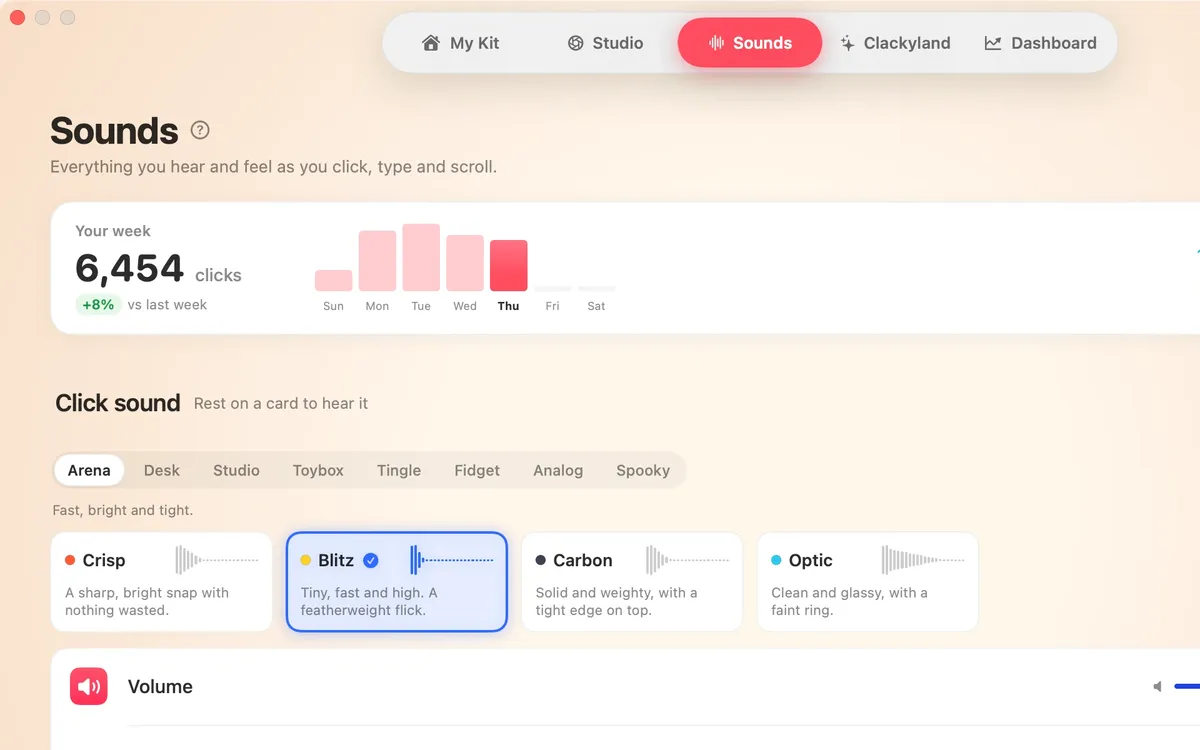
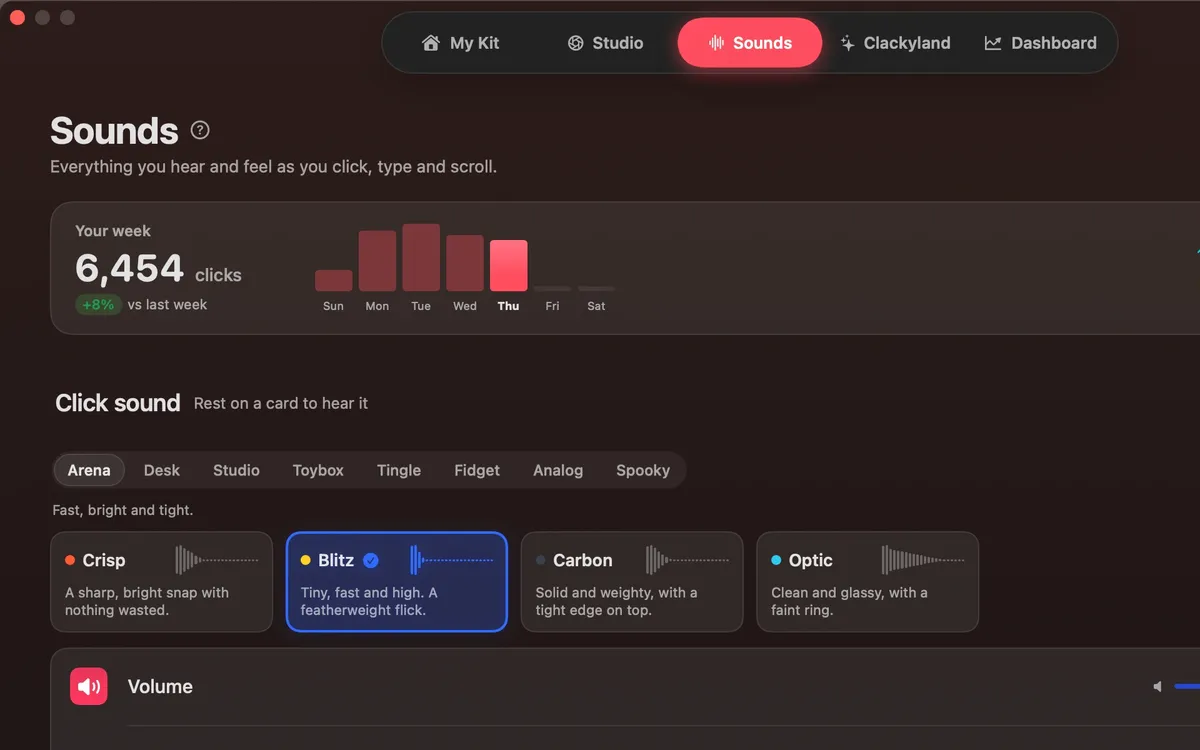
Click Sounds
A satisfying click for every press and release of your mouse or trackpad: 37 sounds in 8 families, from Arena to Spooky.
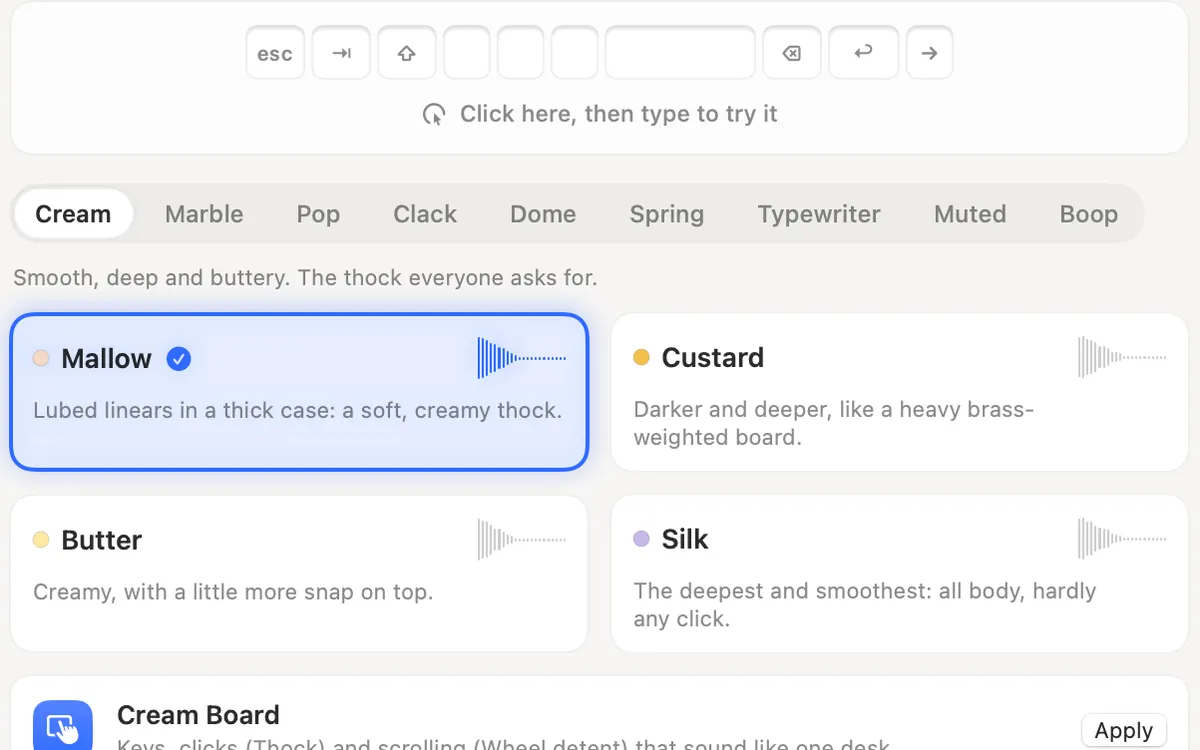
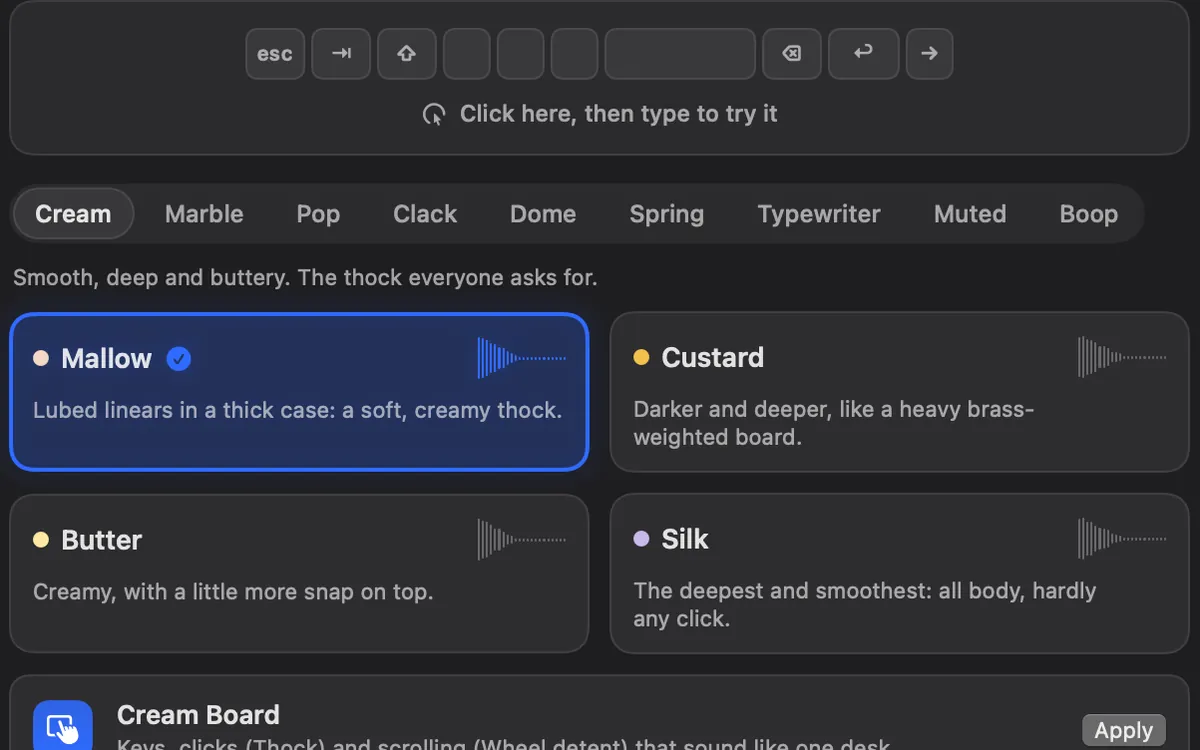
Keyboard Sounds
Typing sounds as you type: 29 sounds in 9 families. Clacky listens for key down and up only and never records, stores or sends which keys you type. Password fields (Secure Input) stay quiet.
Scroll Ticks
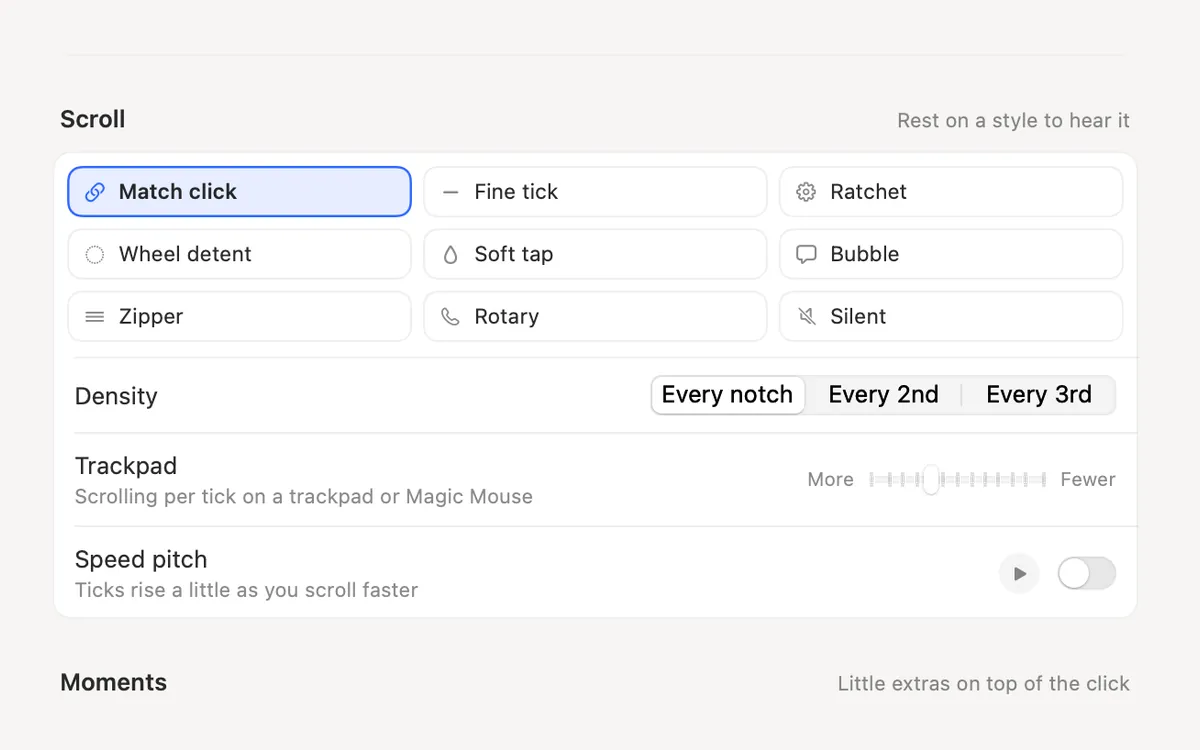
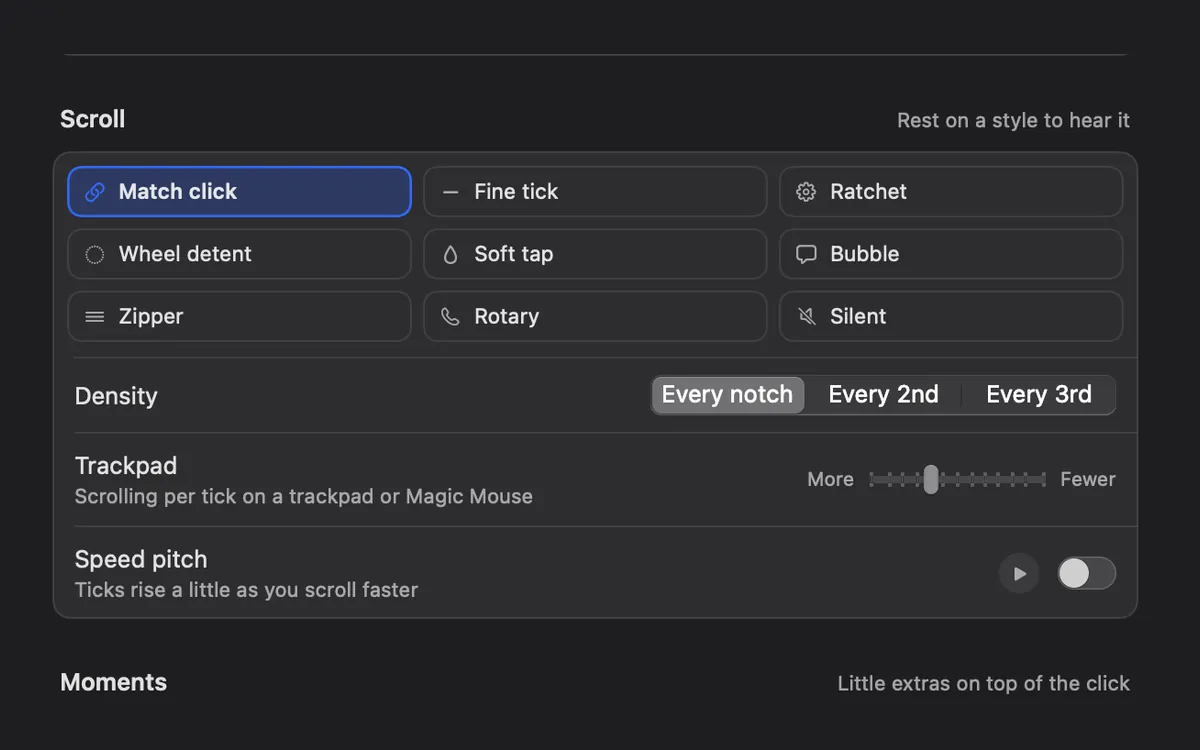
A soft tick for every notch of the scroll wheel, in 8 scroll styles.
Click Ripples
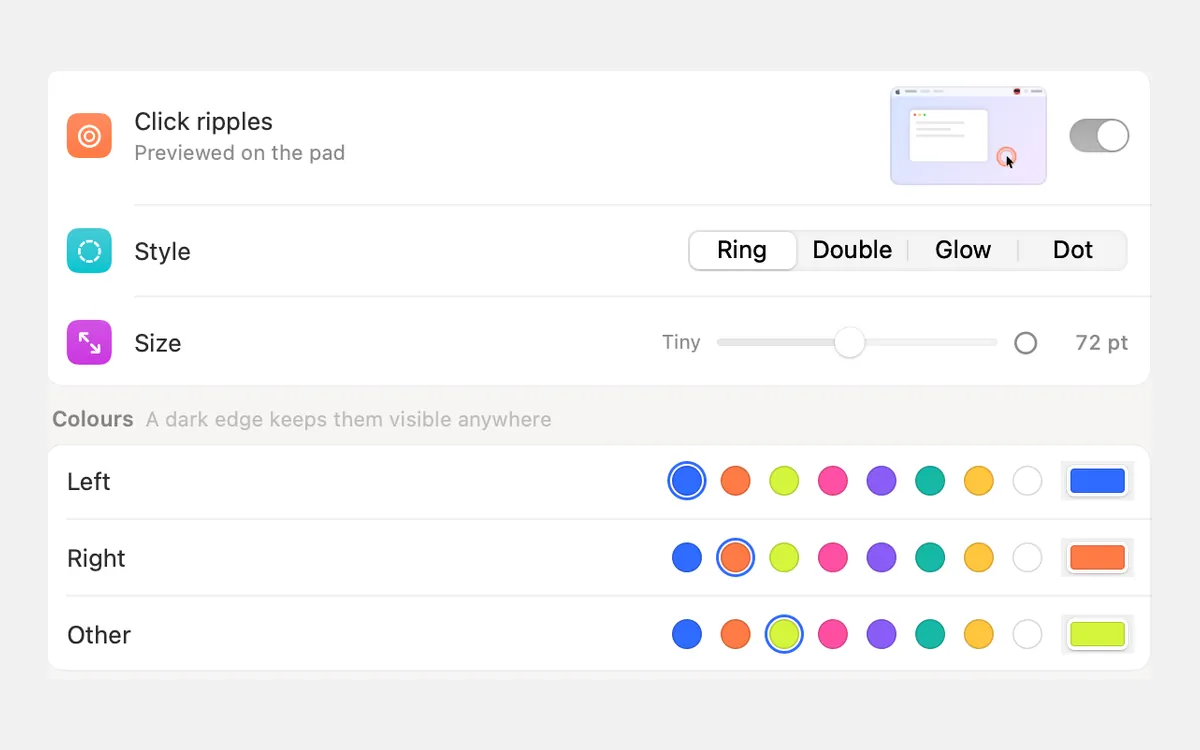
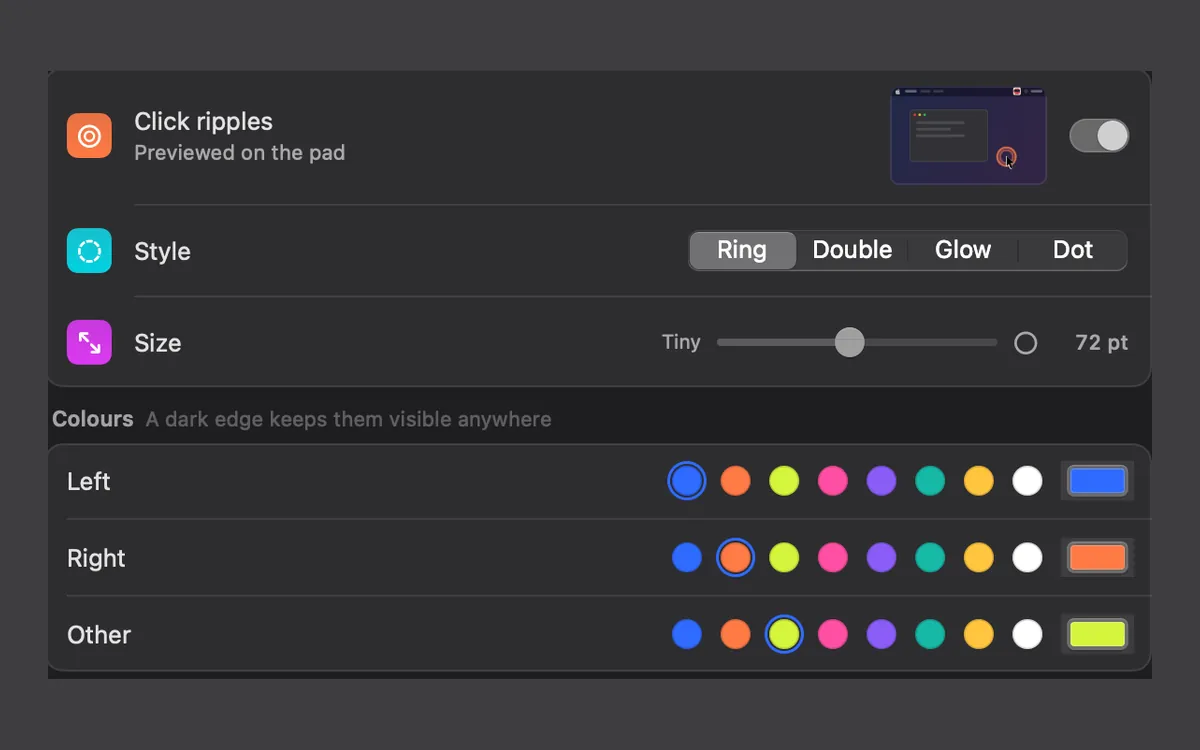
A ripple under the pointer on every click, so anyone watching sees where you clicked.
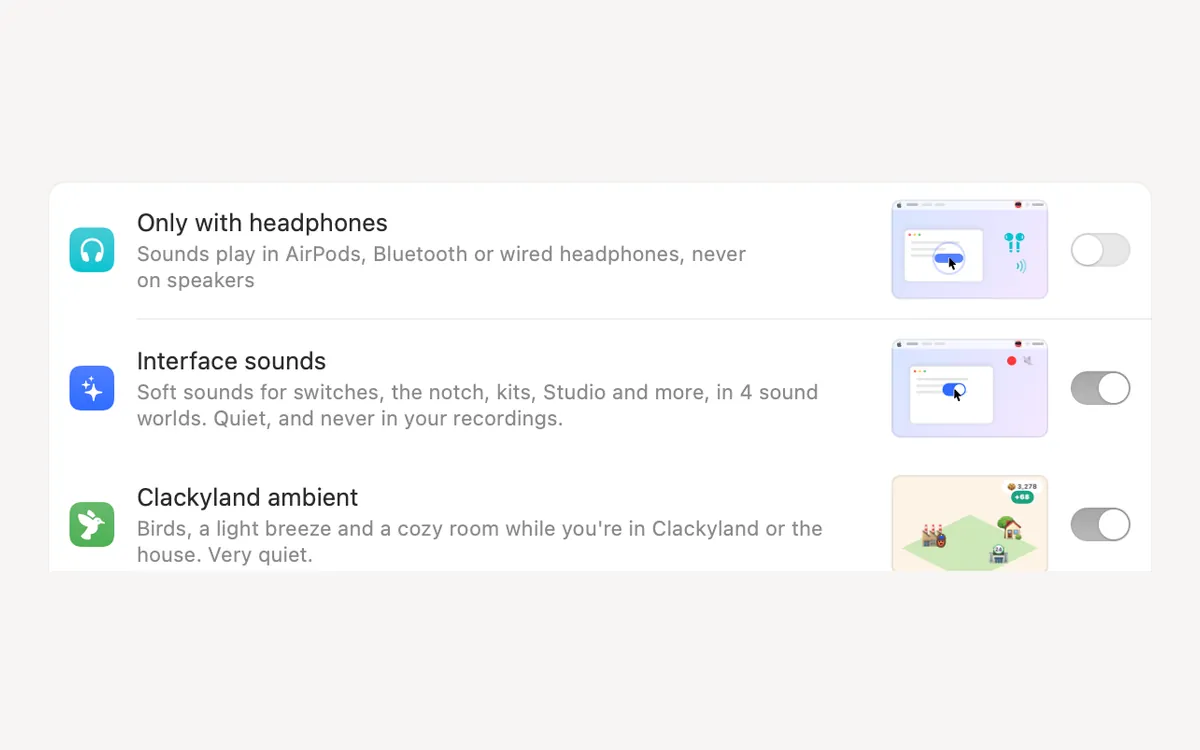
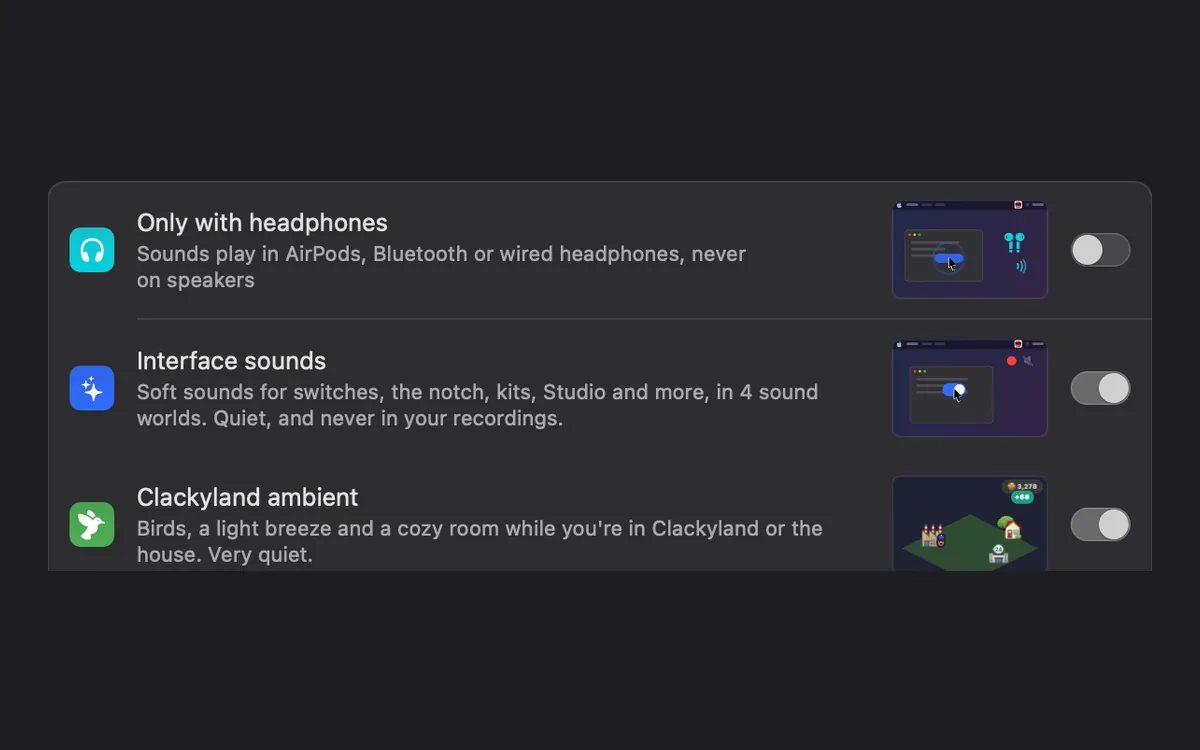
Sounds where you want them
Only with headphones, on the output you pick, or only in the apps you choose. Ripples still show everywhere.
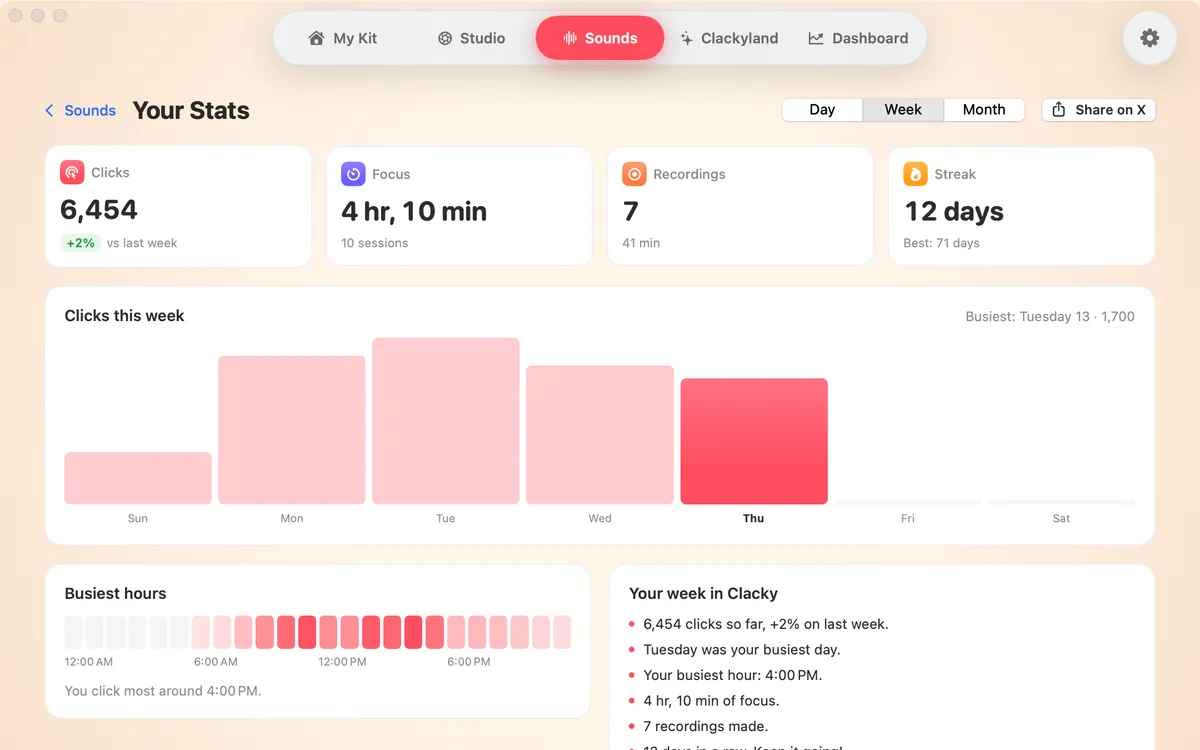
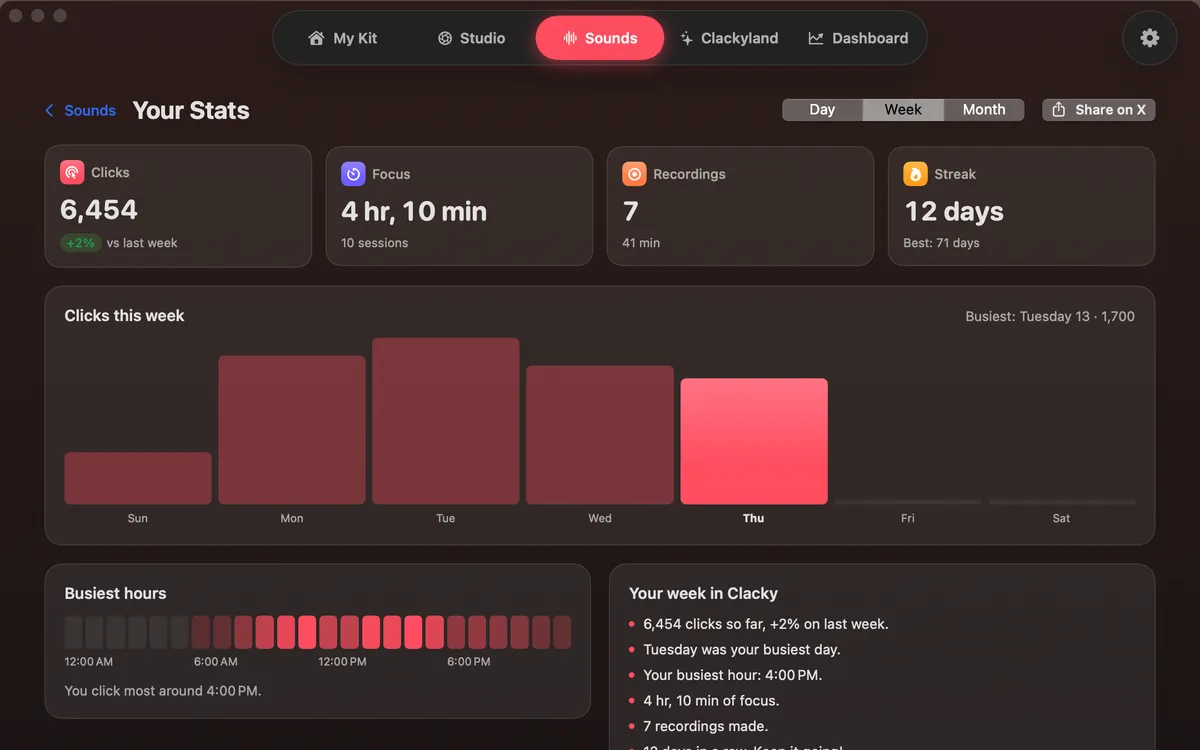
Your Stats
Your clicks, recordings and streak by day, week or month, with your busiest hours. Counted on this Mac; share it when you like.
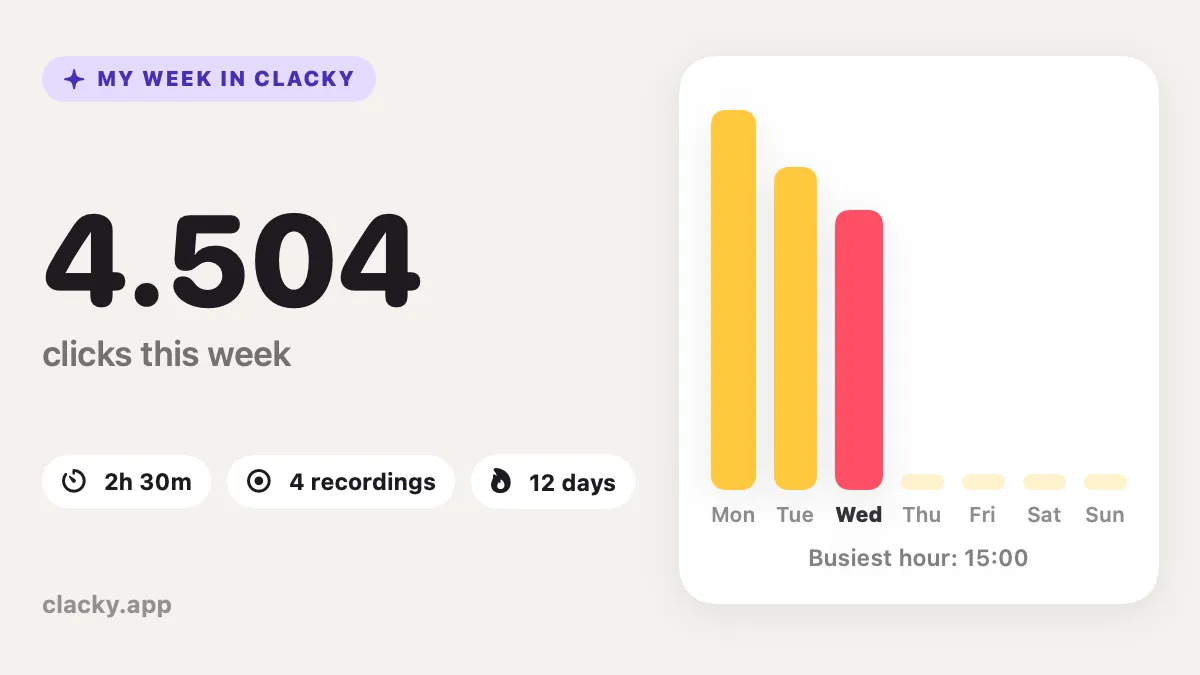
Your Week
A shareable card of your Clacky week, with Boop.
Ask Boop anywhere (⌘K)
Press ⌘K from anywhere in Clacky: find any tool, or ask Boop how to do something and get the answer with pictures.
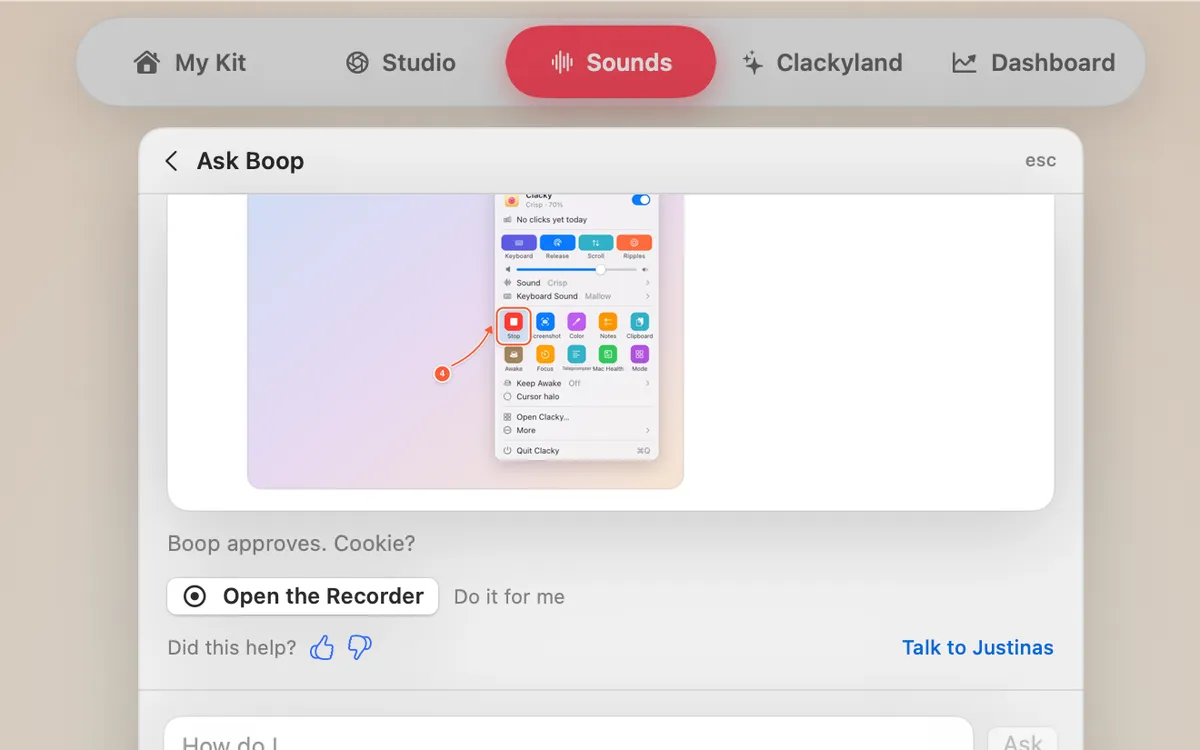
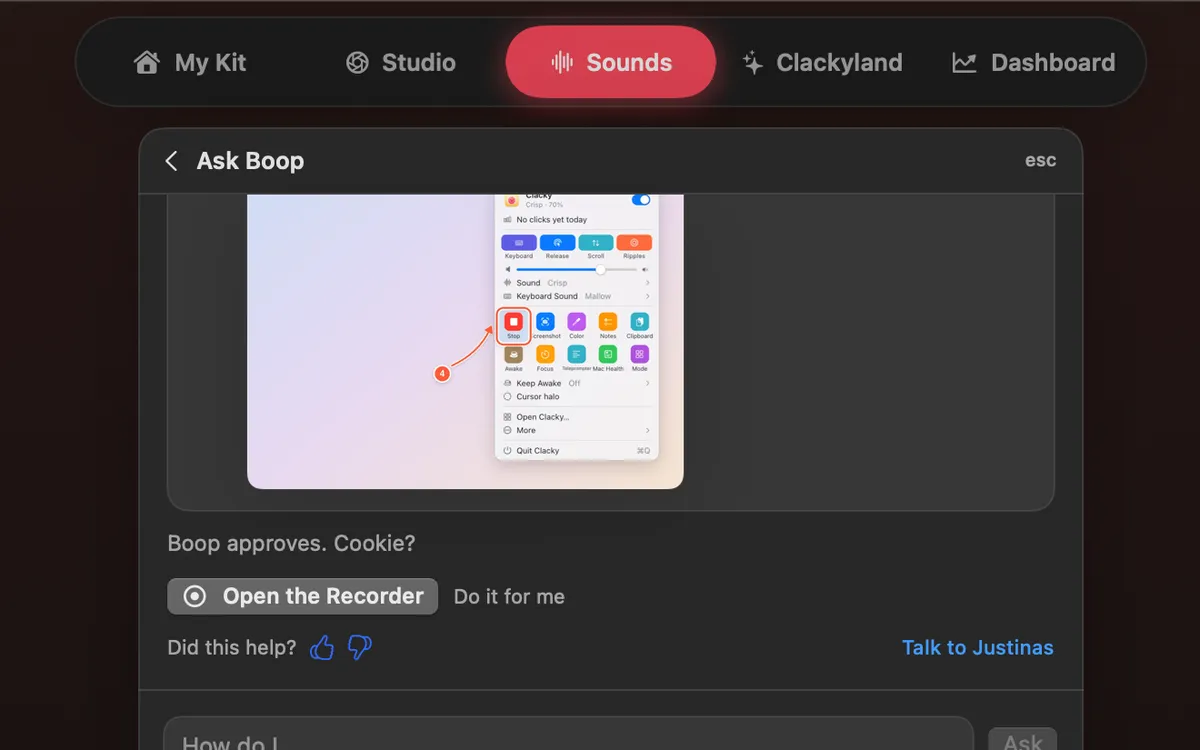
Ask Boop
Ask “how do I…” and the answer comes as numbered steps with pictures. If it’s a setting, Do it for me flips it; Undo puts it back.
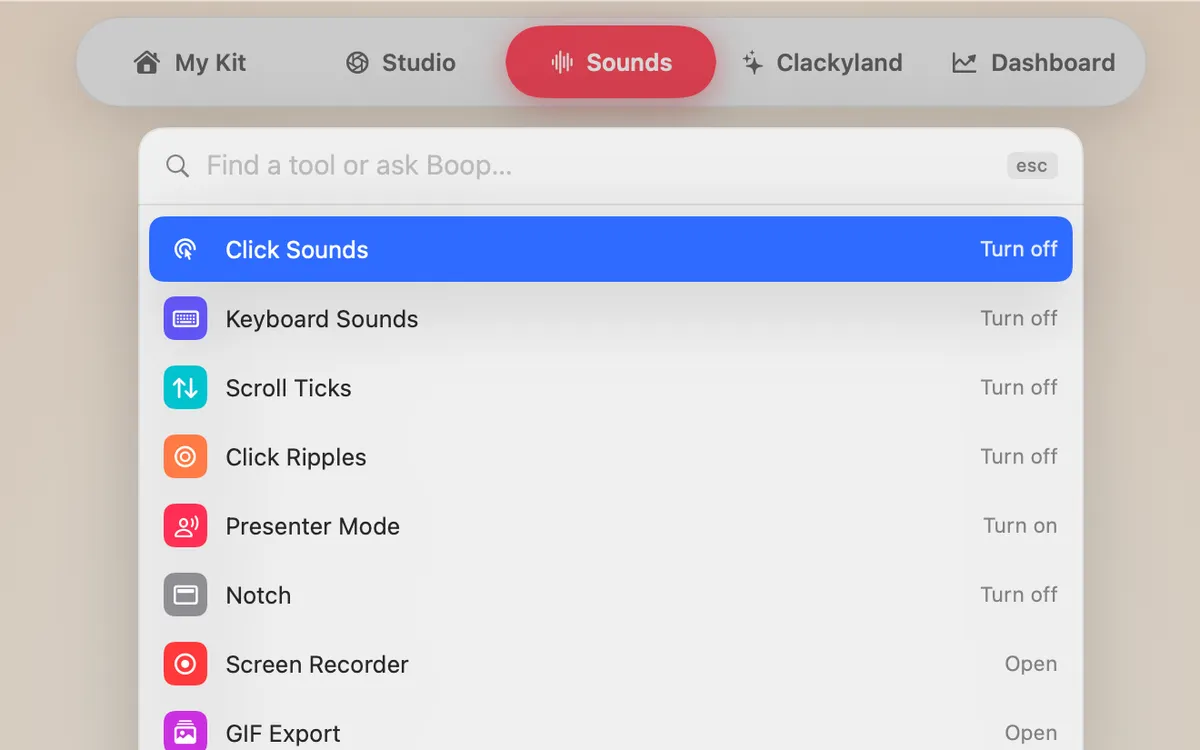
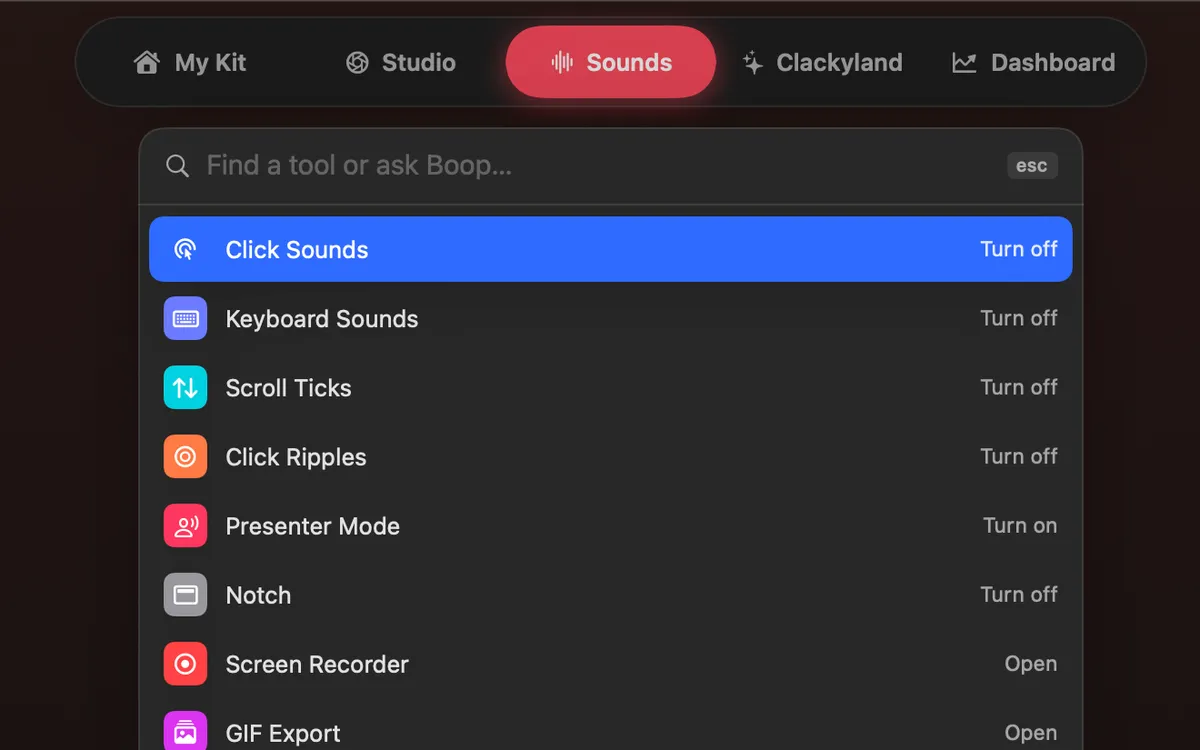
Find anything
Press ⌘K to find any tool, setting or action by name, or ask Boop in plain words.
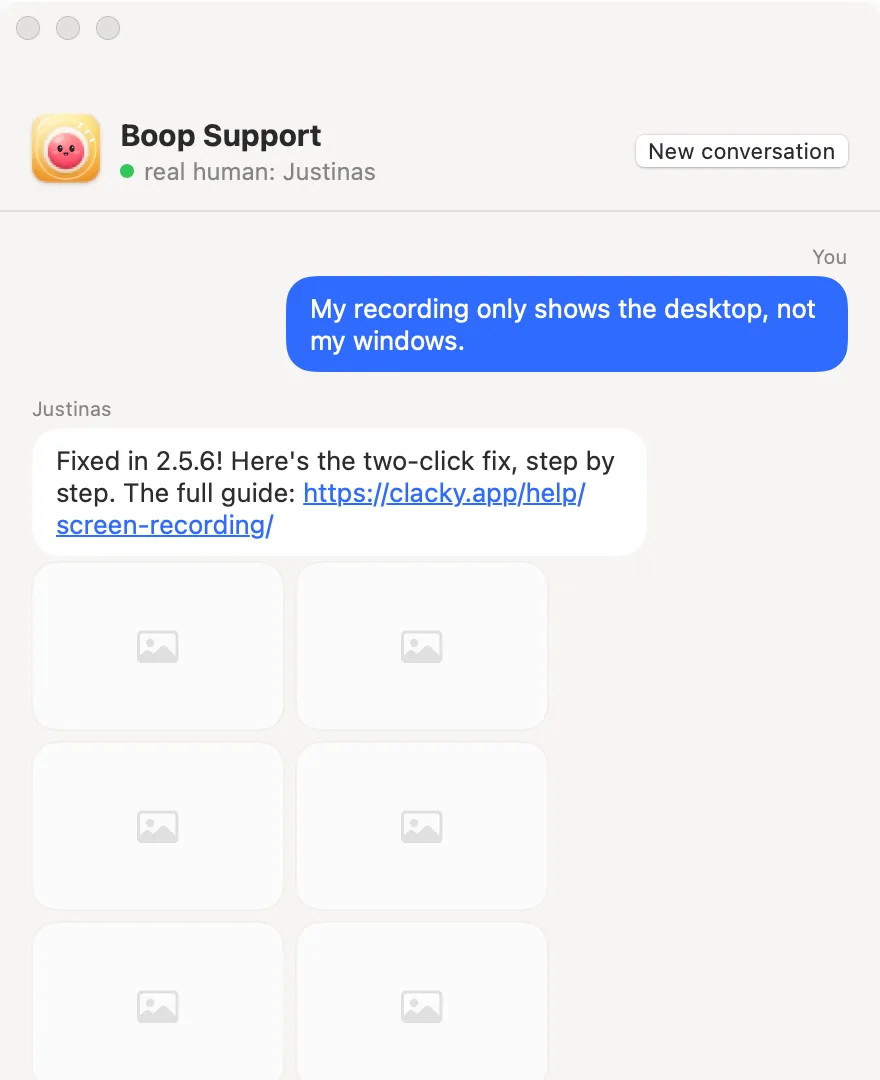
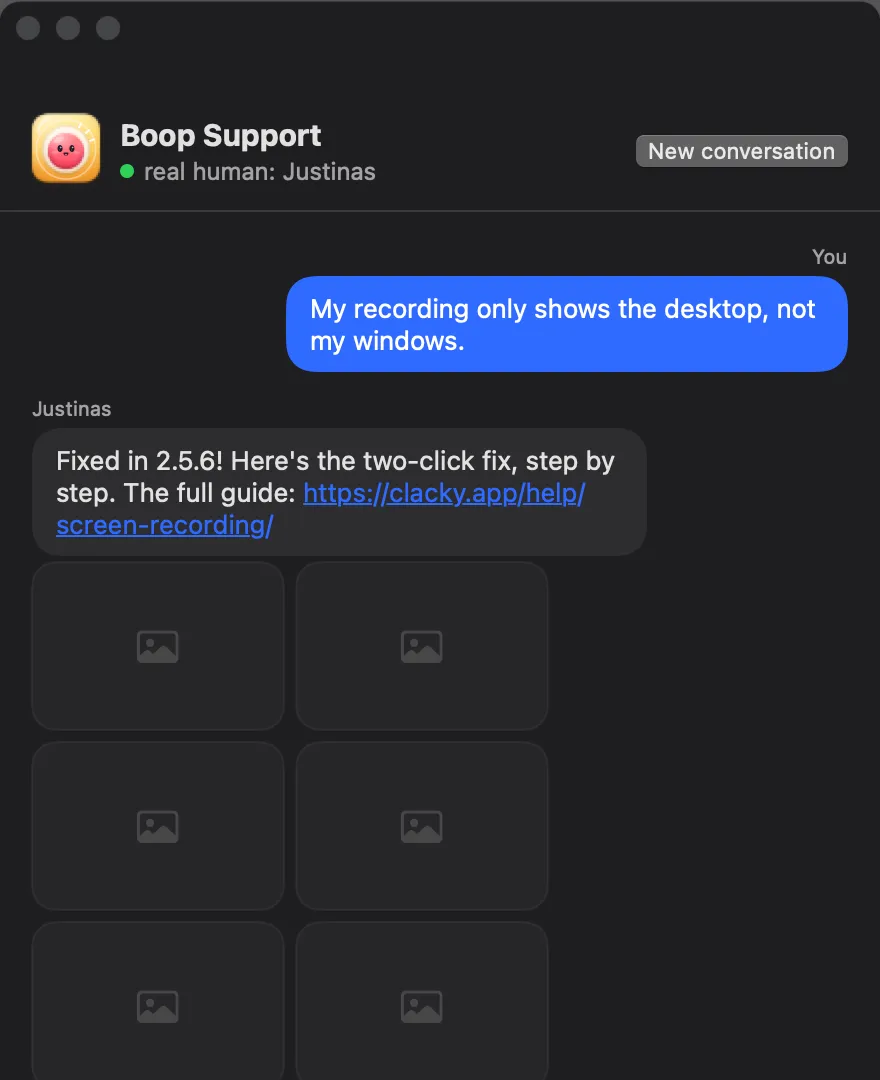
Boop Support
Ask a question or report a bug and Justinas, the human who makes Clacky, answers, with step-by-step pictures when it helps.
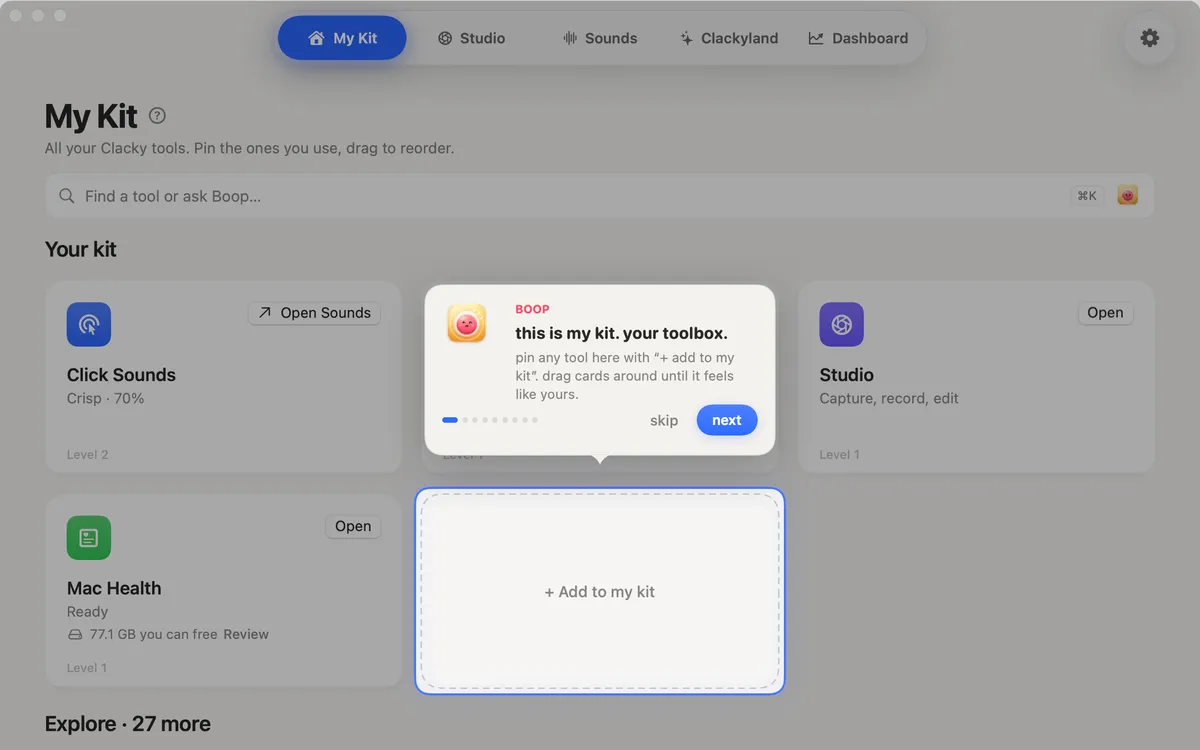
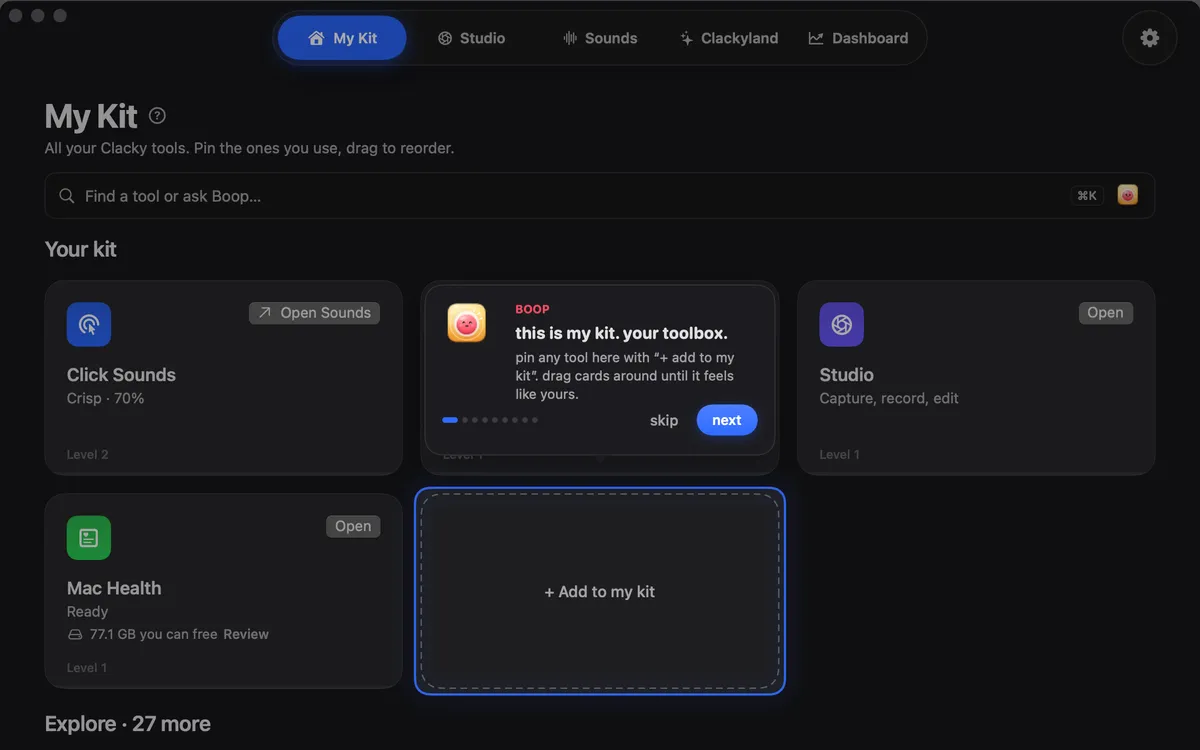
Boop’s Tour
Boop walks you through the places. Find it again in Help → Boop’s Tour.
Studio: record, edit, capture
A screen recorder that hears your clicks, a video editor that does the boring cuts for you, and a screenshot studio.
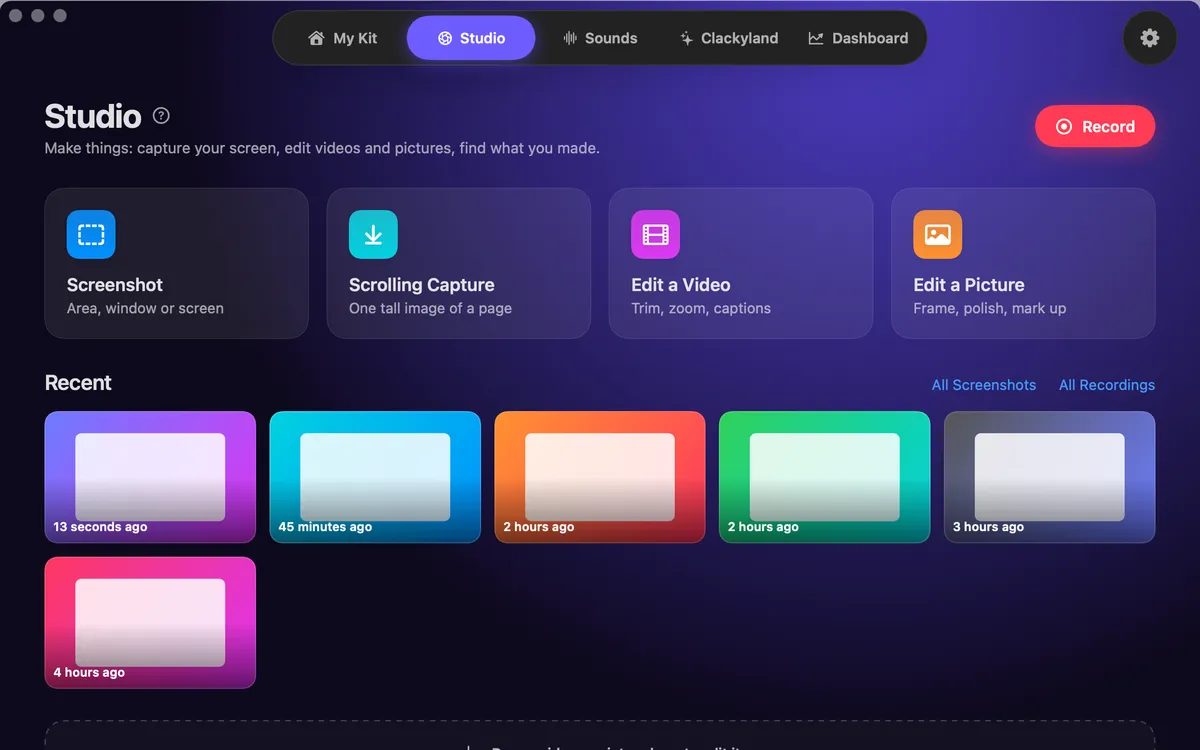
Studio home
Screenshot, Scrolling Capture, Edit a Video and Edit a Picture, with your recent recordings and shots below.

Screen Recorder
Record the full screen, one window or an area, with your clicks heard and their ripples seen. Saved to Movies › Clacky. macOS 15 or later.
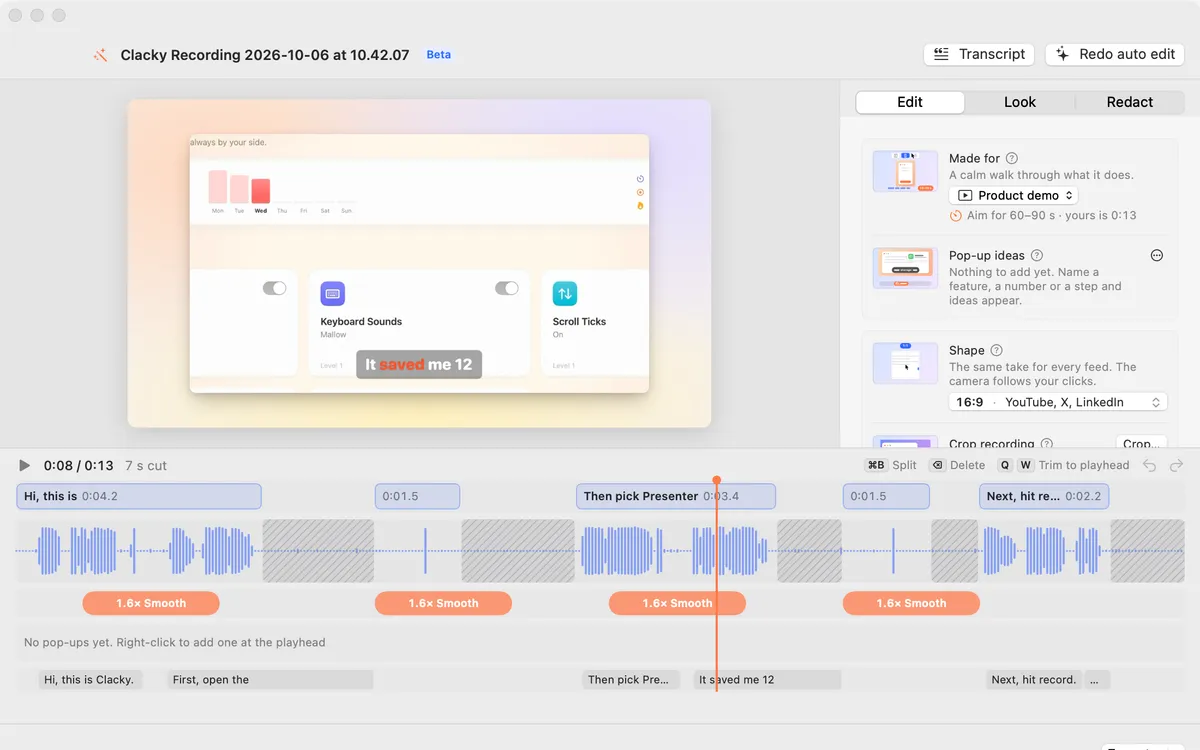
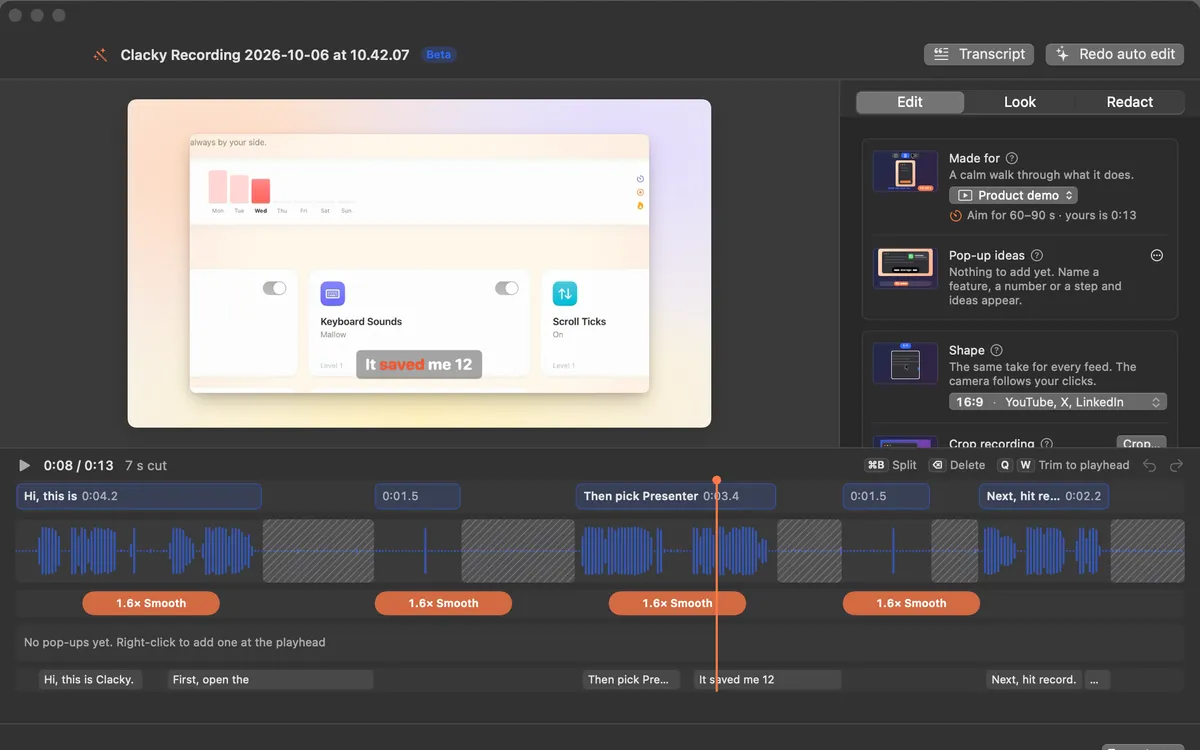
Auto edit Beta
Studio cuts the quiet between your sentences, zooms in on every burst of clicks and speeds up the waiting. Click a cut to bring it back.
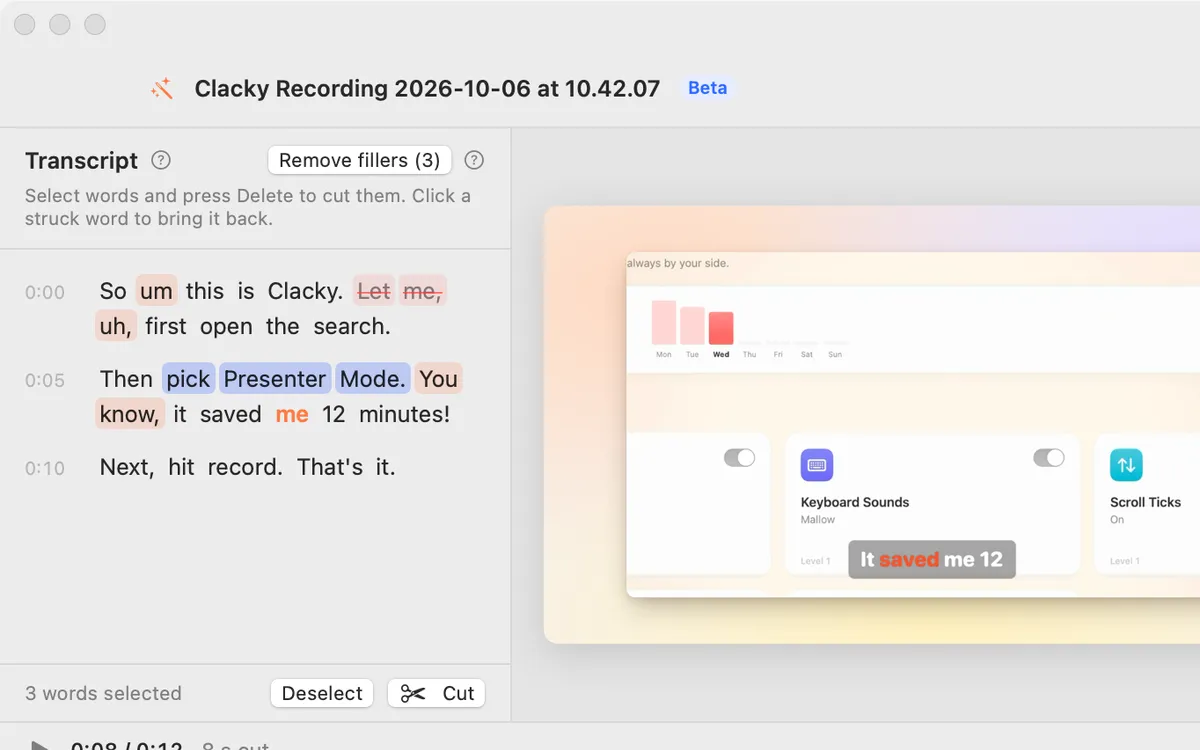
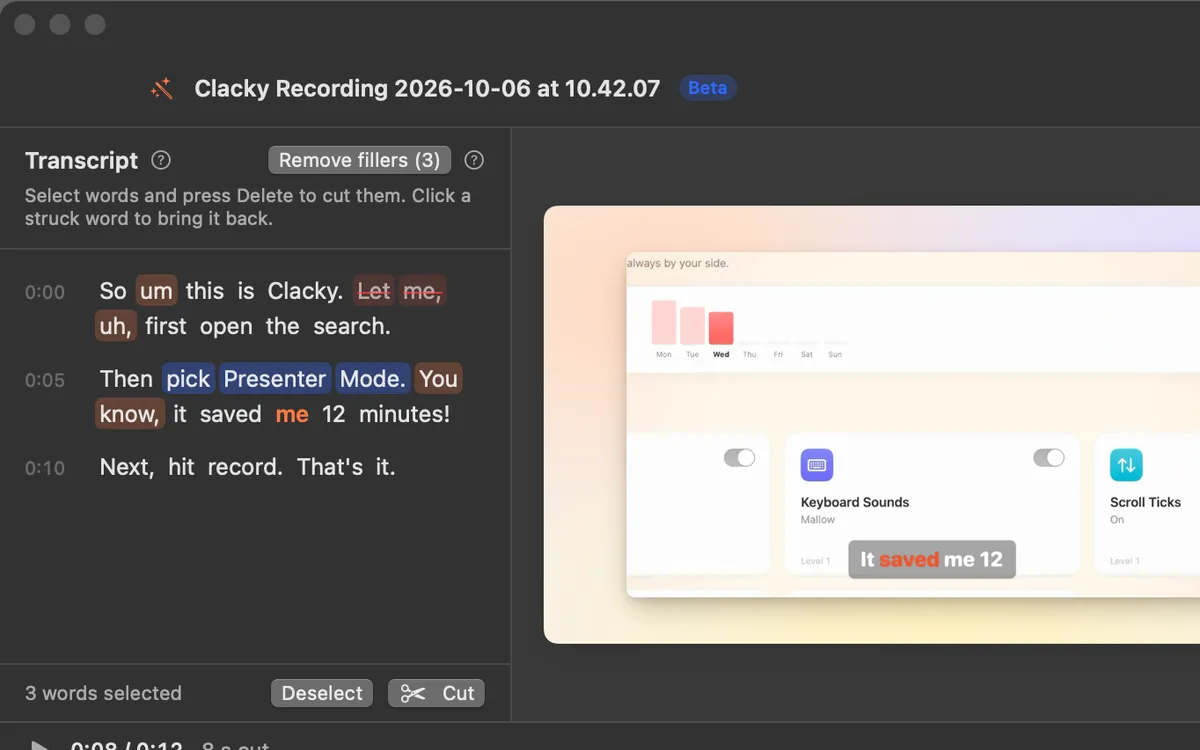
Edit by transcript
Select words in the transcript and press Delete: they’re cut from the video with a soft fade. Click a struck word to bring it back.
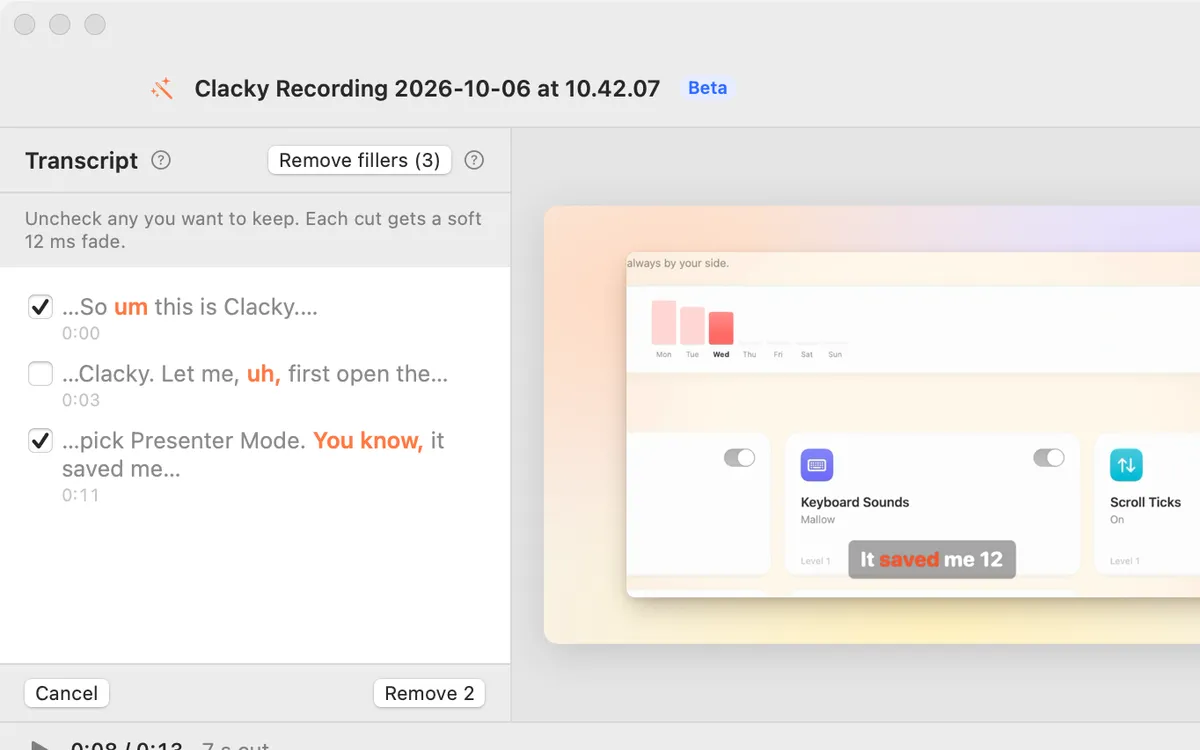
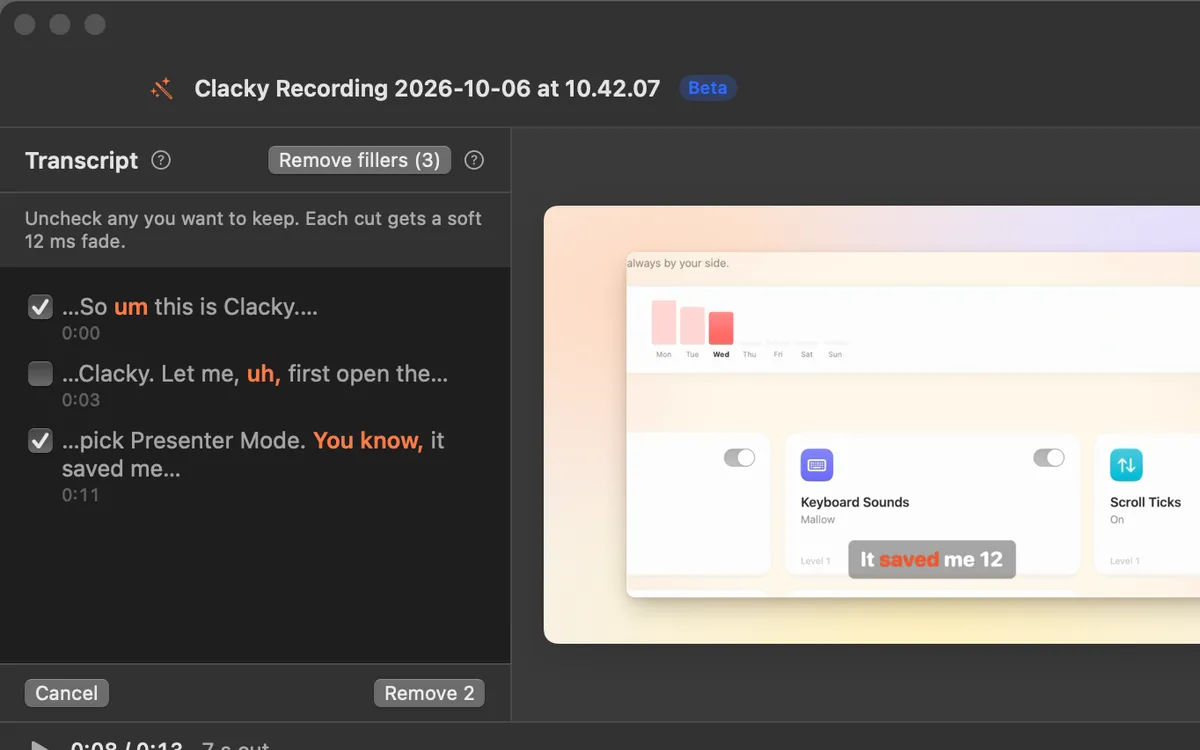
Remove filler words
Every um, uh and “you know”, found in the transcript. Uncheck the ones to keep, then remove the rest in one go.
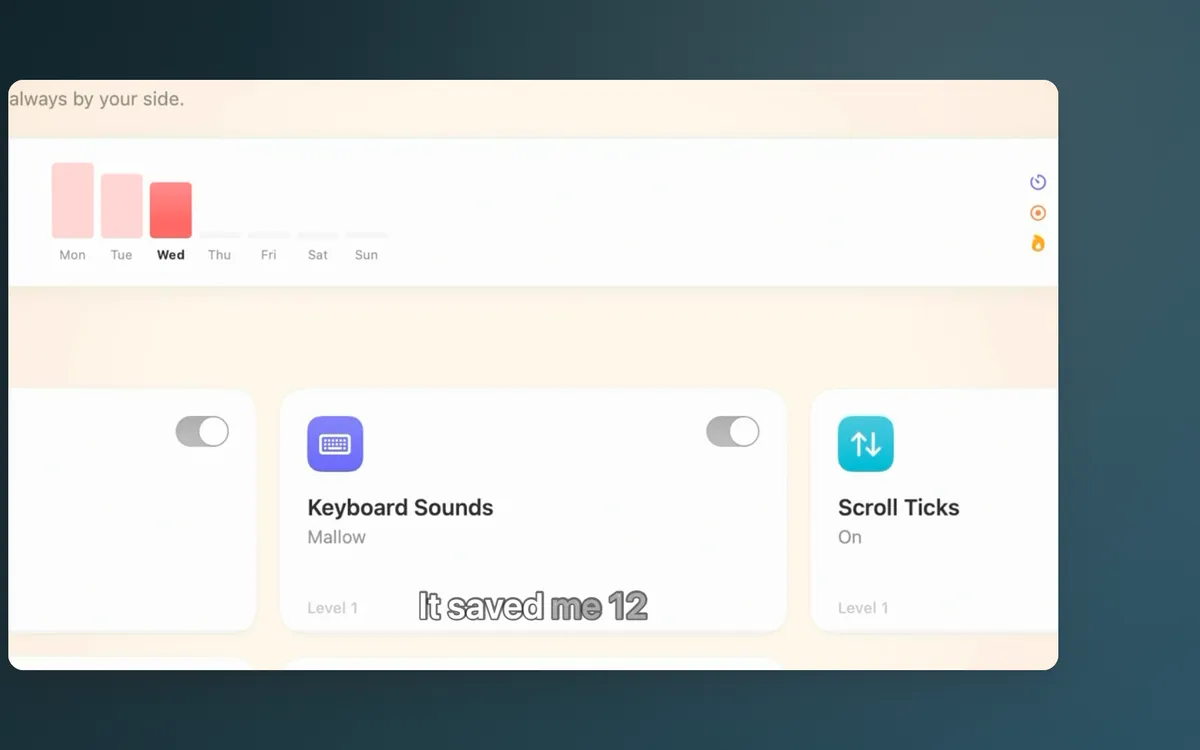
Captions
Your words appear as you say them, written on your Mac, nothing uploaded. Seven caption looks and five fonts.
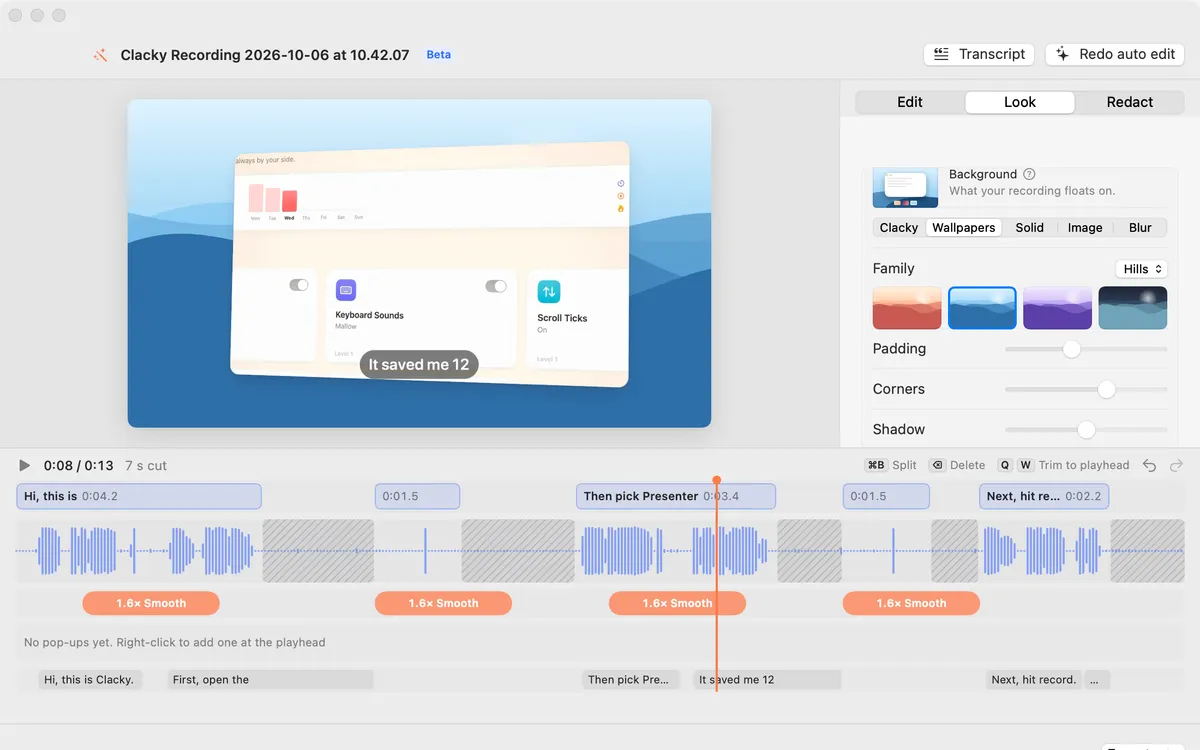
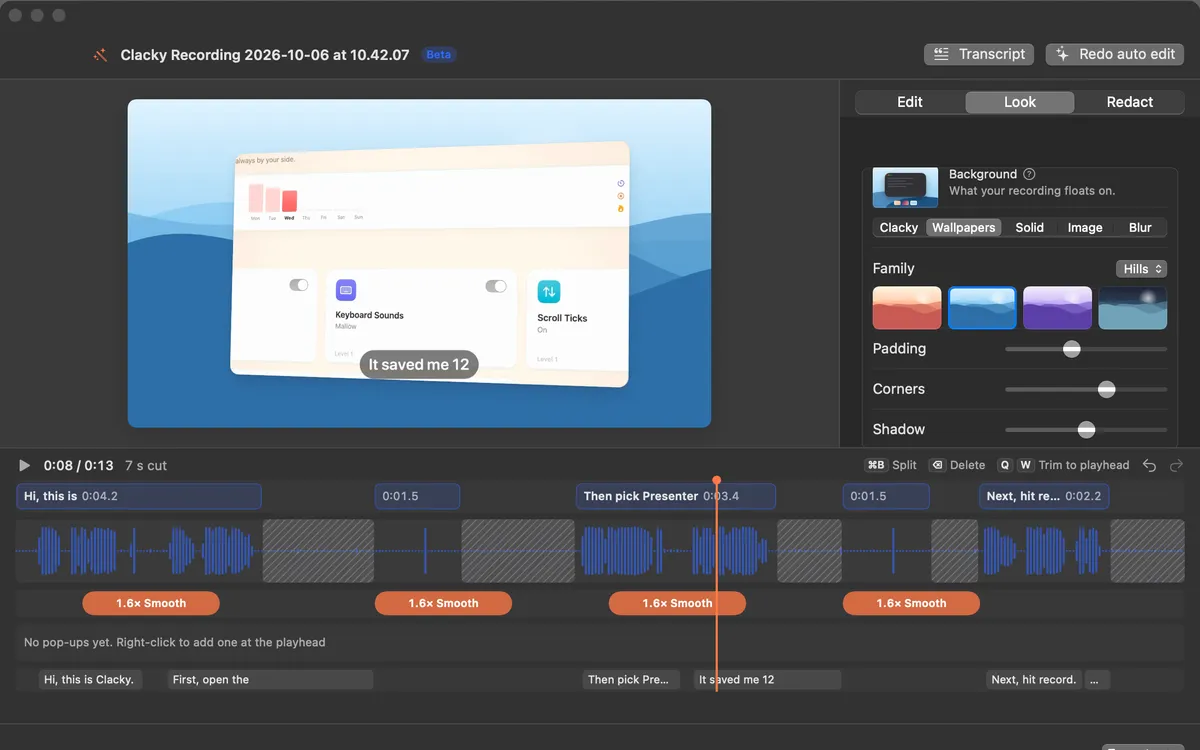
Look and 3D angle
Float your recording on a wallpaper, a colour, your own image or a blur, then tilt it in 3D: it leans in as a zoom starts.
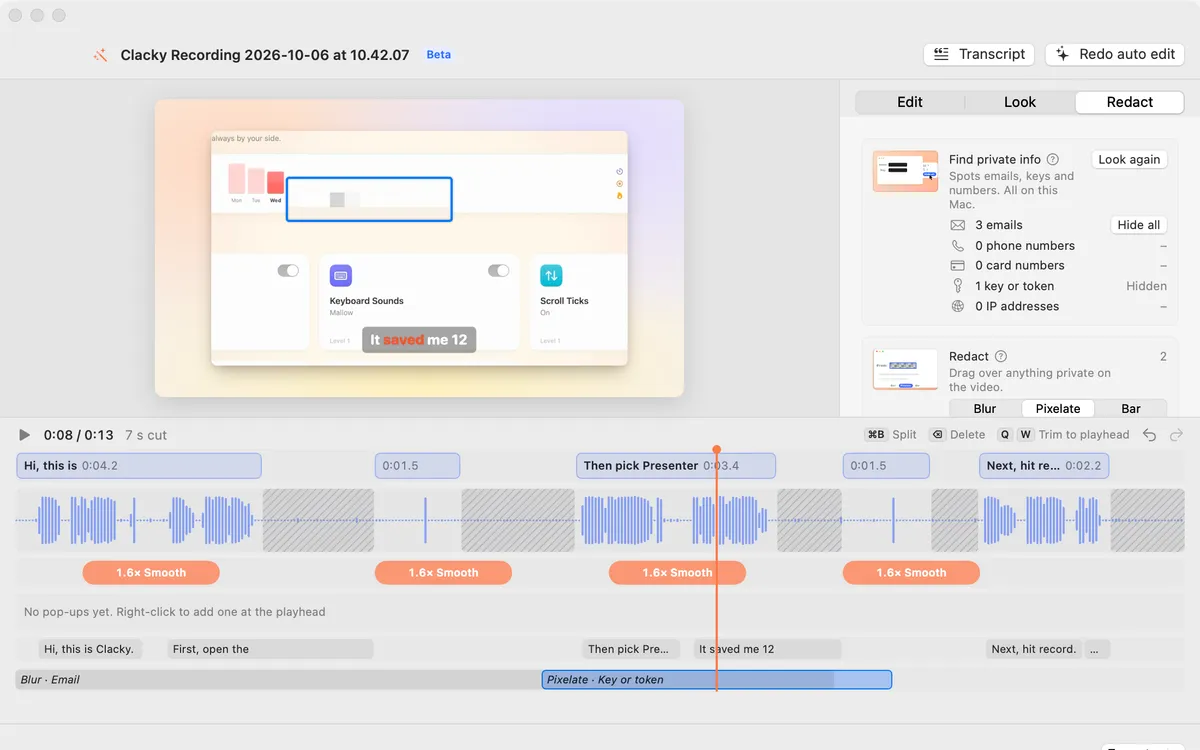
Redact video
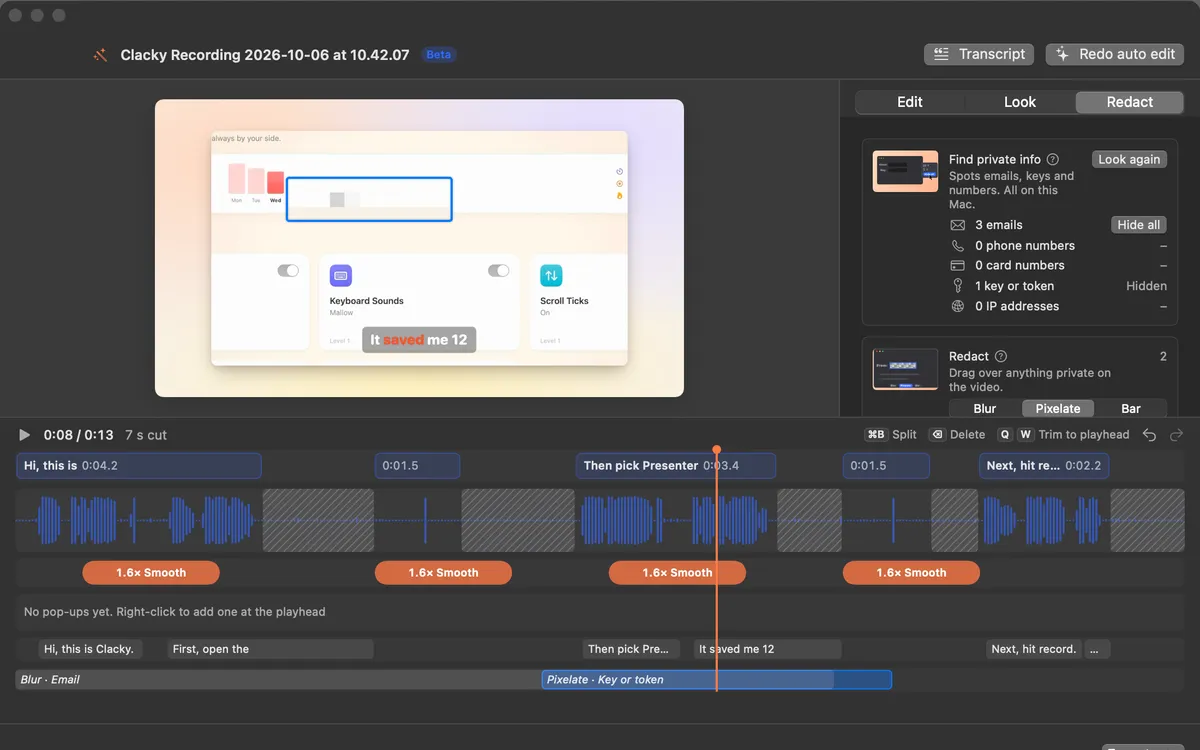
Drag a box over something private: Blur, Pixelate or a solid Bar, for as long as you like. It follows the zoom.
9:16, 4:5, 16:9 and 1:1
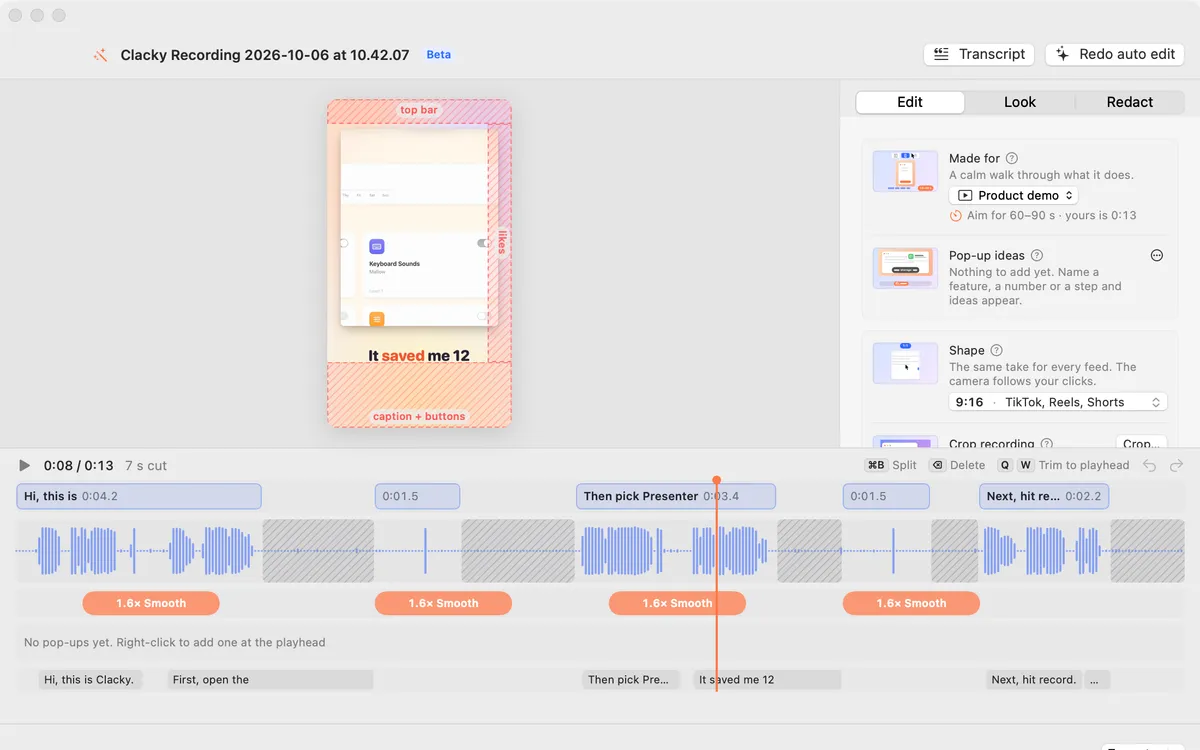
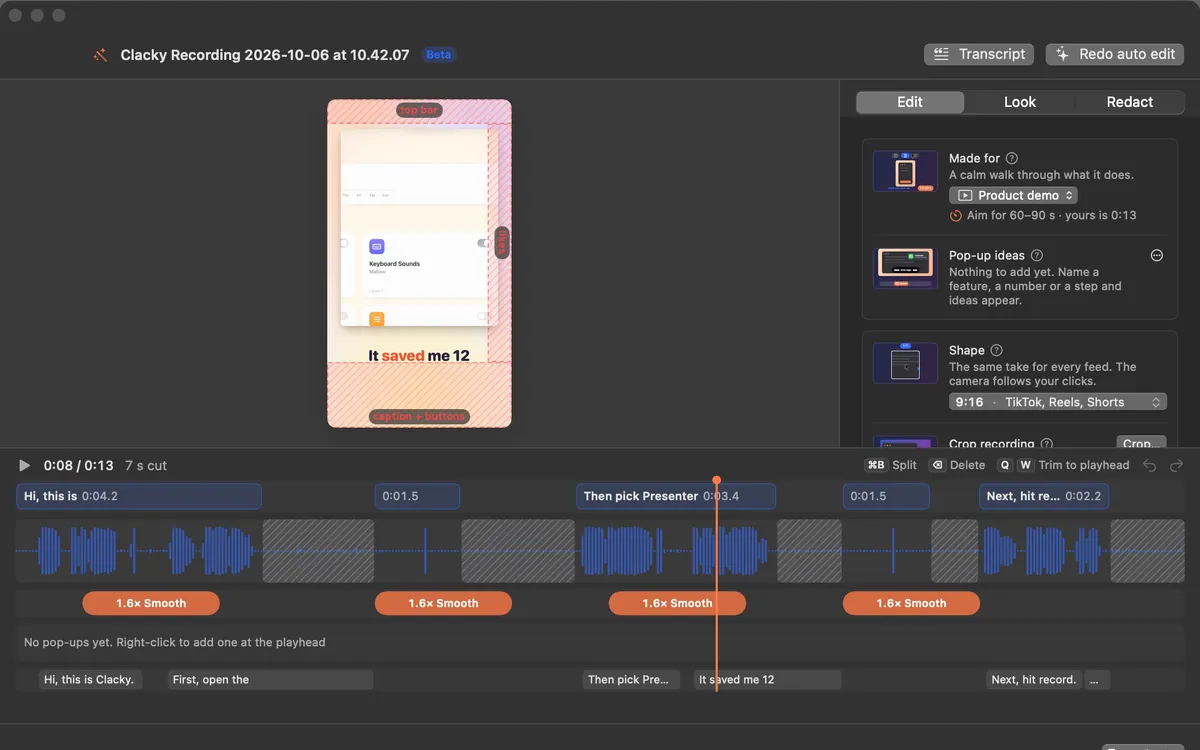
Tall 9:16 for Shorts, Reels and TikTok with the camera following your pointer, 4:5 for the Instagram and Threads feed, wide for X and YouTube, square too. Safe zones show where the app buttons go.
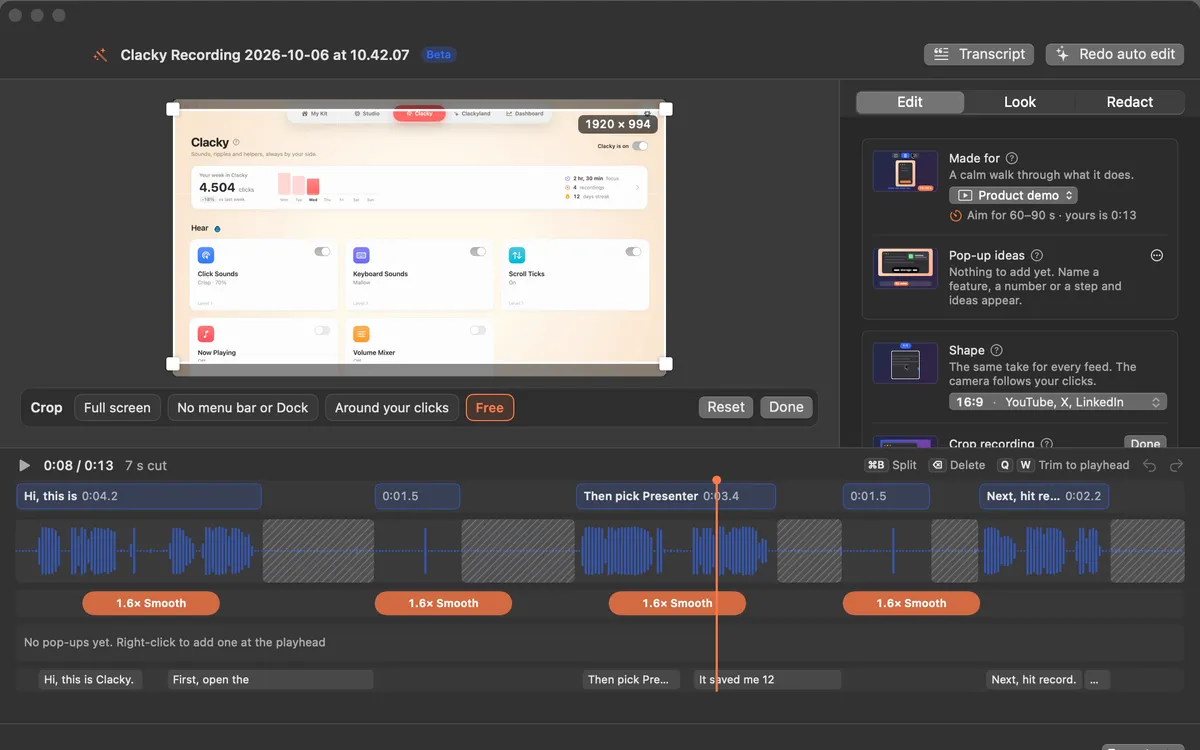
Crop
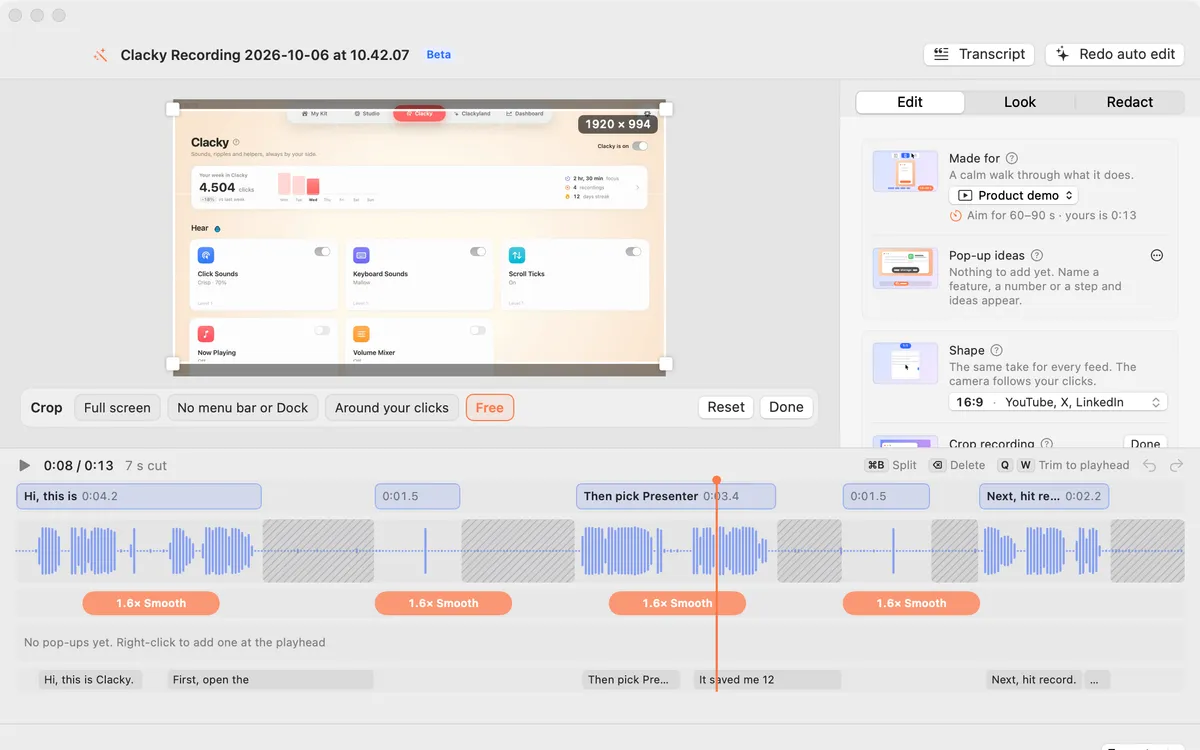
Hide the menu bar and the Dock in one click, crop to where you clicked, or drag the corners. Zooms and captions work inside the crop.
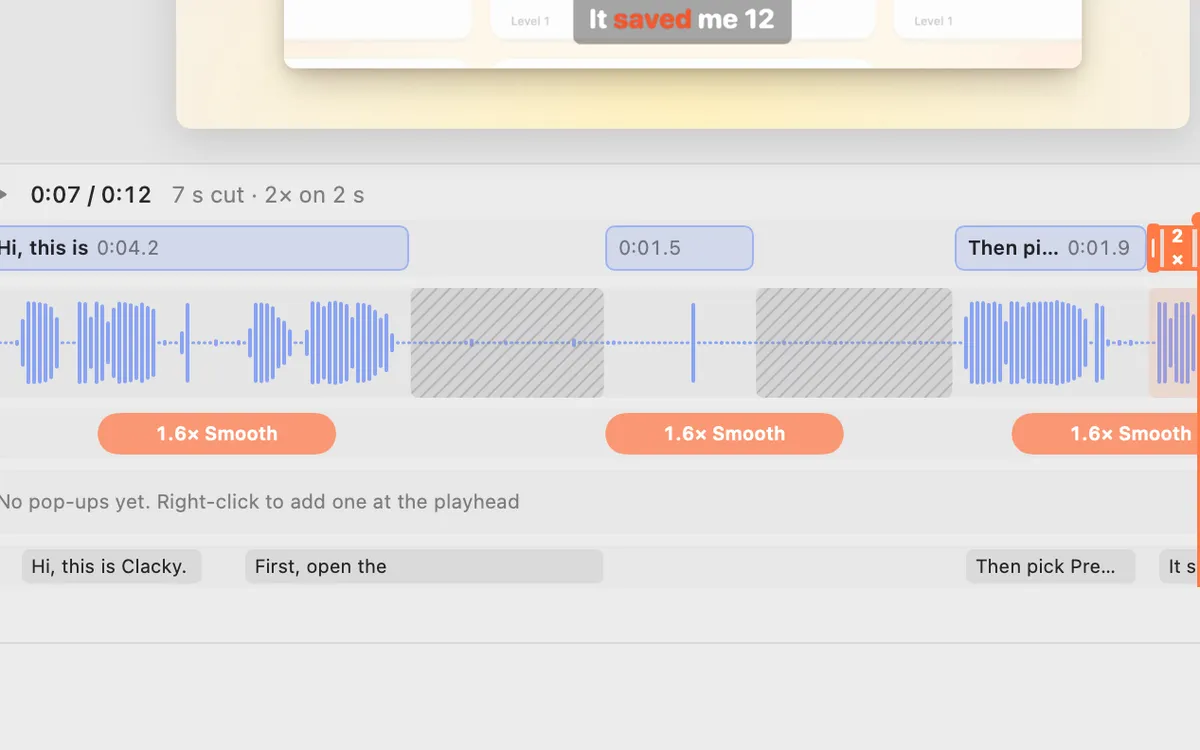
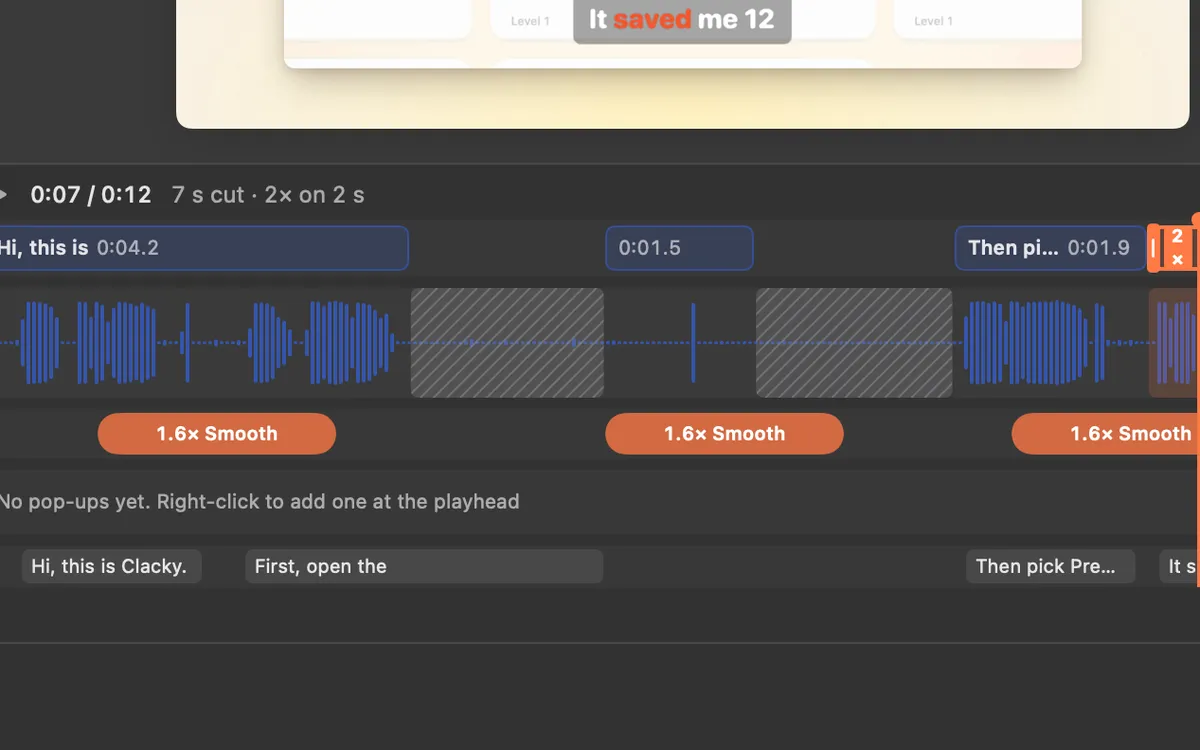
Clips and speed
Split, trim and delete clips on the Clips lane (⌘B, Q, W), and play any clip from 0.5× to 8×.
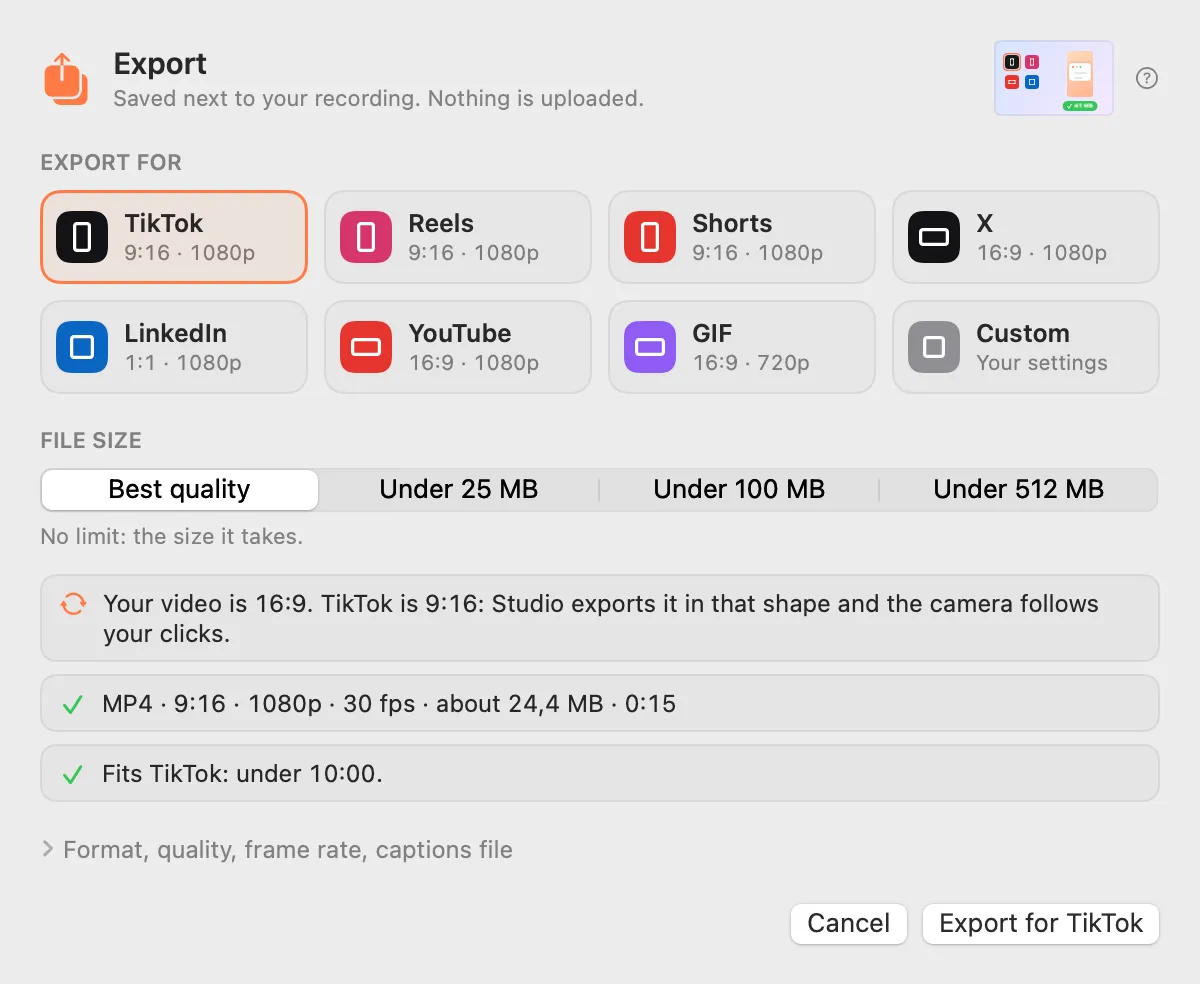
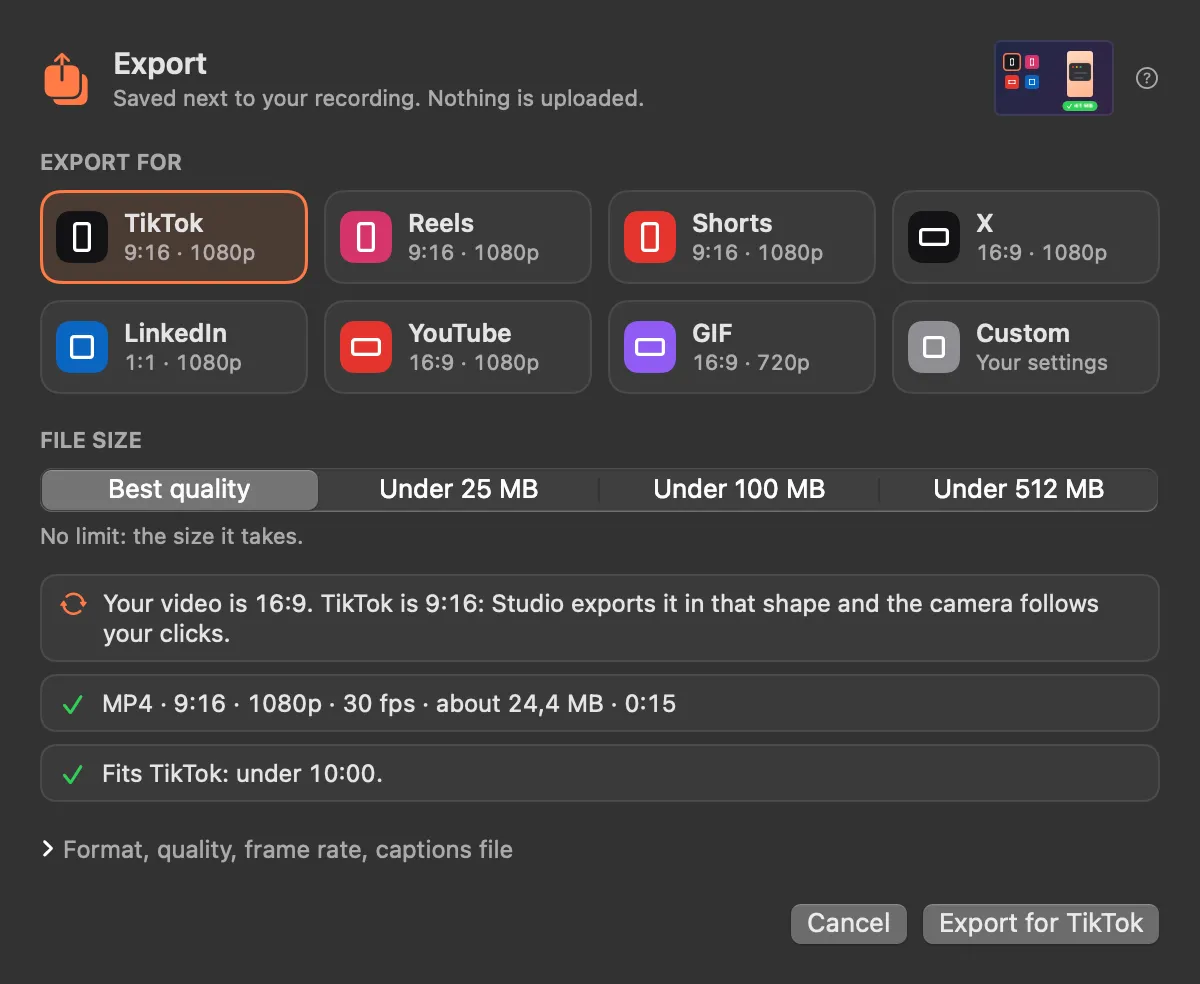
Export presets
Pick where it’s going: TikTok, Reels, Shorts, X, LinkedIn, YouTube or a GIF. Pick a file size and Studio makes it fit.
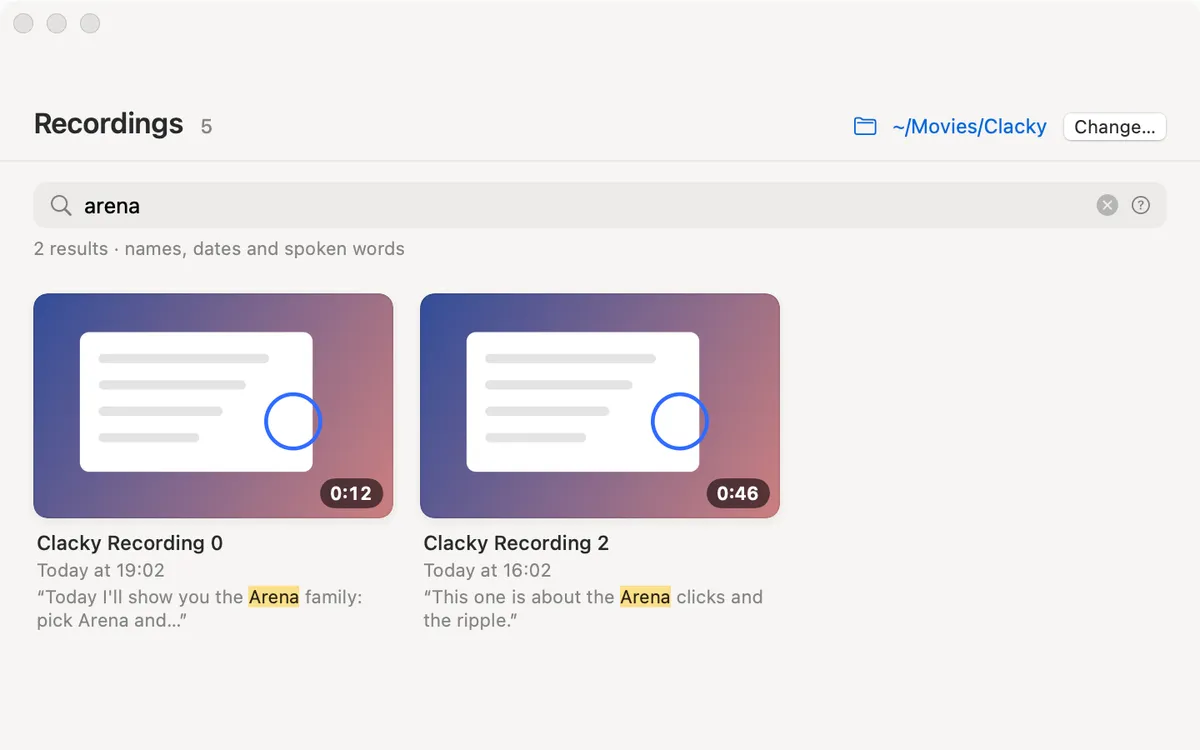
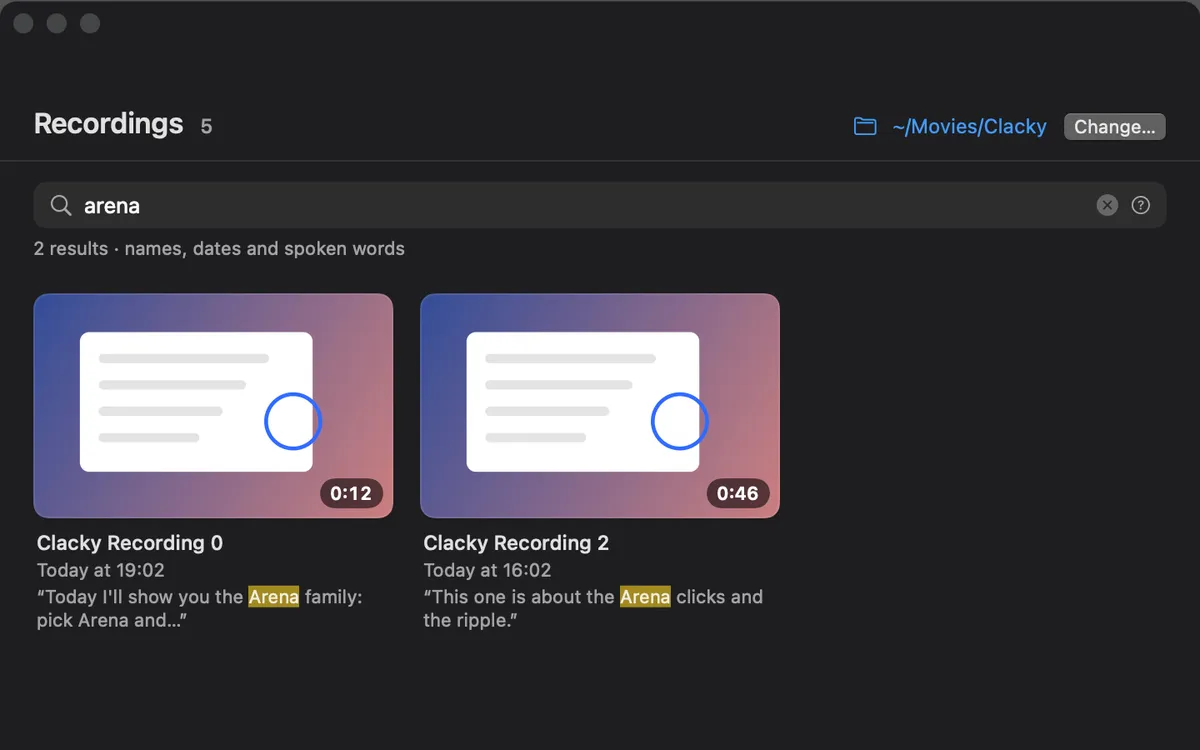
Recordings search
Search your recordings by name, date and the words you said. A match shows the line it’s in.
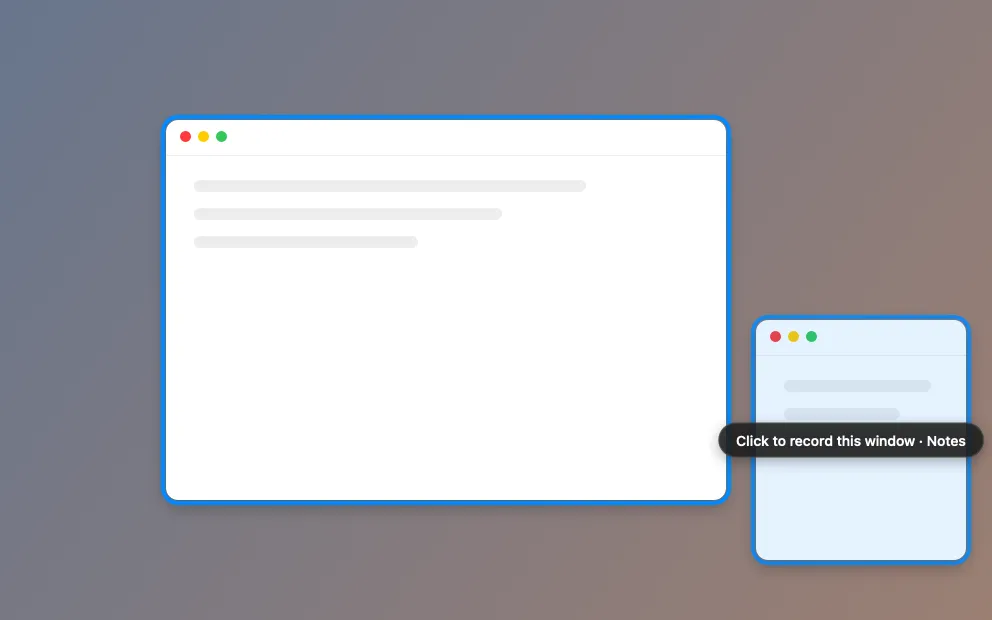
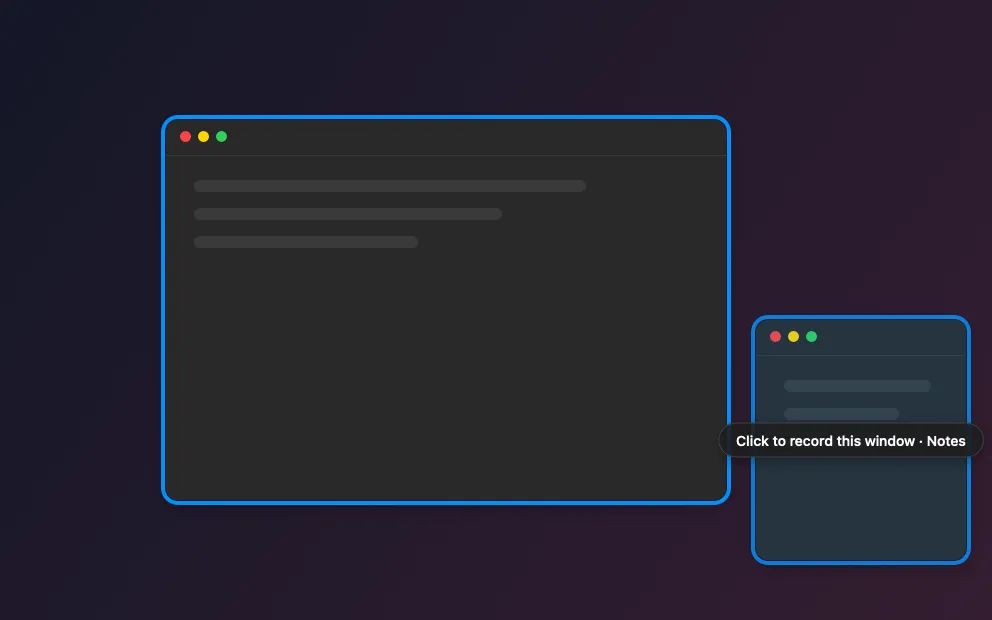
Record one window
Hover a window to light it up, click to pick it. Only that window is recorded, with your clicks, ripples and camera.
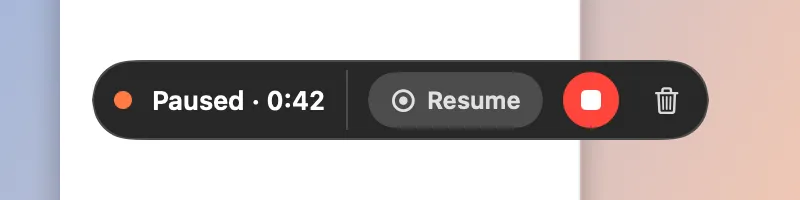
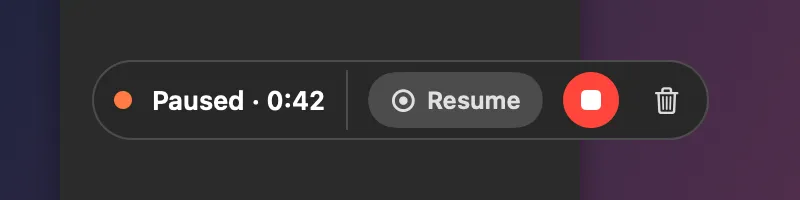
Pause and resume
Pause from the pill, the menu or the notch. Resume and it carries on: one file at the end.
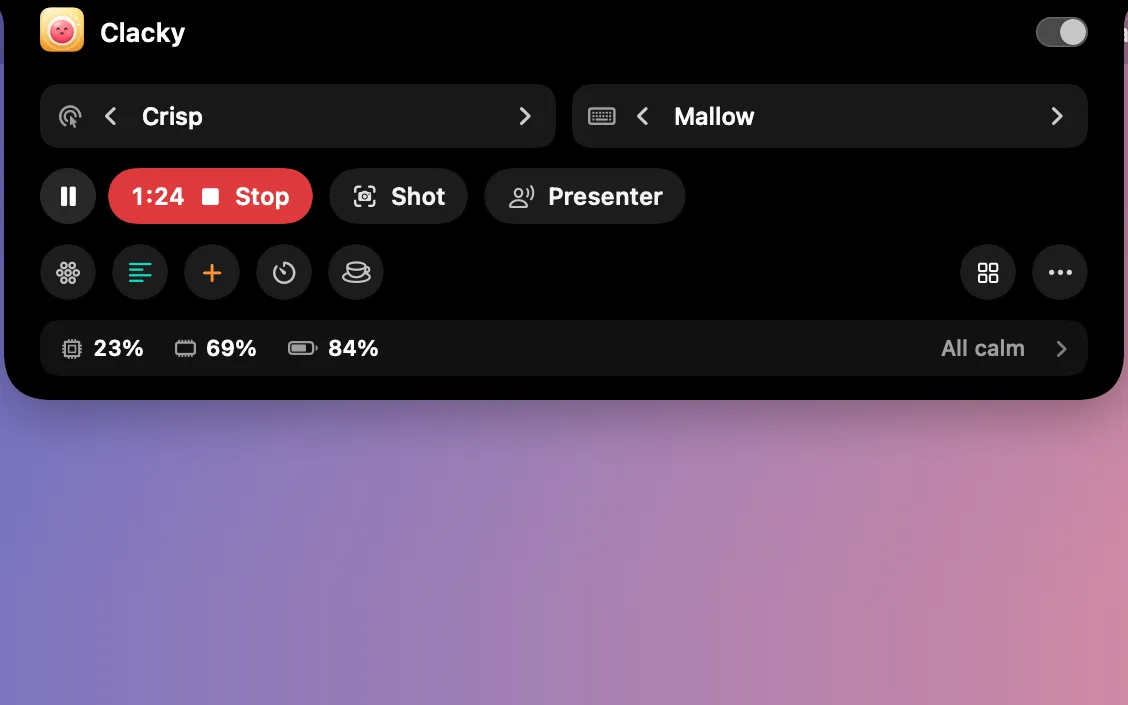
Stop from the notch
While you record, the notch shows a red dot and the time, with Pause and Stop beside it. They never show up in the video.
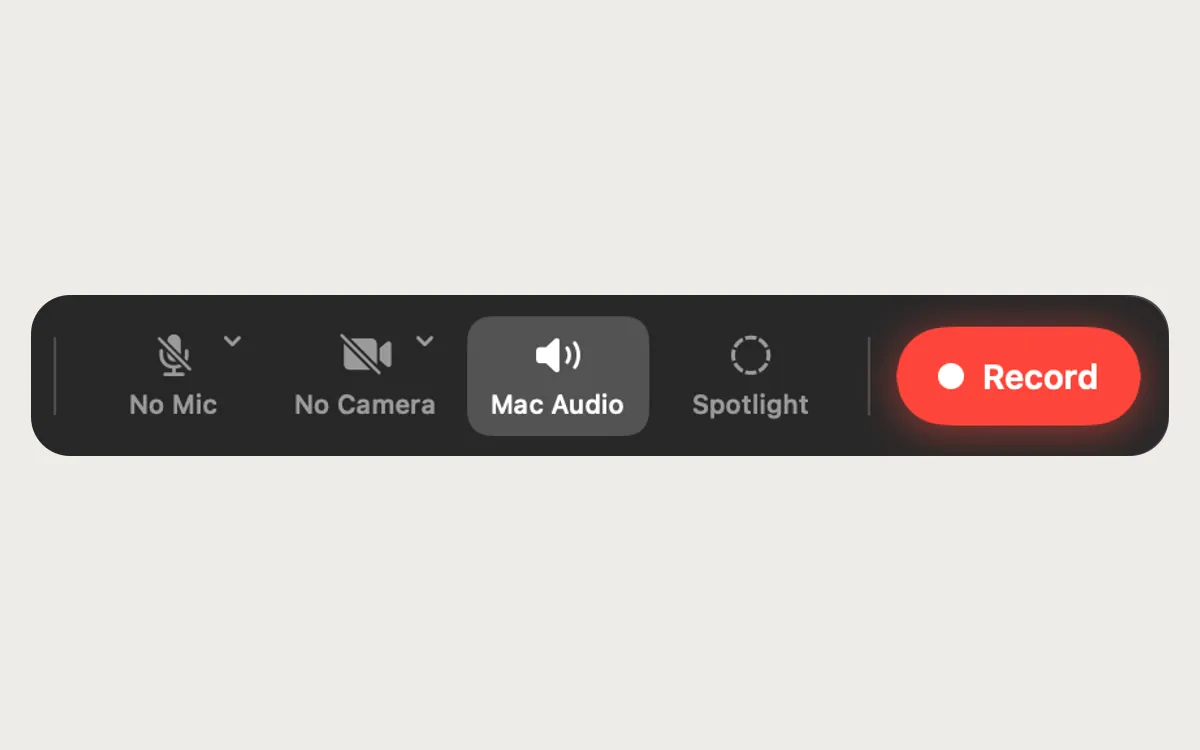
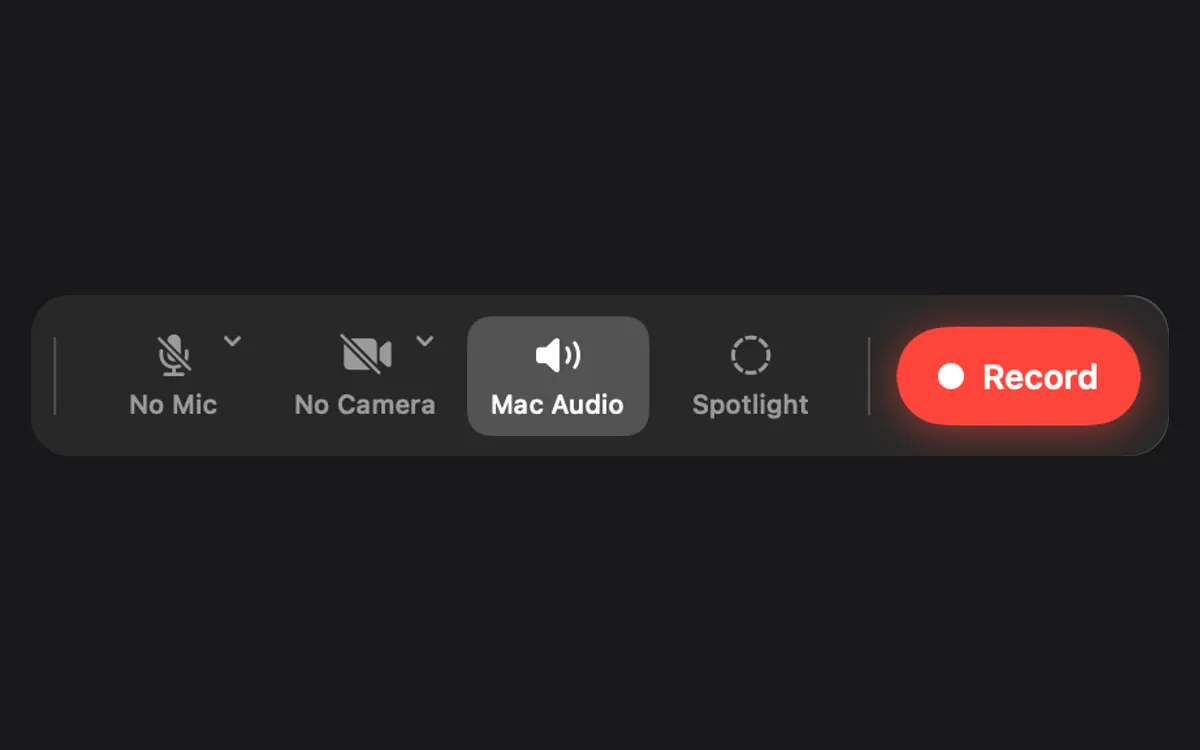
Mic and Mac audio
Mac audio is on, so your clicks and everything the Mac plays are in the video. Add your microphone when you want it.
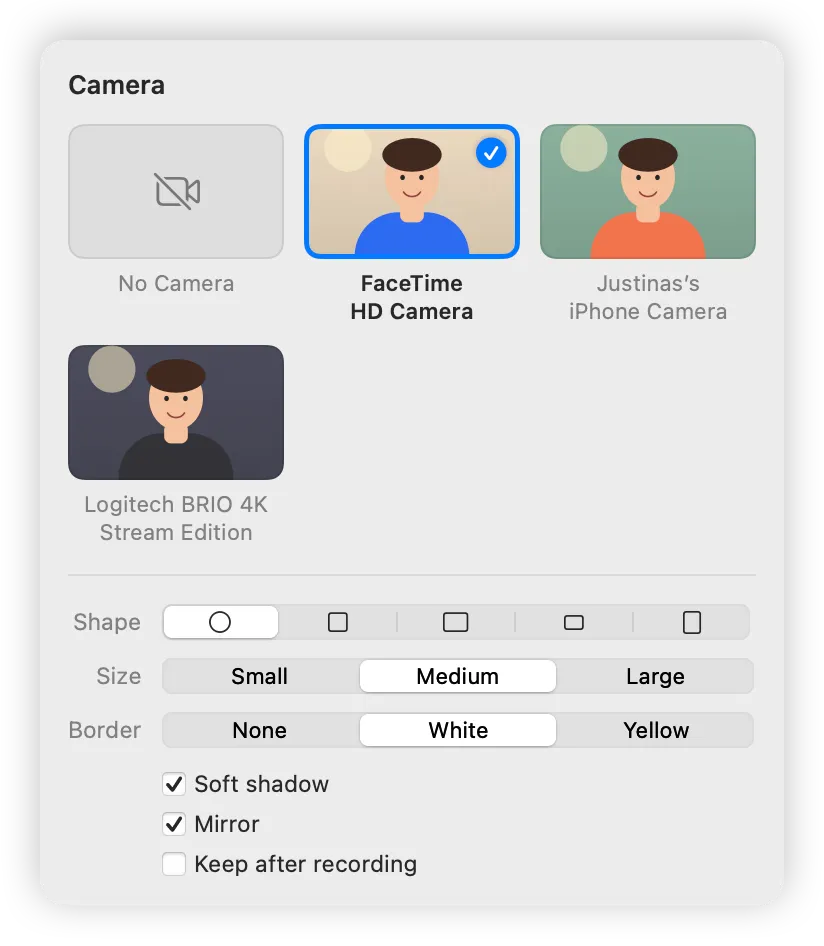
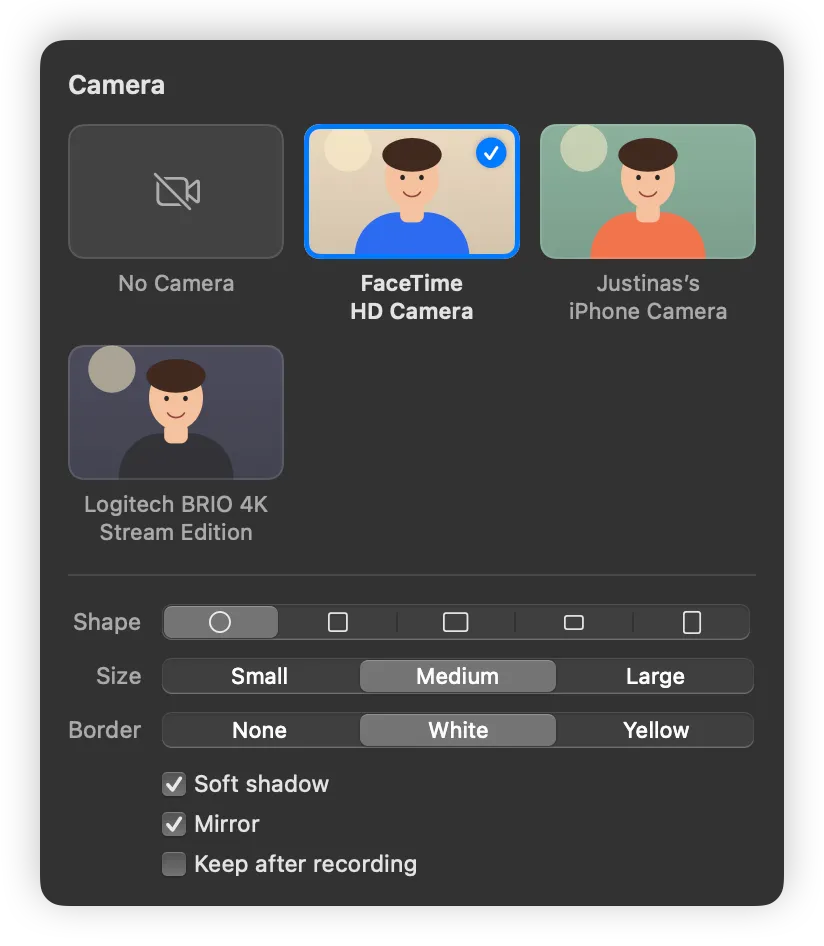
Camera bubble
Your camera in a bubble over the recording: built-in, Continuity Camera or external, with shape, size, border and mirror.

Cursor styles
Arrow, Hand, Big Arrow, Boop Paw or Hidden. Every click squishes it, the ripple right under its tip.
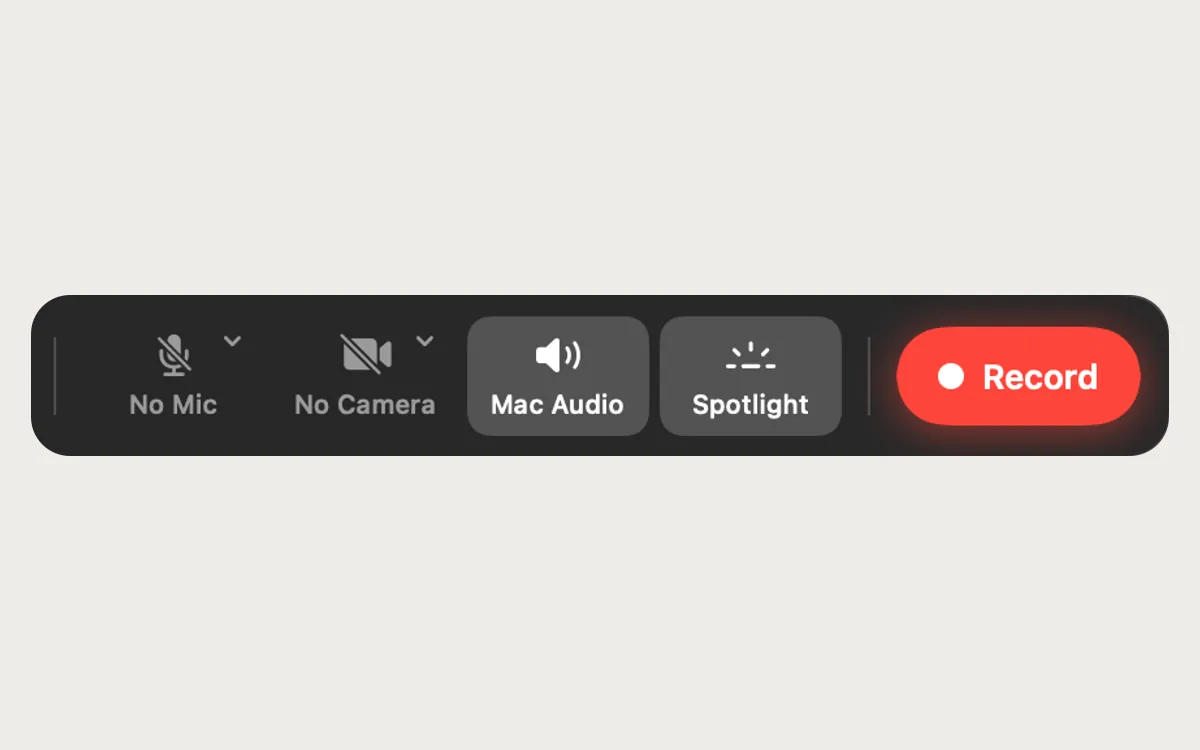
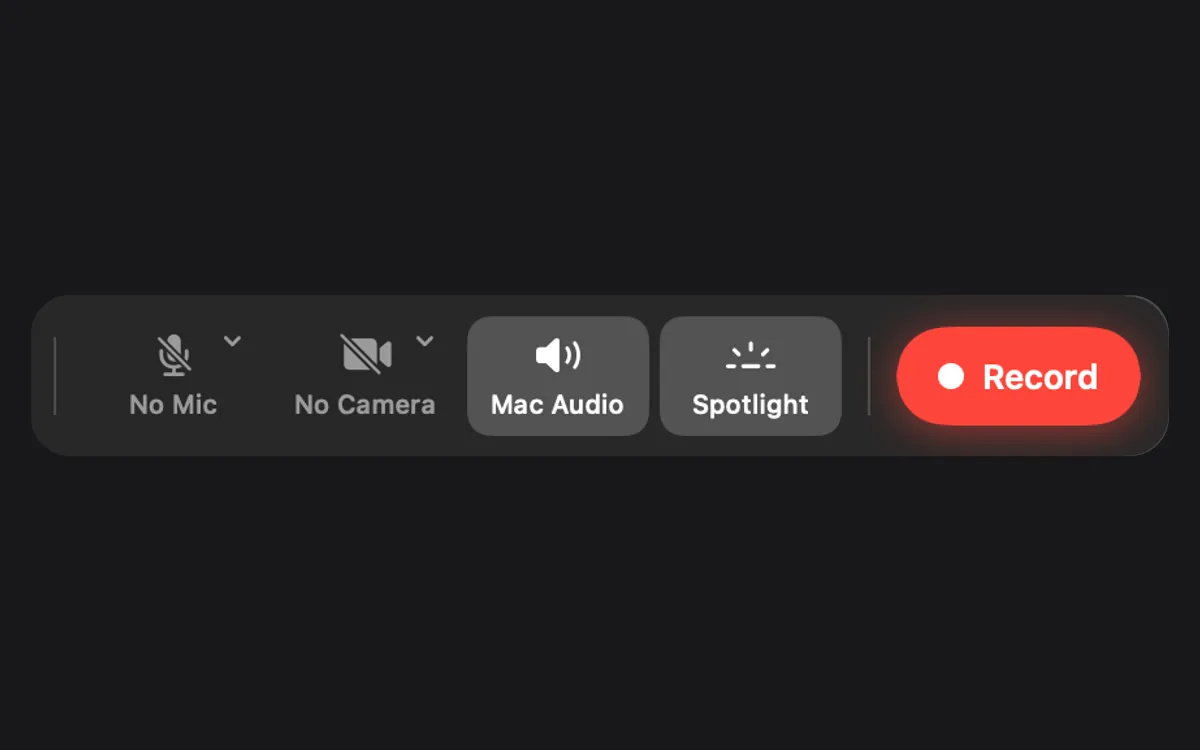
Spotlight
Dims the screen around the pointer while you record.
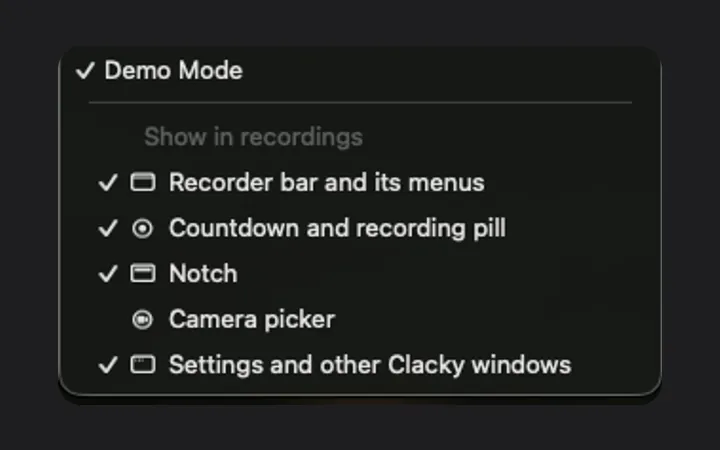
Clacky stays out of the video
The recorder bar, countdown, pill and Clacky’s windows are left out of your recordings. Demo Mode puts them in.
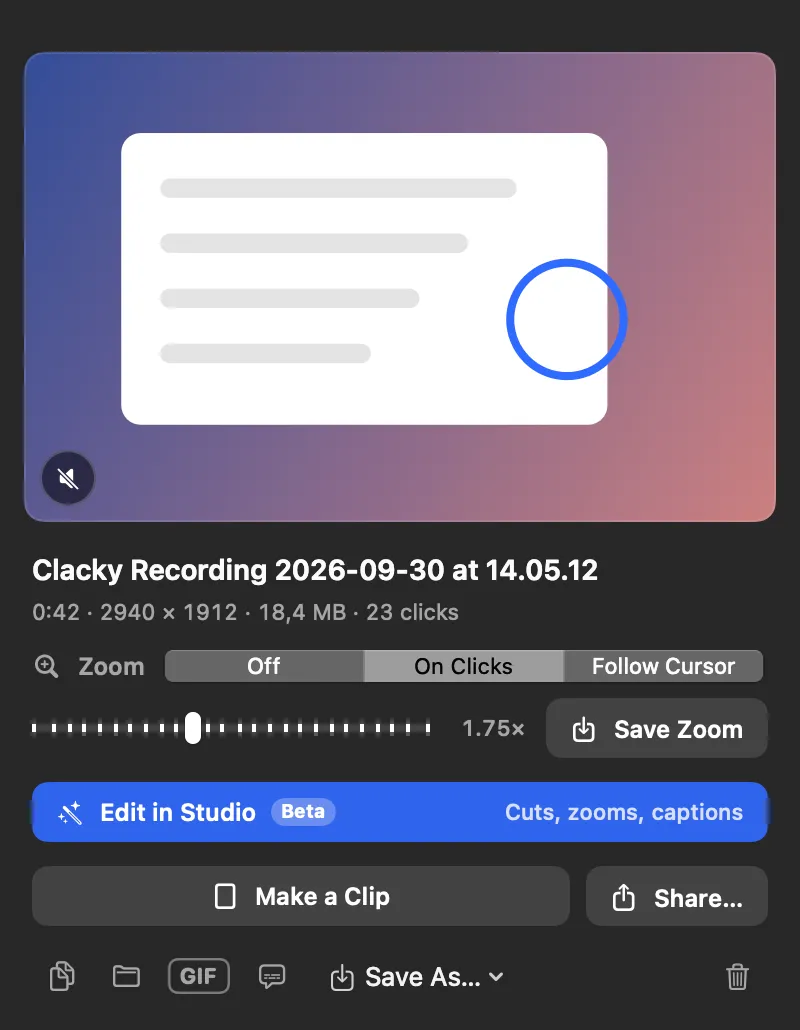
Make a Clip
One click makes a 1080 × 1920 clip for TikTok, Reels and Shorts, the camera following your clicks, and copies a caption.
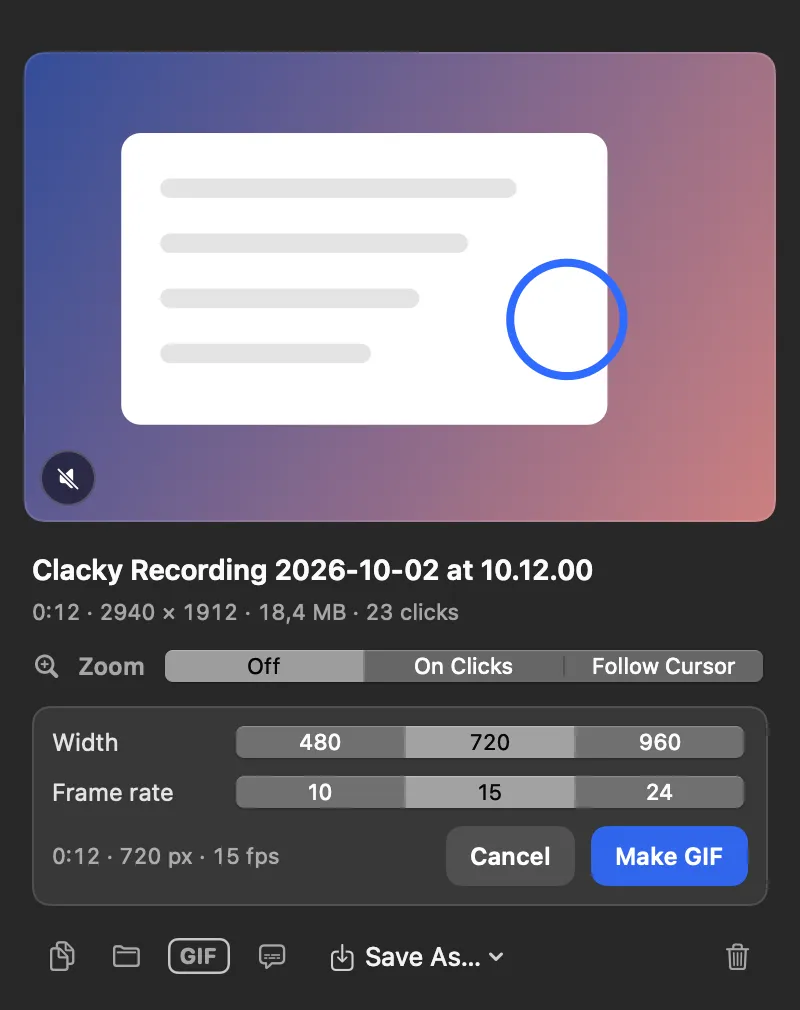
GIF Export
Turn any recording into a small, shareable GIF.
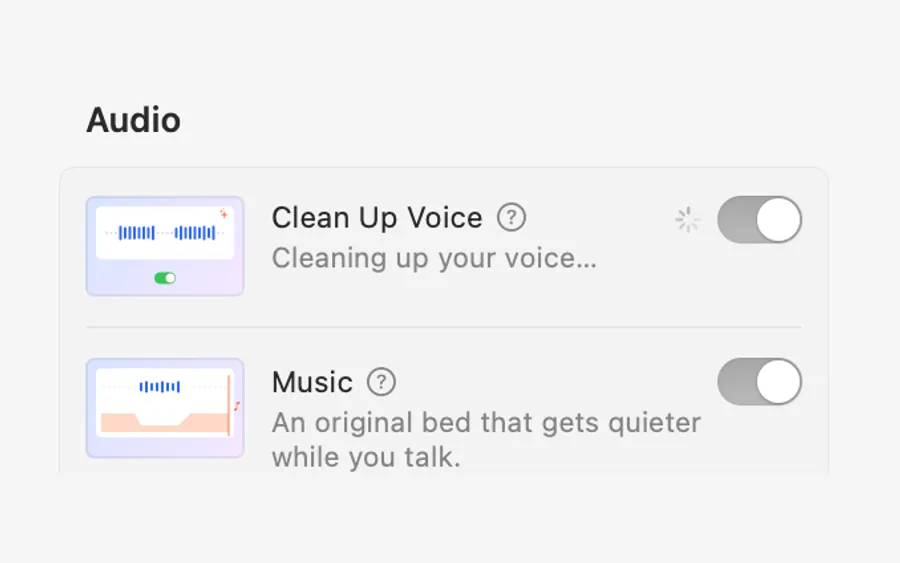
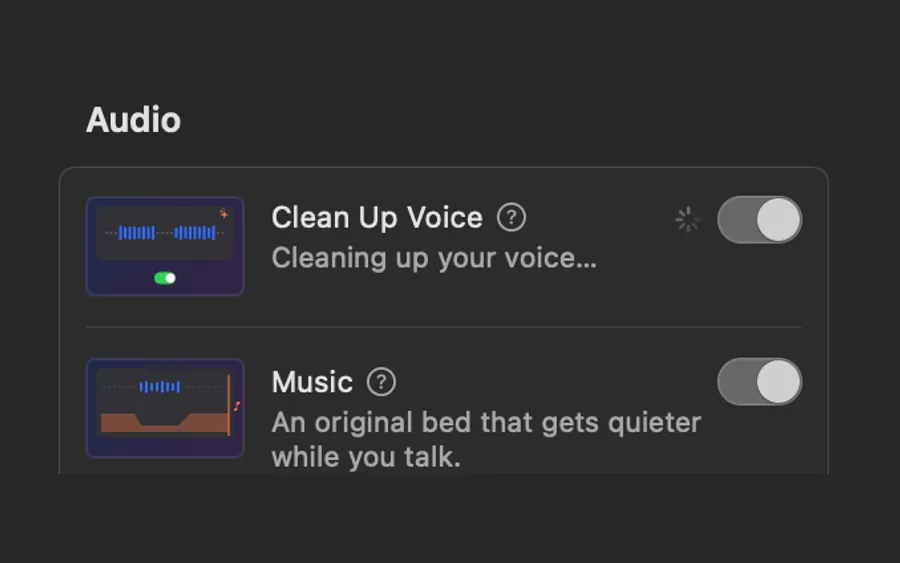
Clean Up Voice
Hum, hiss and room noise gone, your voice at an even level, processed on your Mac. Clicks stay crisp.
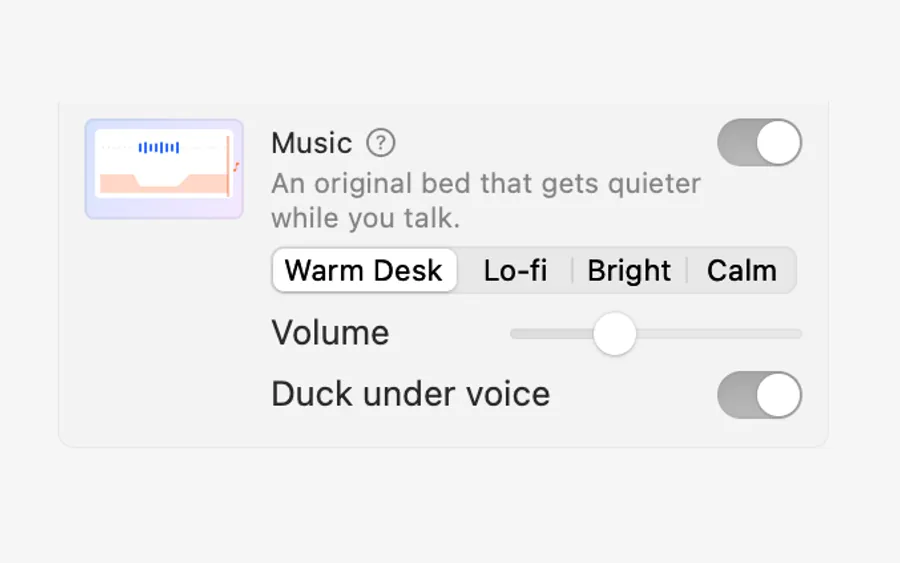
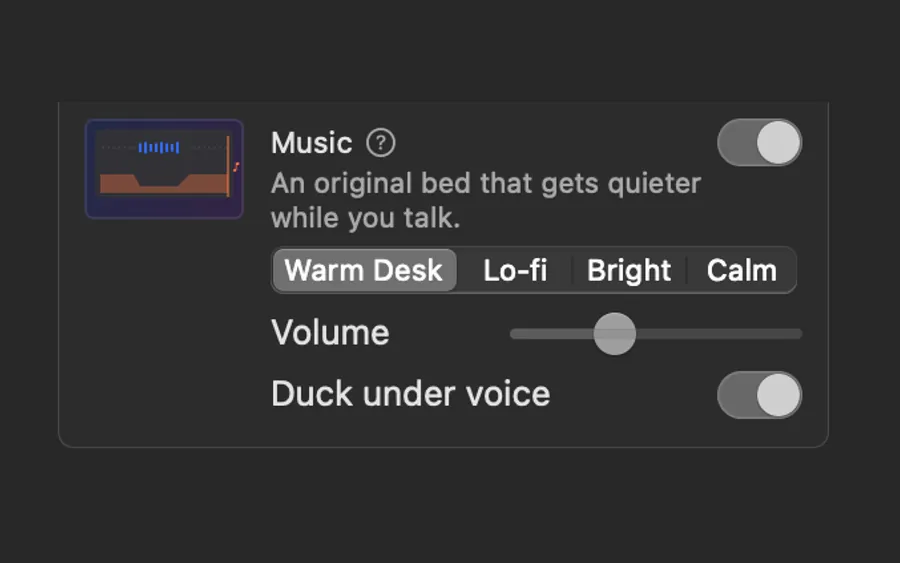
Music
Four music beds made by Clacky, free to use anywhere. The music dips while you talk and comes back when you stop.
Sound effects
A soft whoosh as the camera zooms, a low thump where a pause was cut, one real Clacky click on the end card.
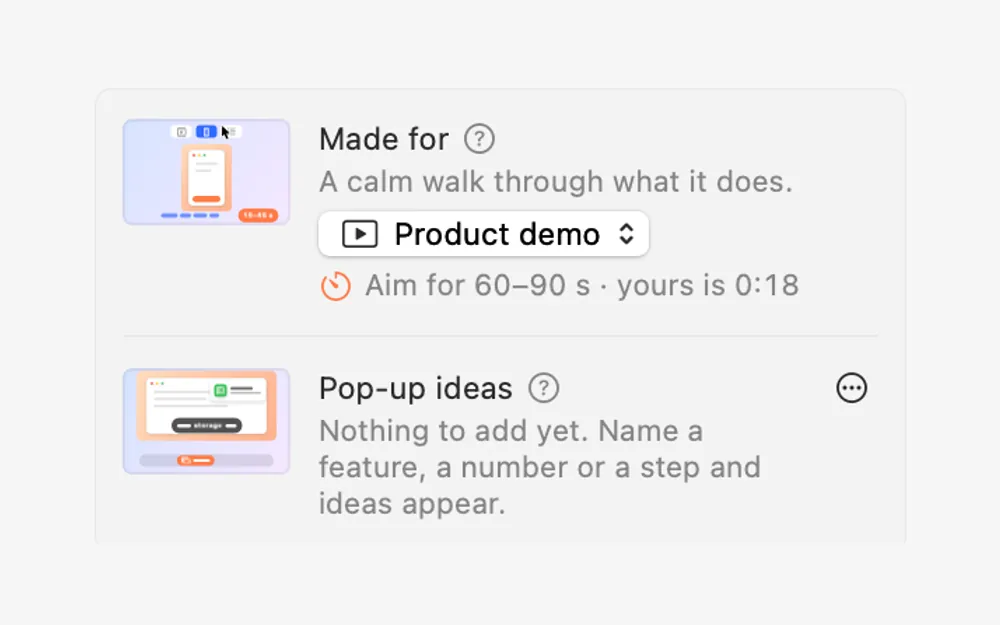
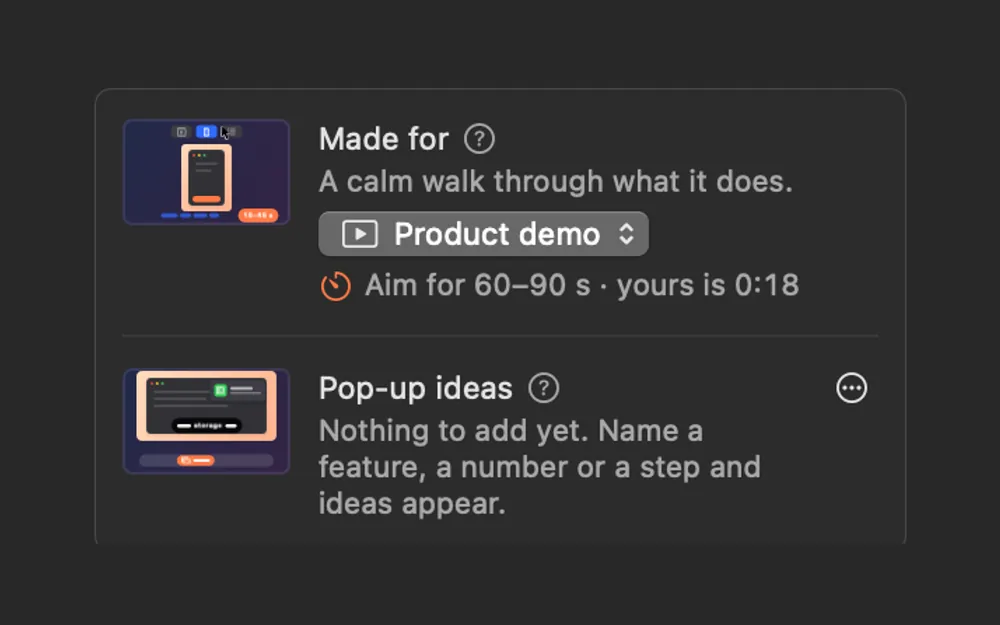
Made for
Tell Studio what the video is made for: Product demo, Launch teaser, Short, Tutorial or Build in public. The shape, captions and cuts follow.
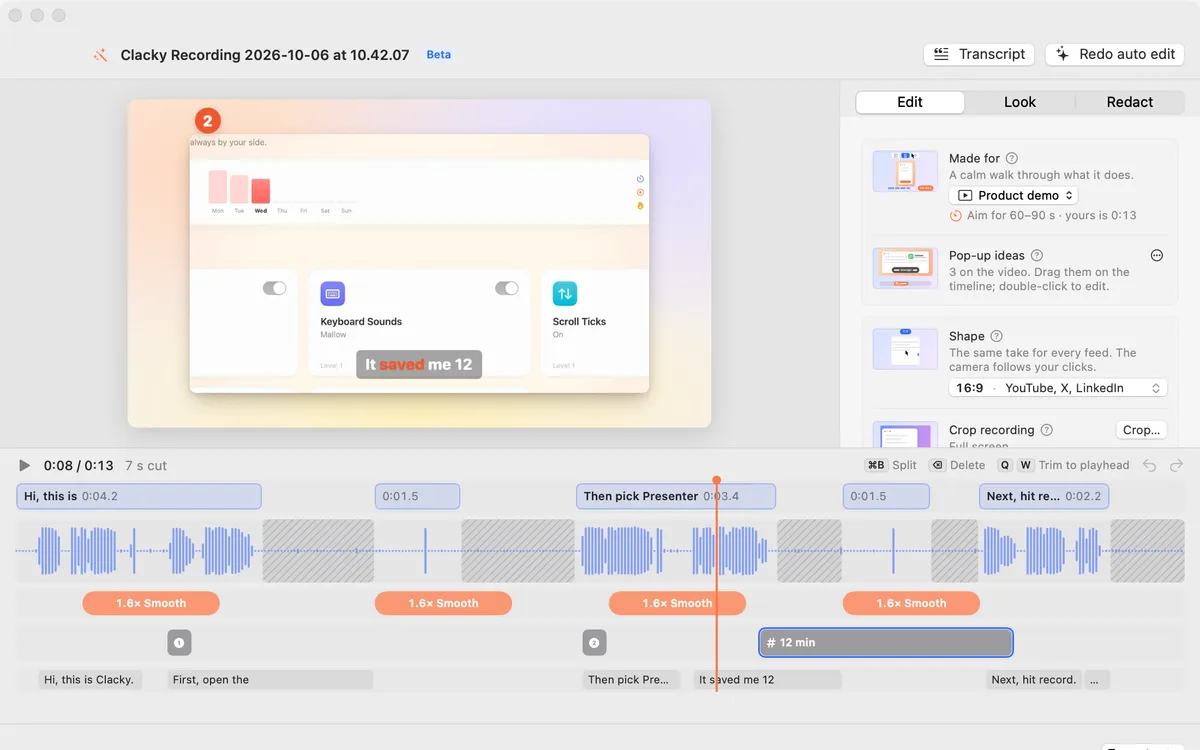
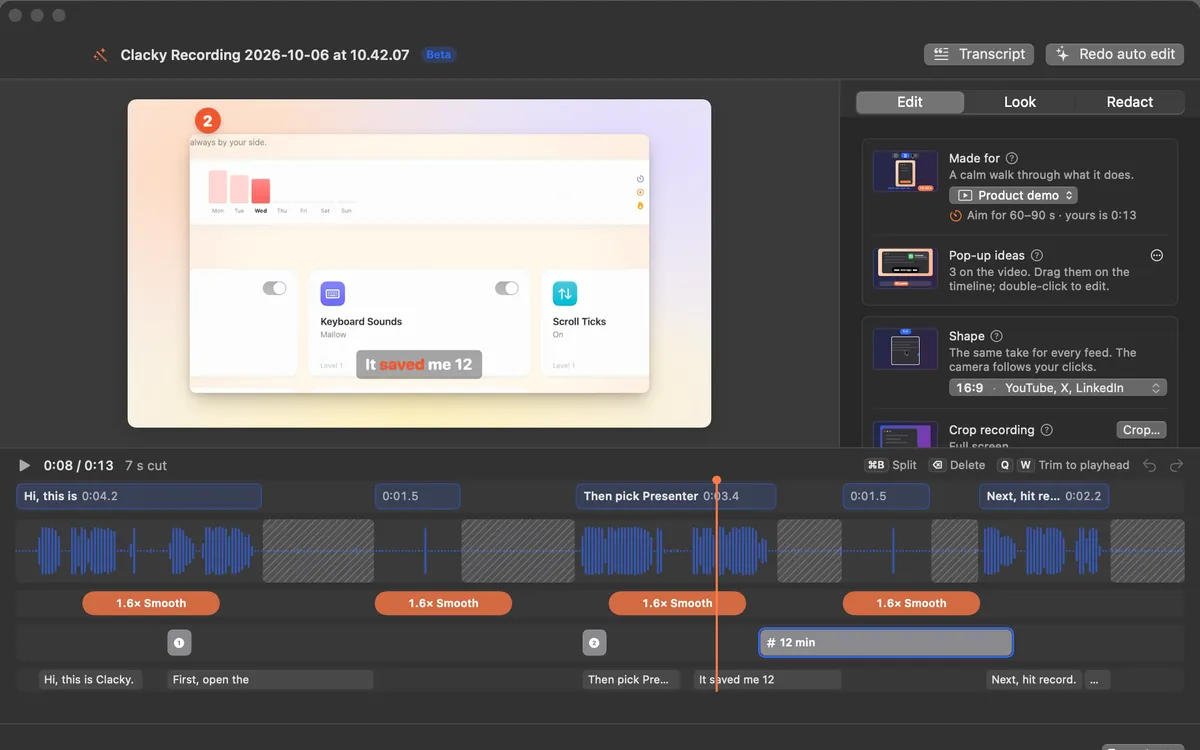
Pop-up ideas
Studio listens for a feature, a number or “first… then…” and offers pop-up cards right where you said it.
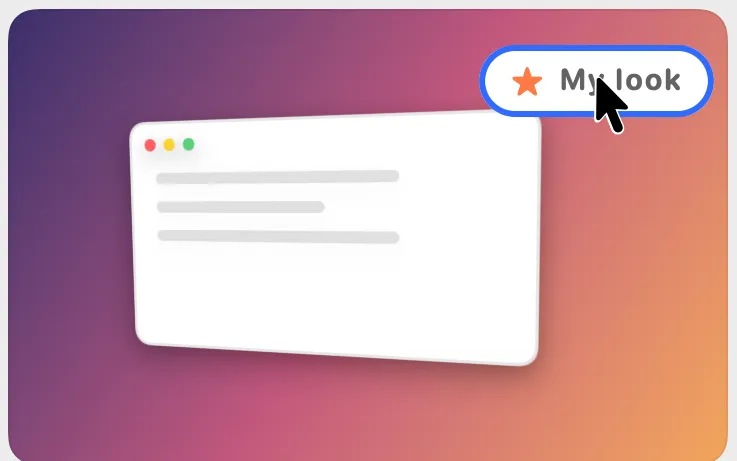
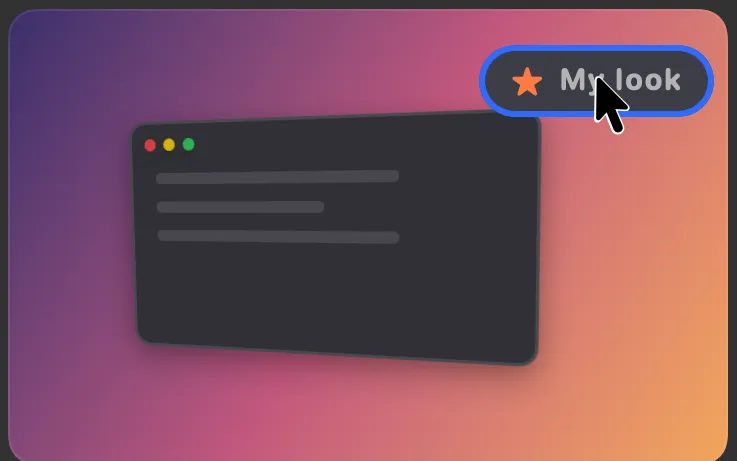
Saved looks
Save a look with a name: background, frame, angle and captions. Use it for the next video in one click.
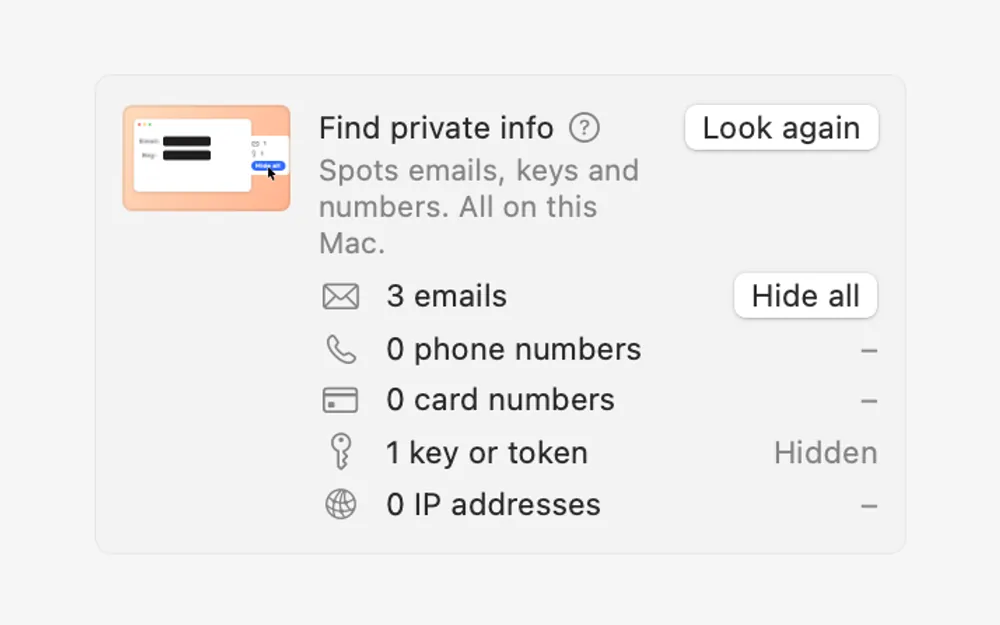
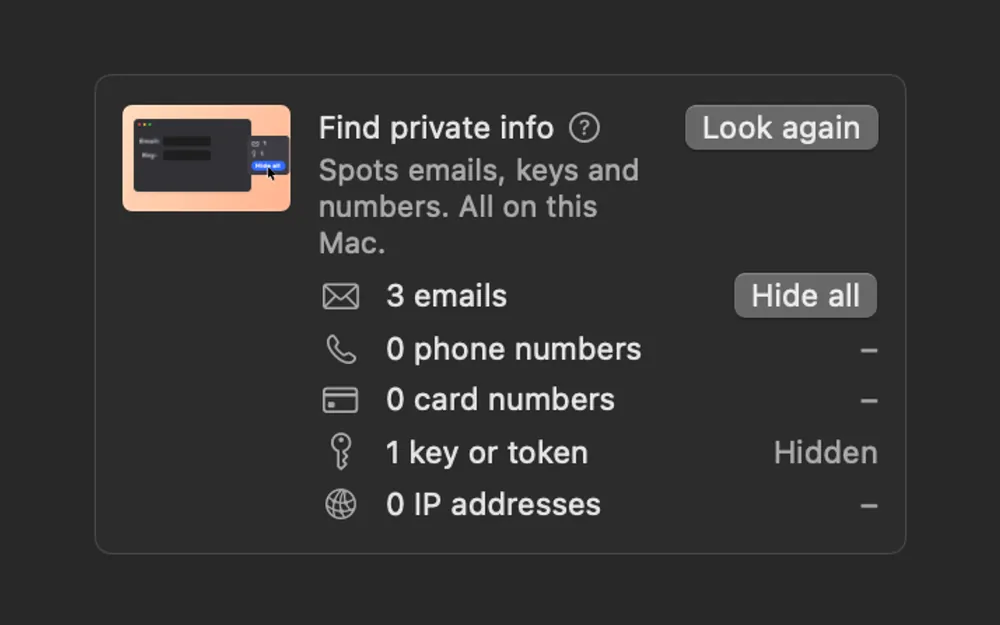
Find private info
Clacky reads the screen in your recording, on your Mac, finds emails, phone numbers, card numbers, keys and IP addresses, and Hide all covers them.
Screenshots, done right
A screenshot editor, Scrolling Capture for whole pages, and Grab Text to copy text from anything on your screen.
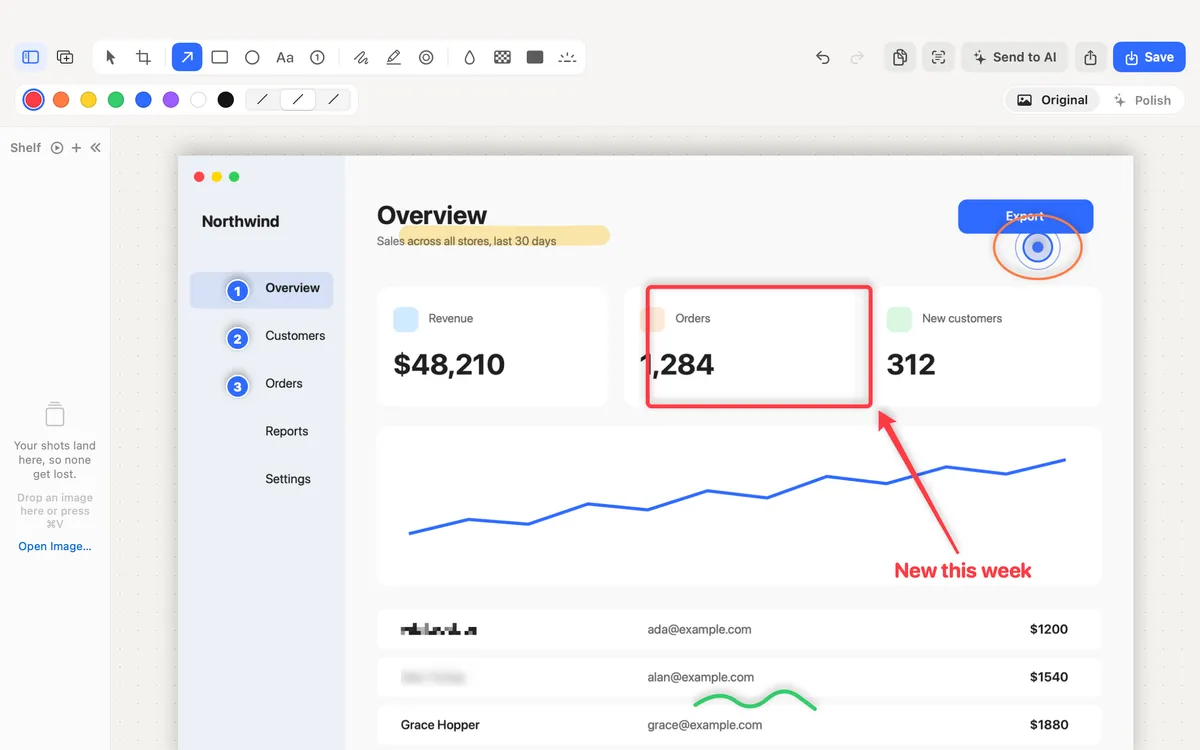
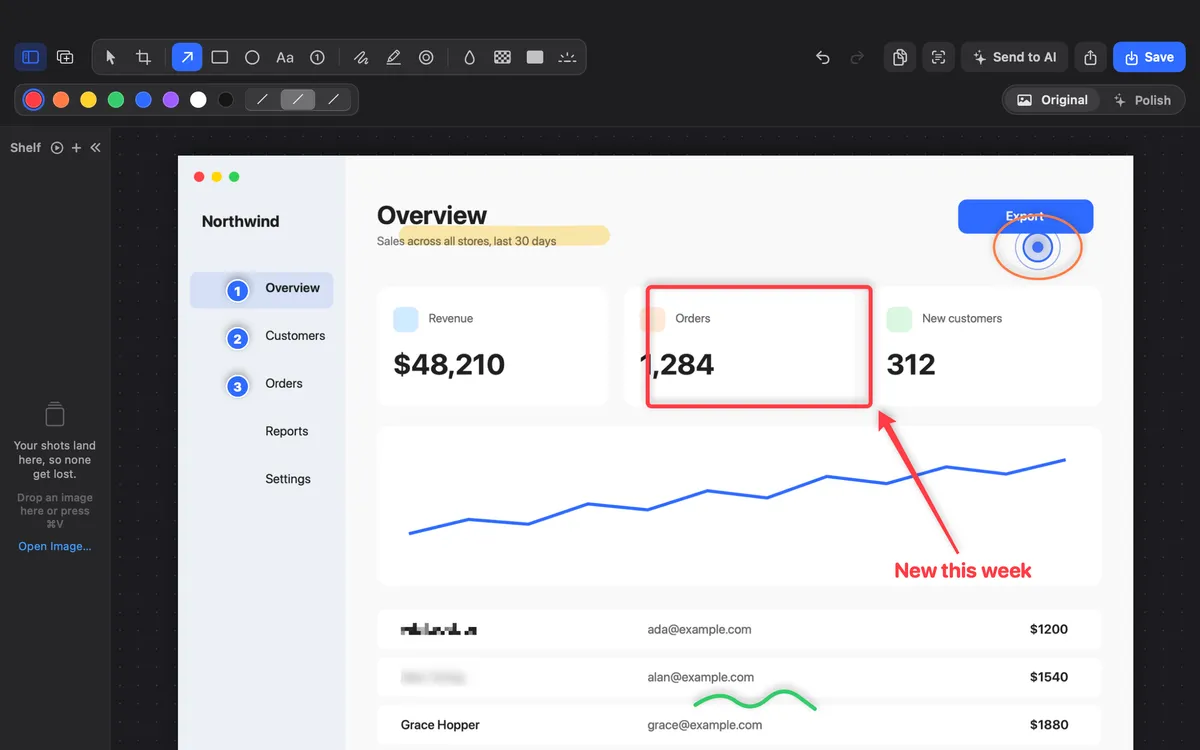
Screenshot editor
Grab an area, a window or the whole screen. Mark it up with arrows, steps, text and blur, then copy or save.
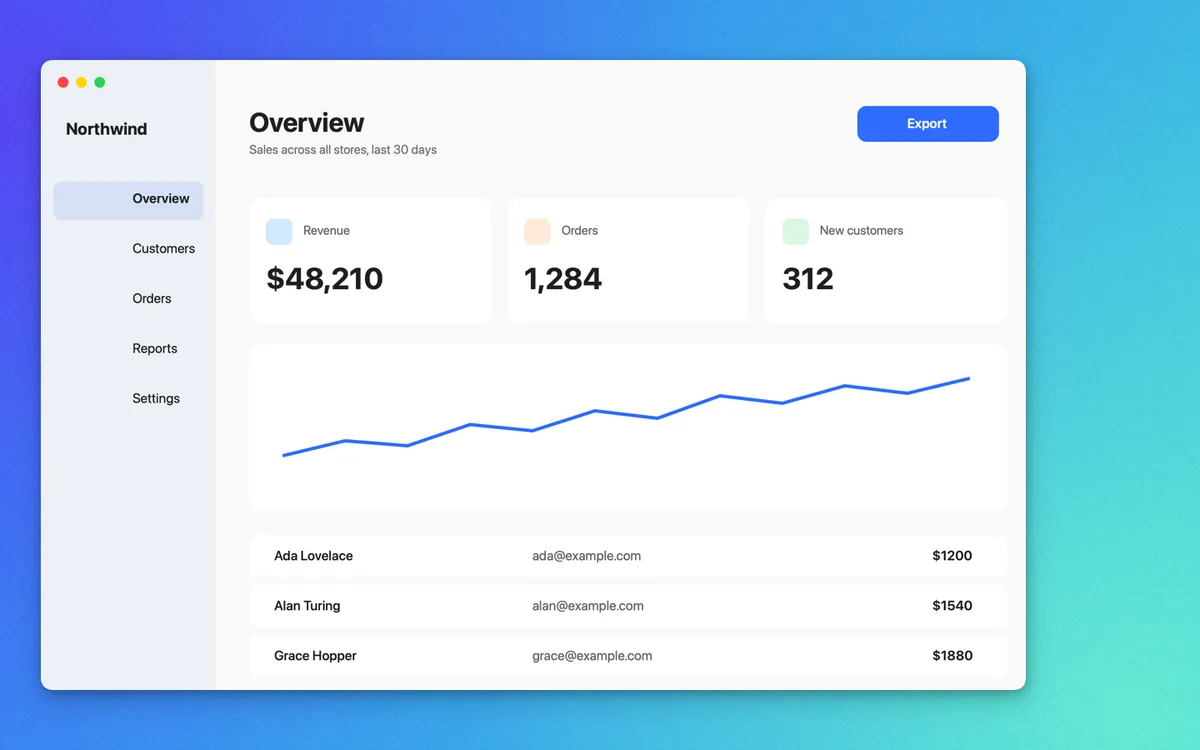
Polish
A background picked from the shot (or your own colour, picture or brand), padding and a soft shadow. ⌥⇧⌘6 takes a polished shot straight away.
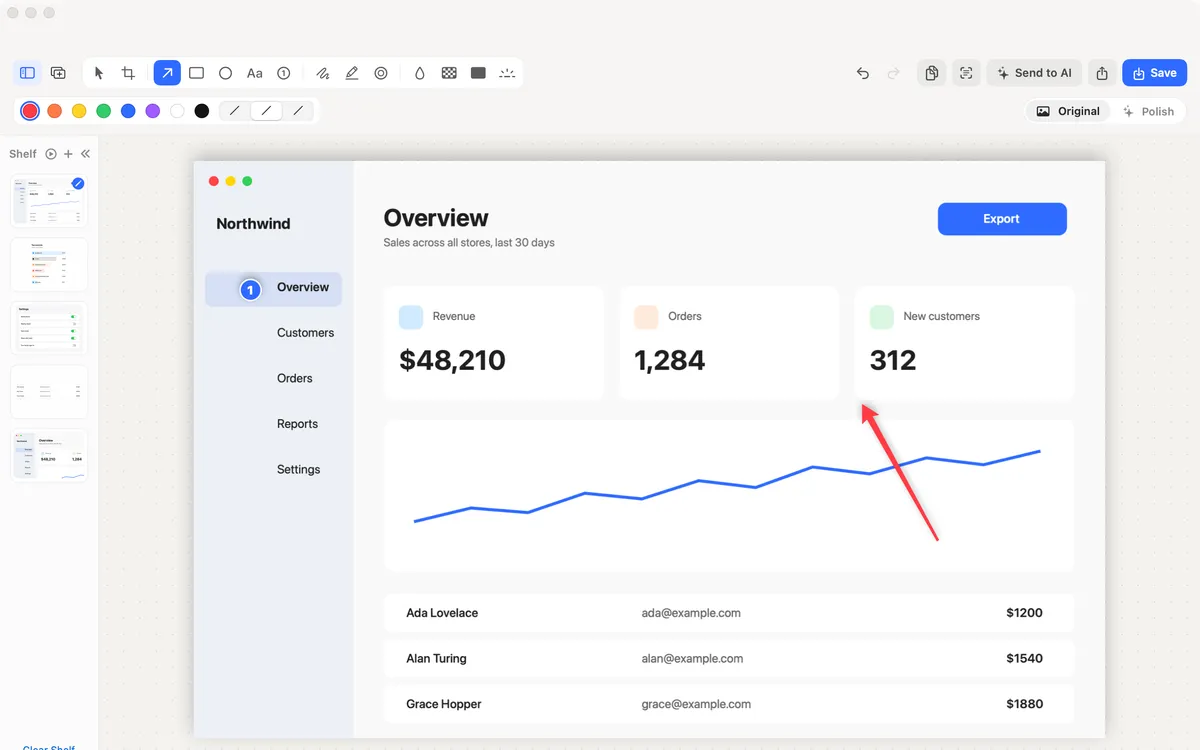
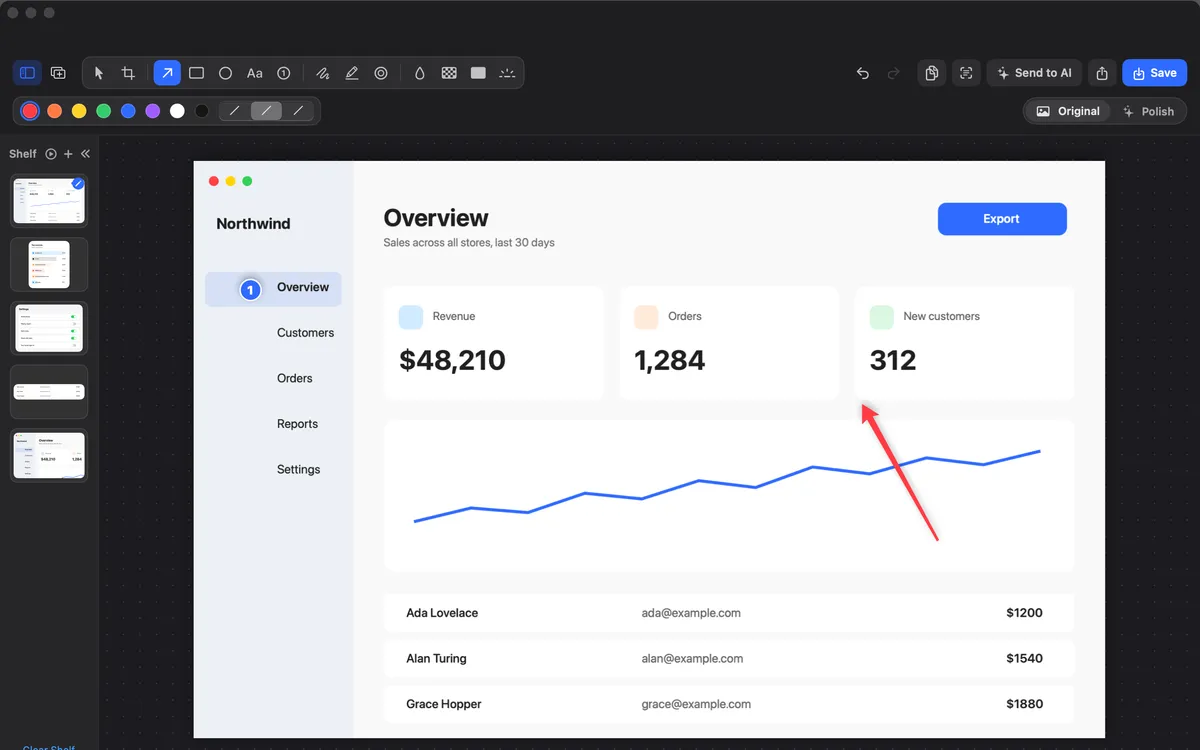
Collage
Put shots from the Shelf on one canvas, pick a layout, and Nice adds a background, even gaps, rounded corners and shadows.
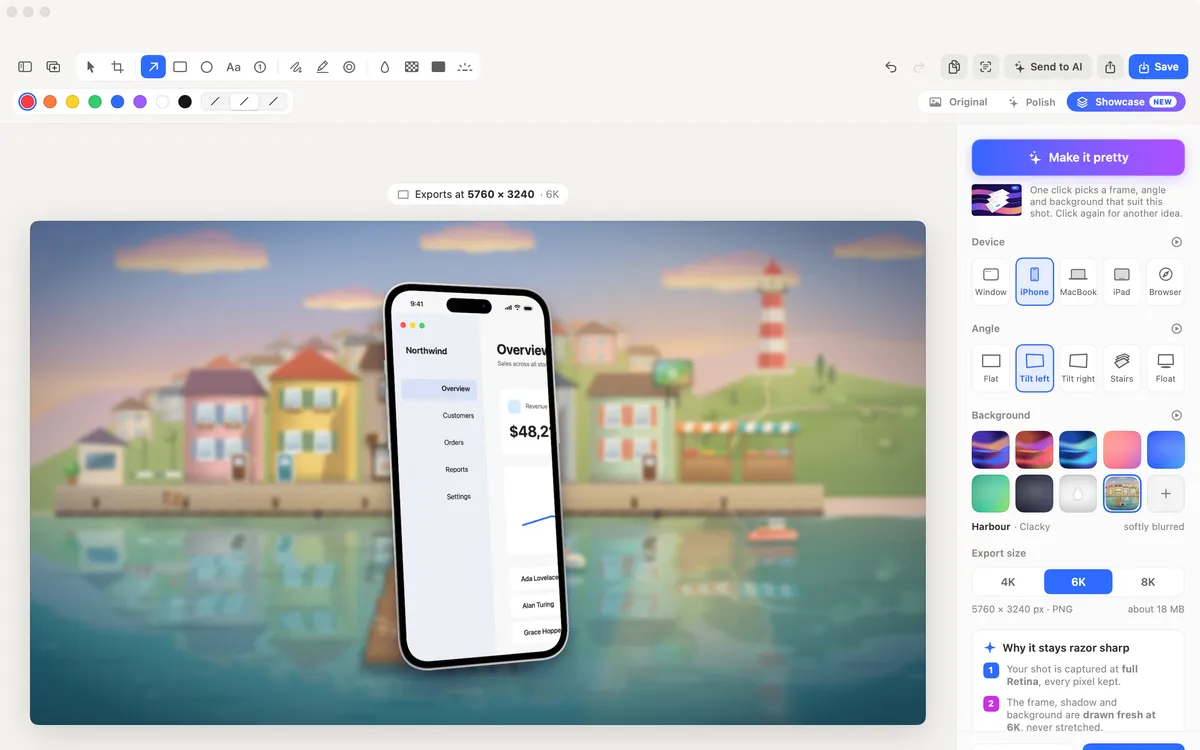
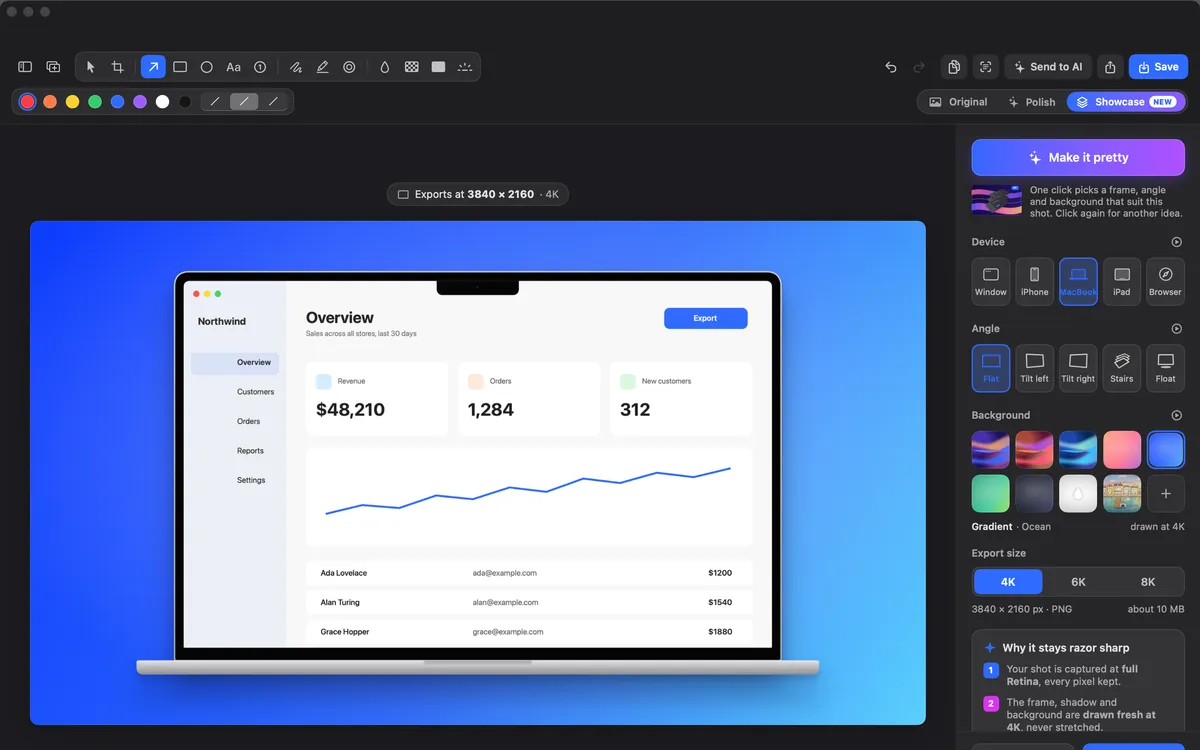
Showcase
Your shot in a window, iPhone, MacBook, iPad or browser frame, at a 3D angle on a background. Copy or save at 4K, 6K or 8K.
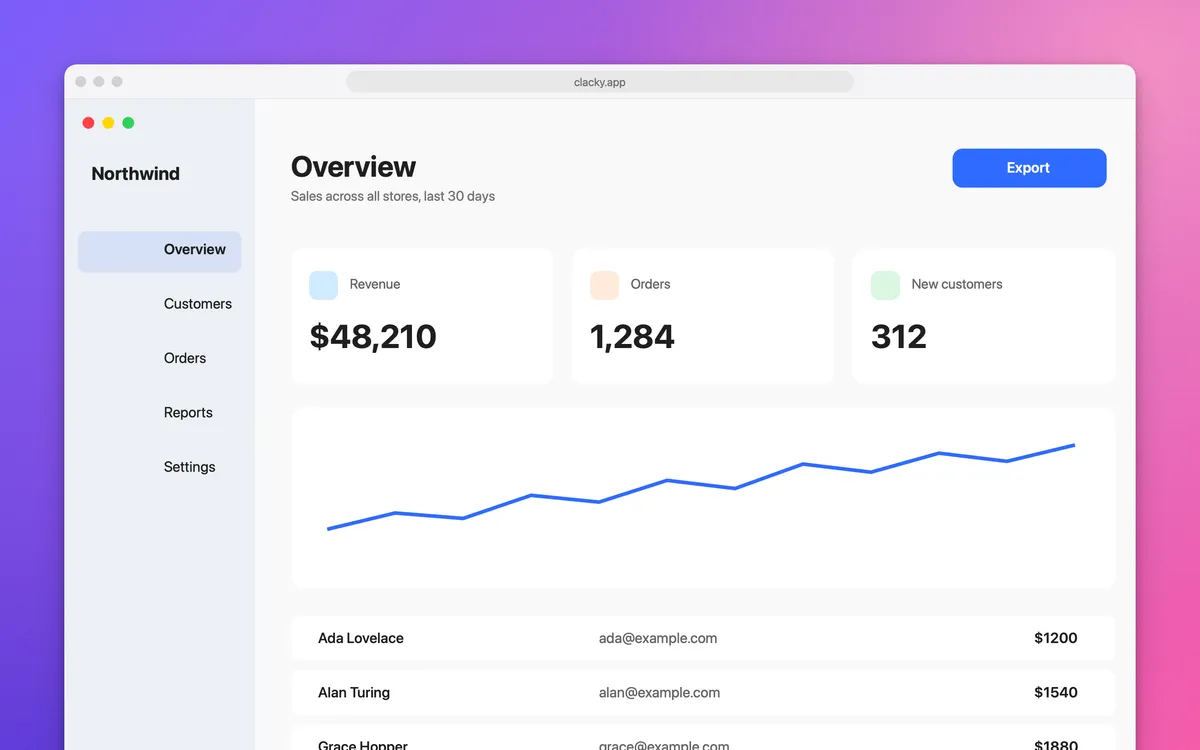
Window and browser frames
Give an area shot a title bar, or a browser frame with your link in the address bar. Auto-balance evens out the margins.
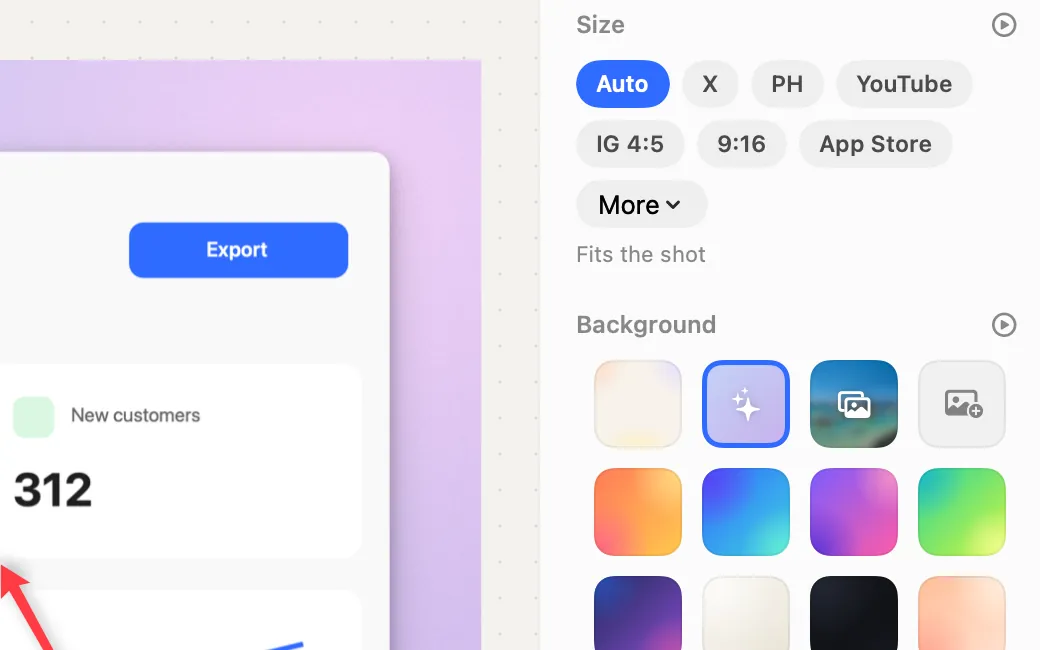
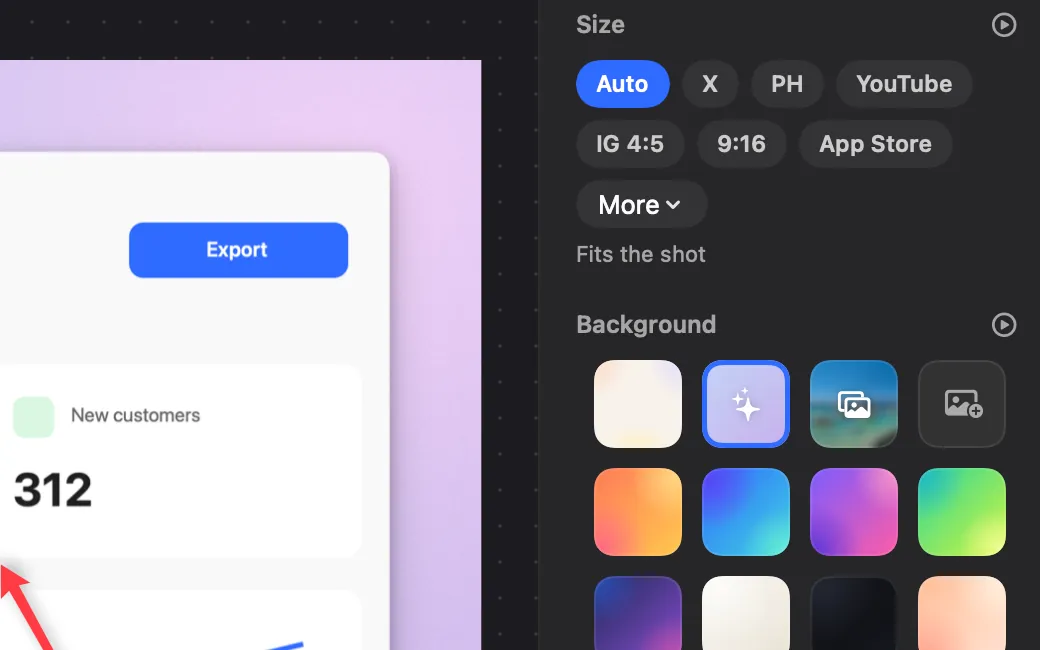
Sizes and looks
Exact sizes for X, Product Hunt, YouTube, Instagram, TikTok and the App Store, and up to 8 looks of your own.
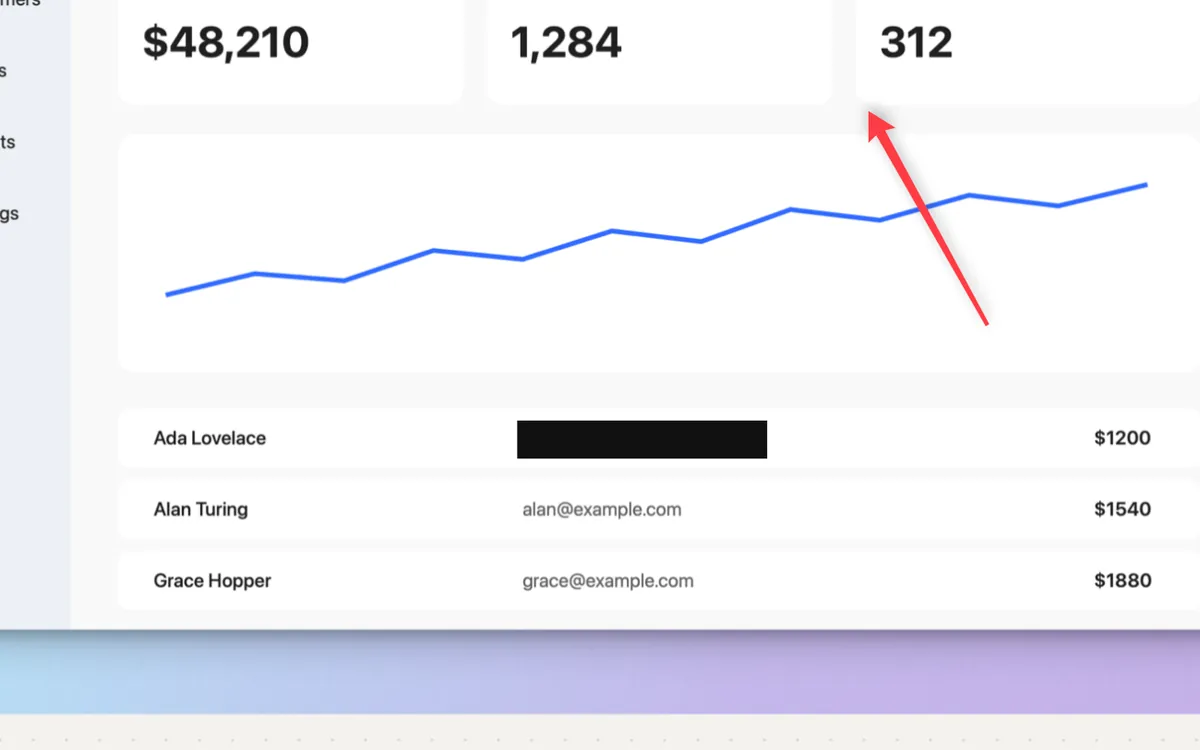
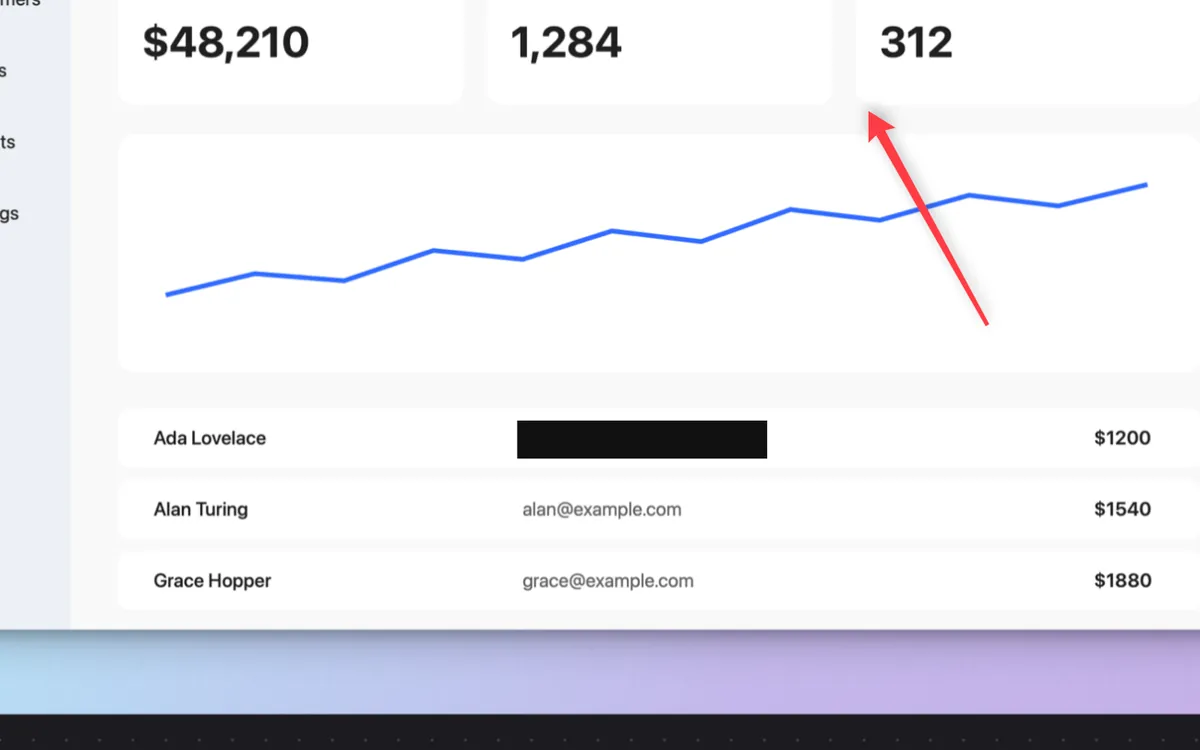
Redact screenshots
Drag a solid bar over a password, key or email. Nothing under the bar survives.
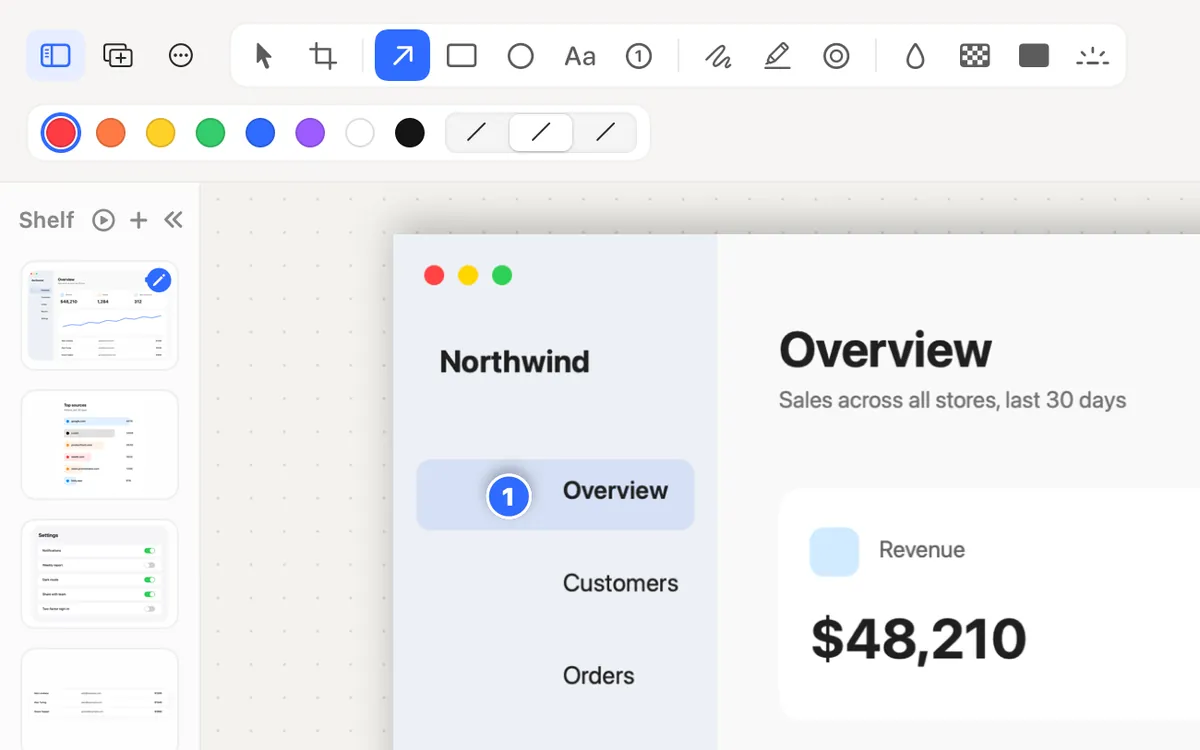
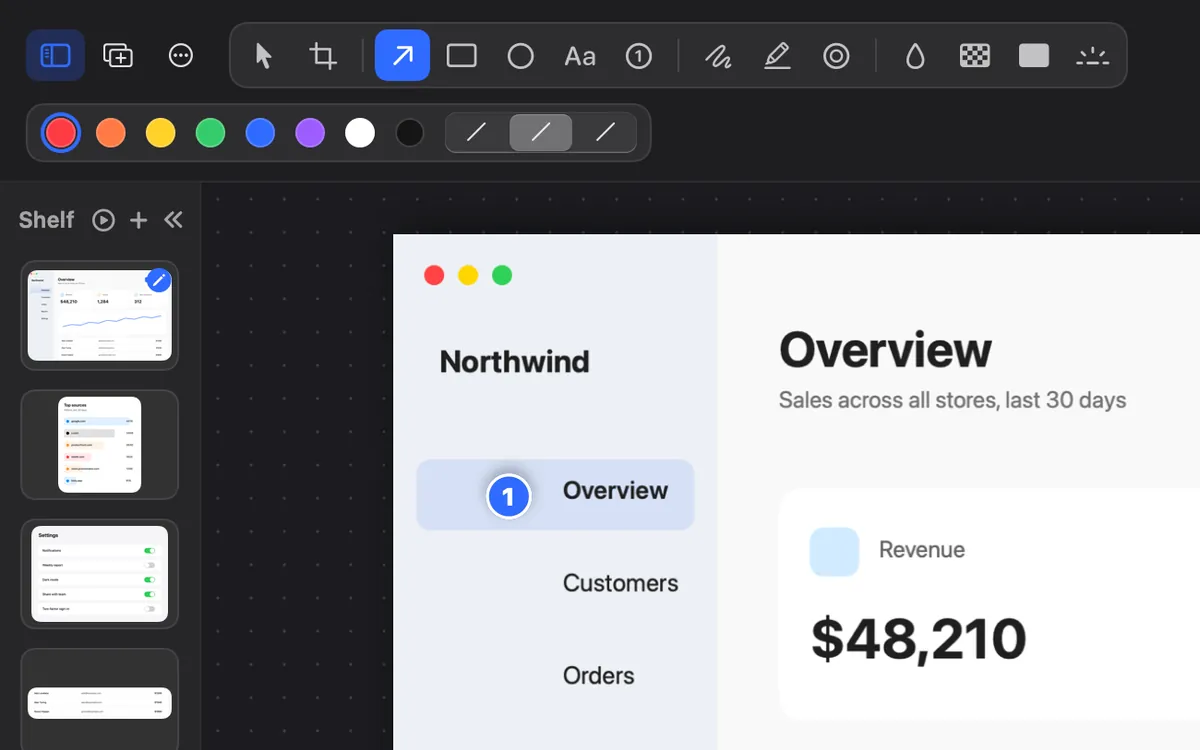
Shelf
Every shot slides onto the Shelf beside the editor. Drop in any image, or drag one out to Finder or any app.
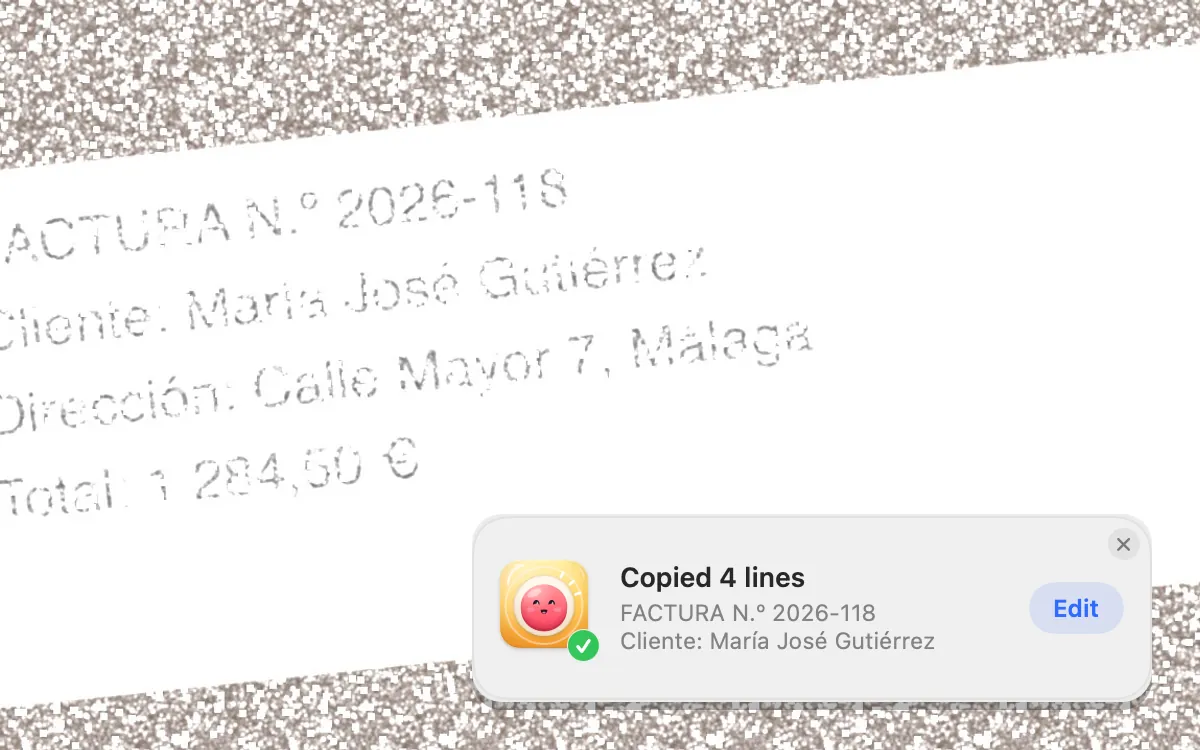
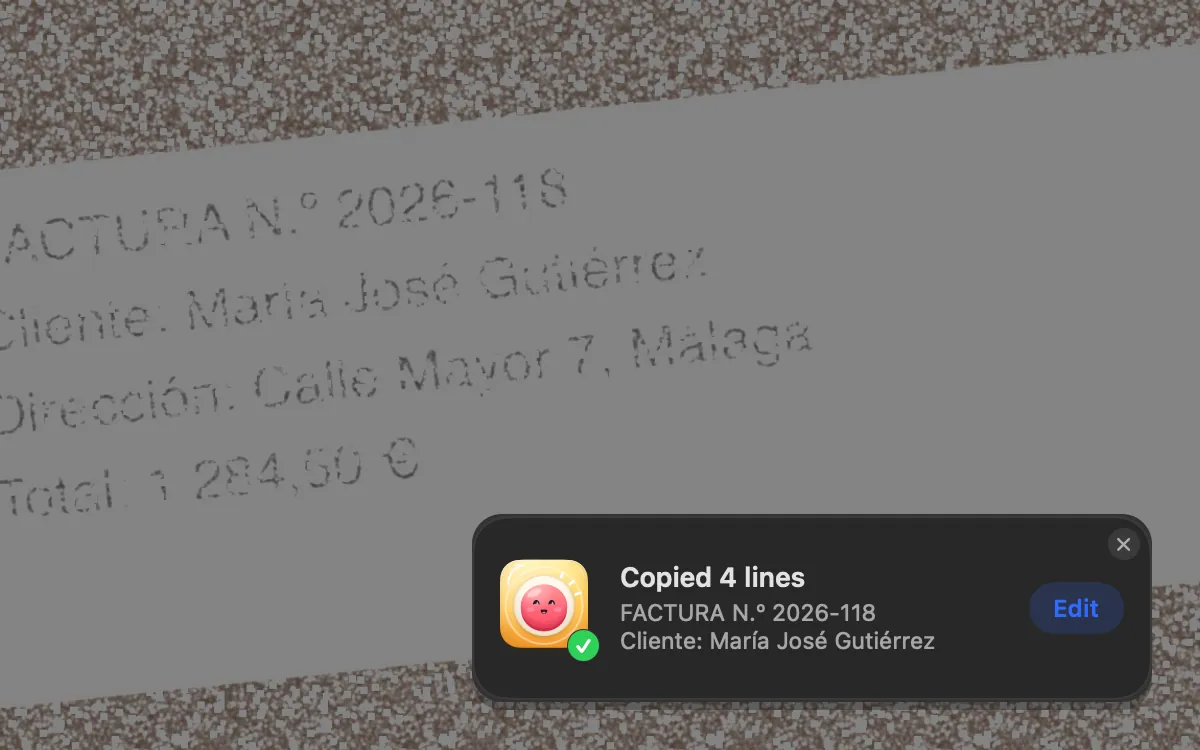
Grab Text
Press ⌥⇧⌘T and drag over any text: a video, a PDF, a photo. Your Mac reads it right there and it’s on your clipboard.
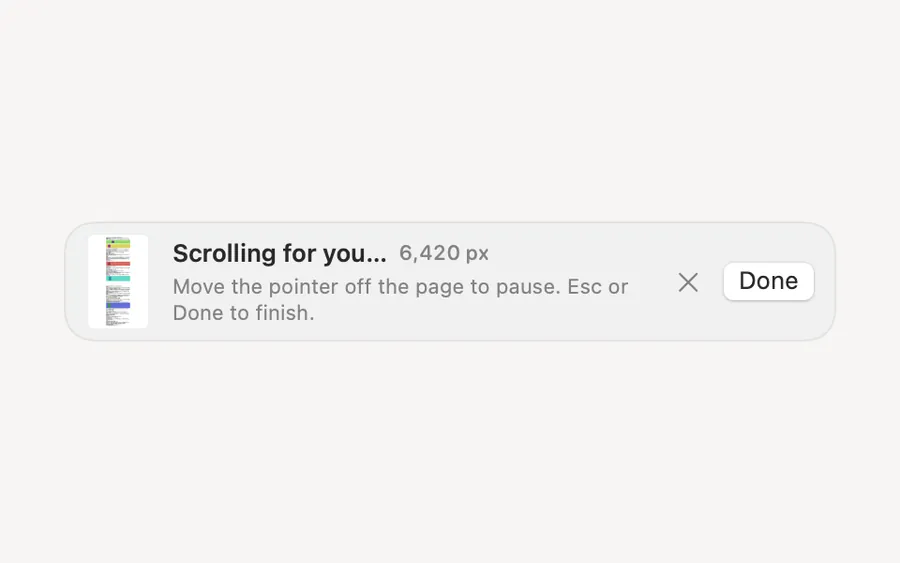
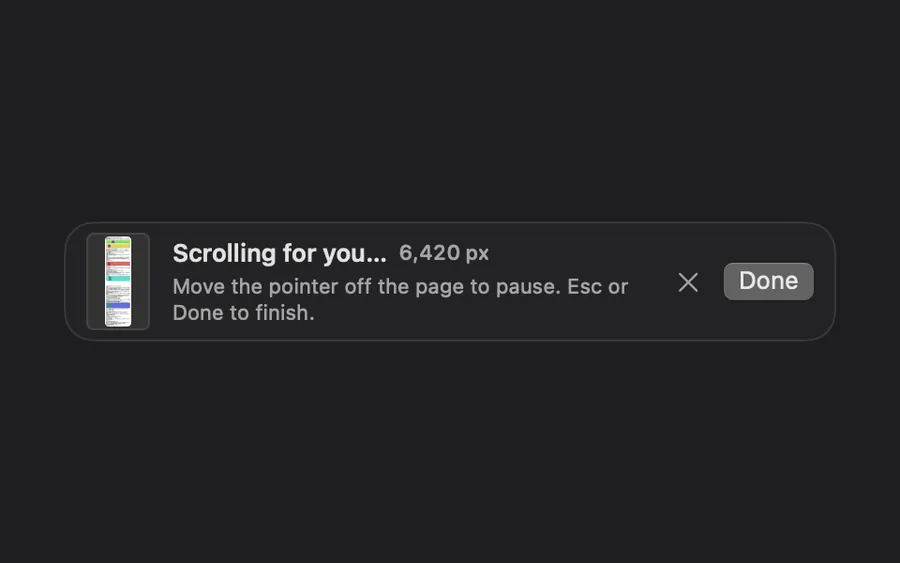
Scrolling Capture Beta
Pick a window and Clacky scrolls it for you, stitching one tall image of the whole page.
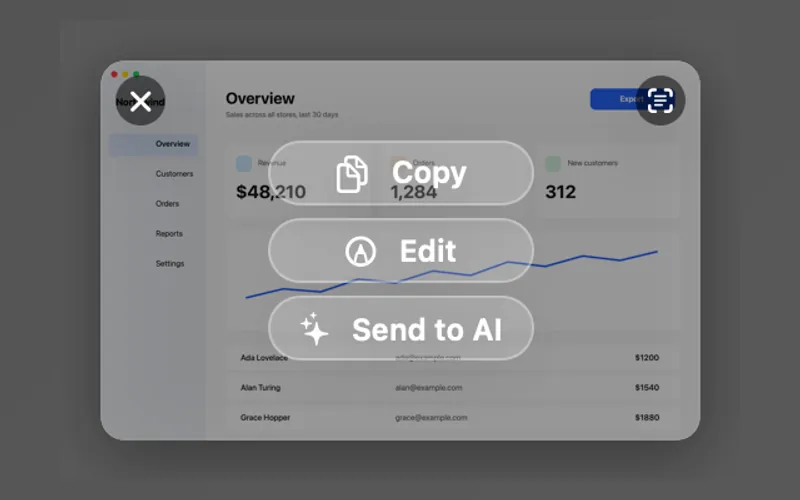
Copy only
Mark up a shot, press ⌘C and it’s copied, with nothing left in your folder. Click Save when you want to keep it.
Clackyland: the harbour
Your Blip, cookies, levels, friends and games. Using Clacky fills it up. Levels and freezes can never be bought.
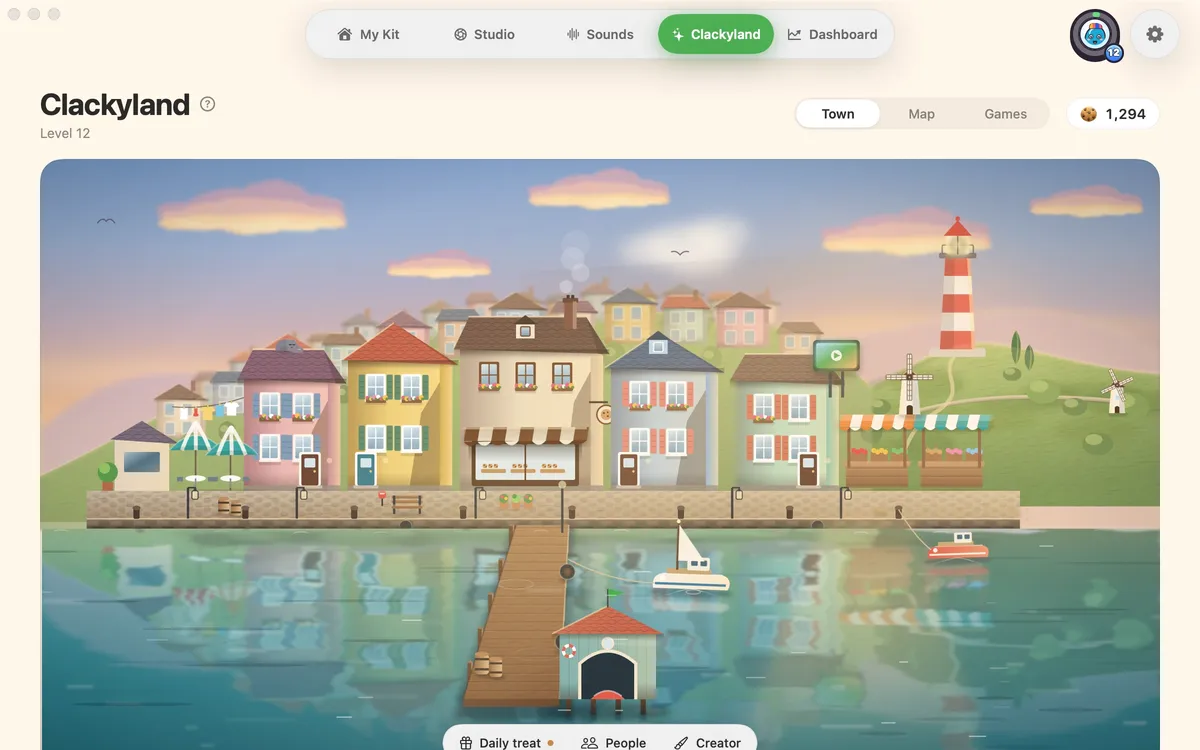
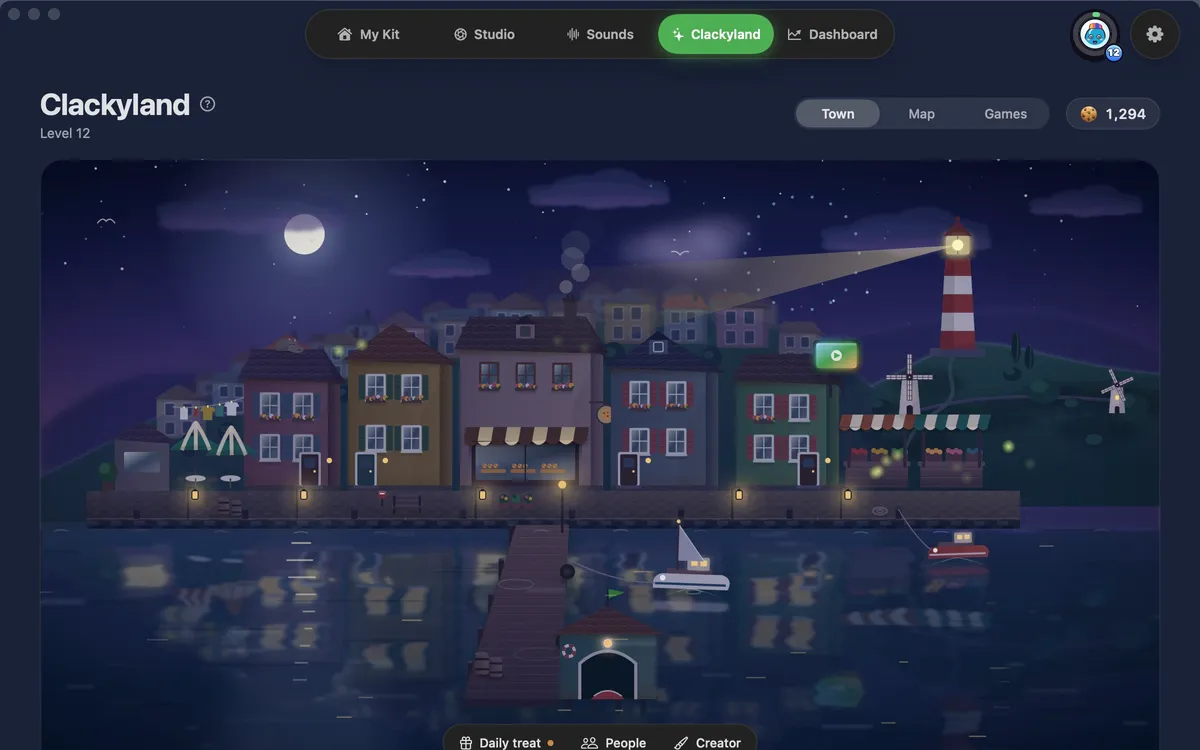
The harbour
Clackyland is a little harbour town with wind, windmills, gulls and a lighthouse. Point at a building to see its name; click and your Blip walks there.
Clacky Card
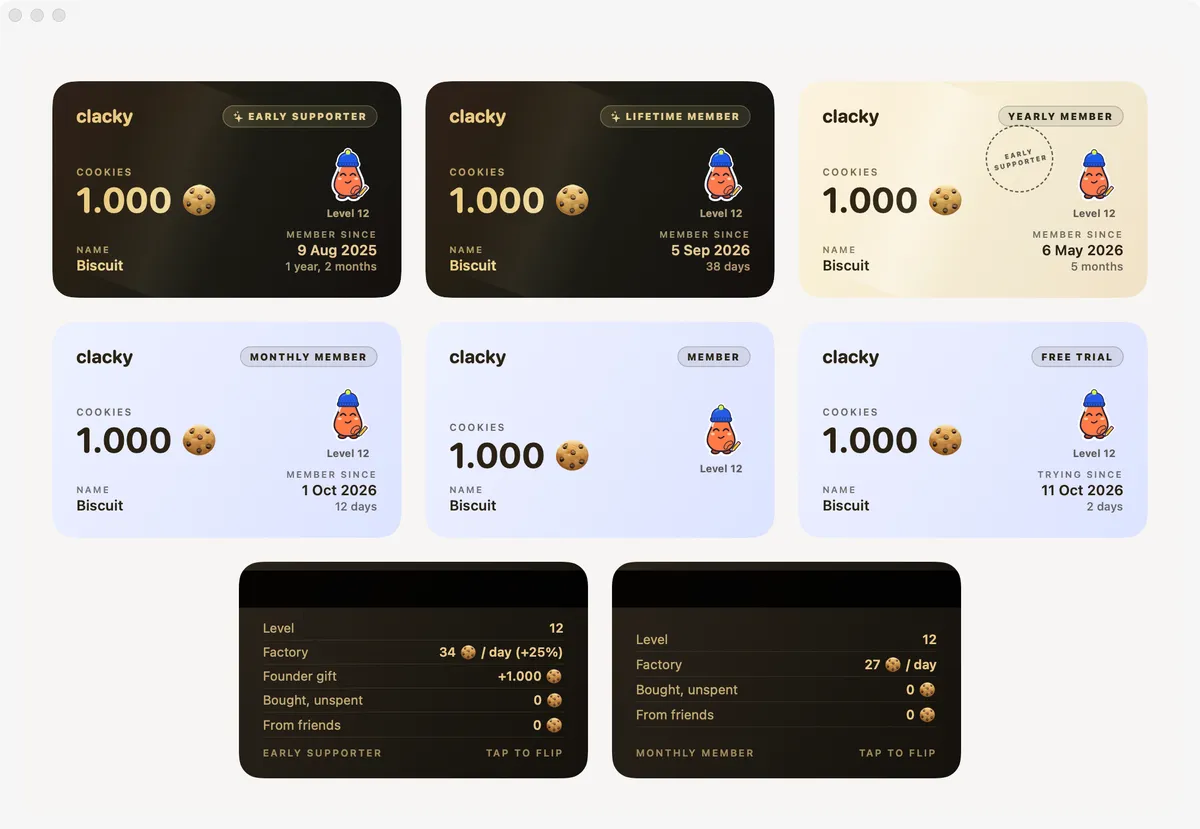
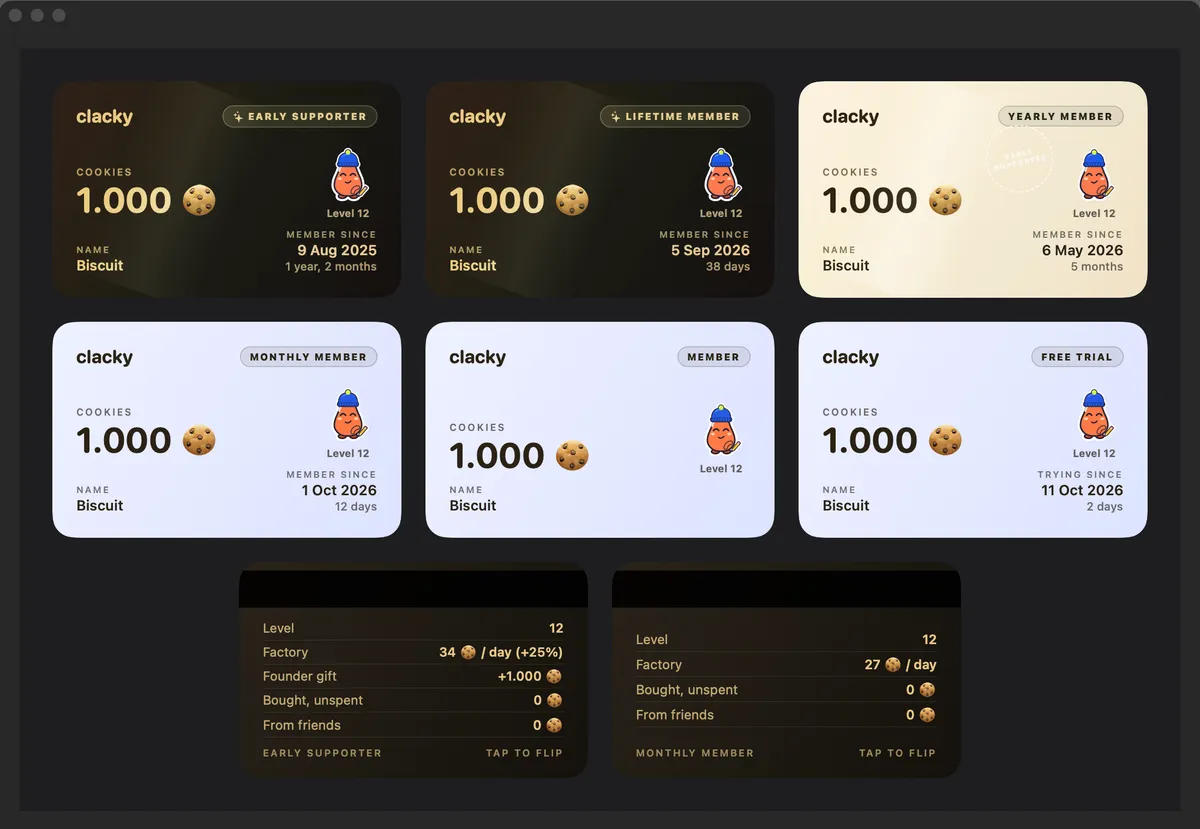
Your cookies, your Blip and your membership: Lifetime, Early Supporter, Monthly or the free trial, with the day you joined. Flip it for your level and your factory batch.
How you earn cookies
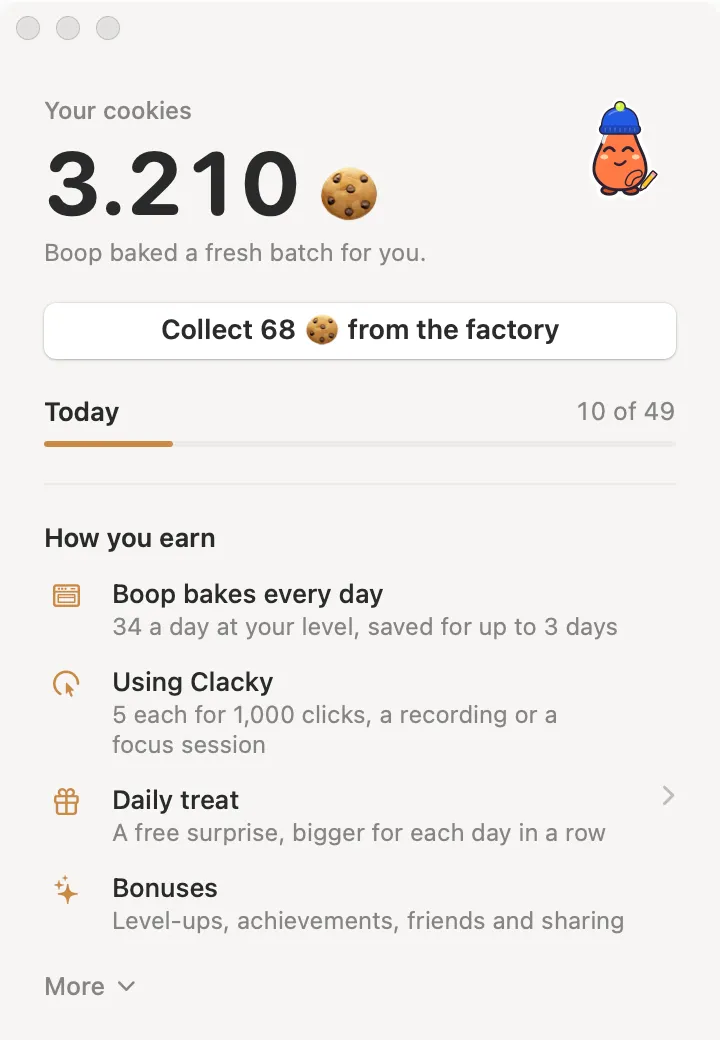
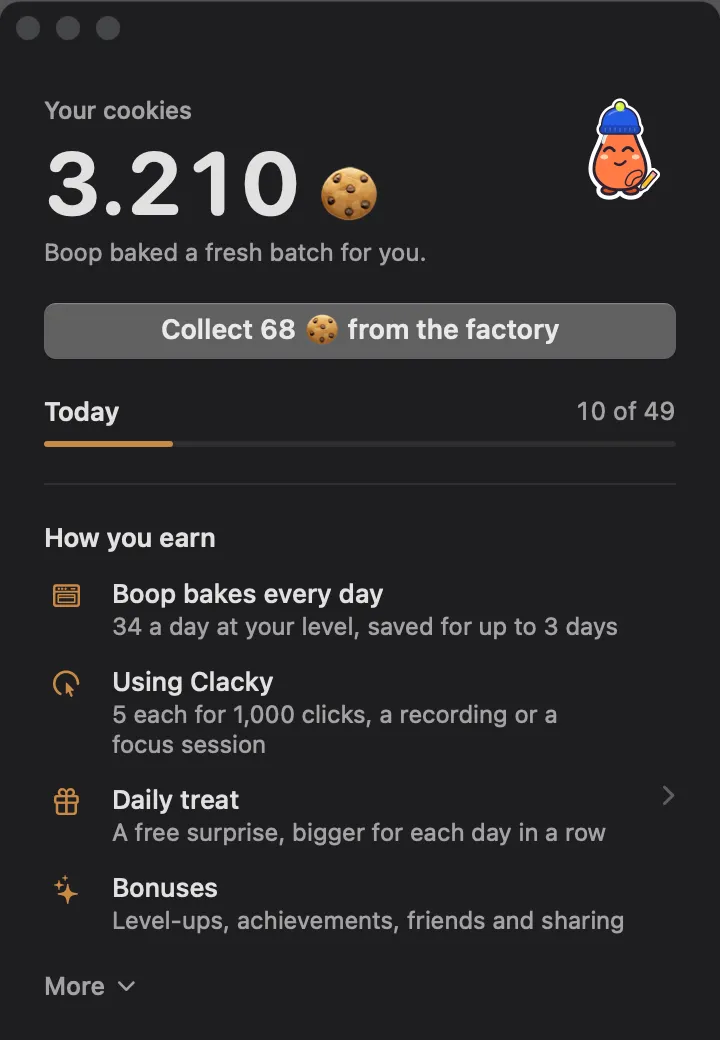
Boop bakes every day, using Clacky adds a few (1,000 clicks, a recording), and level-ups, achievements, friends and sharing bring bonuses. There’s a daily limit.
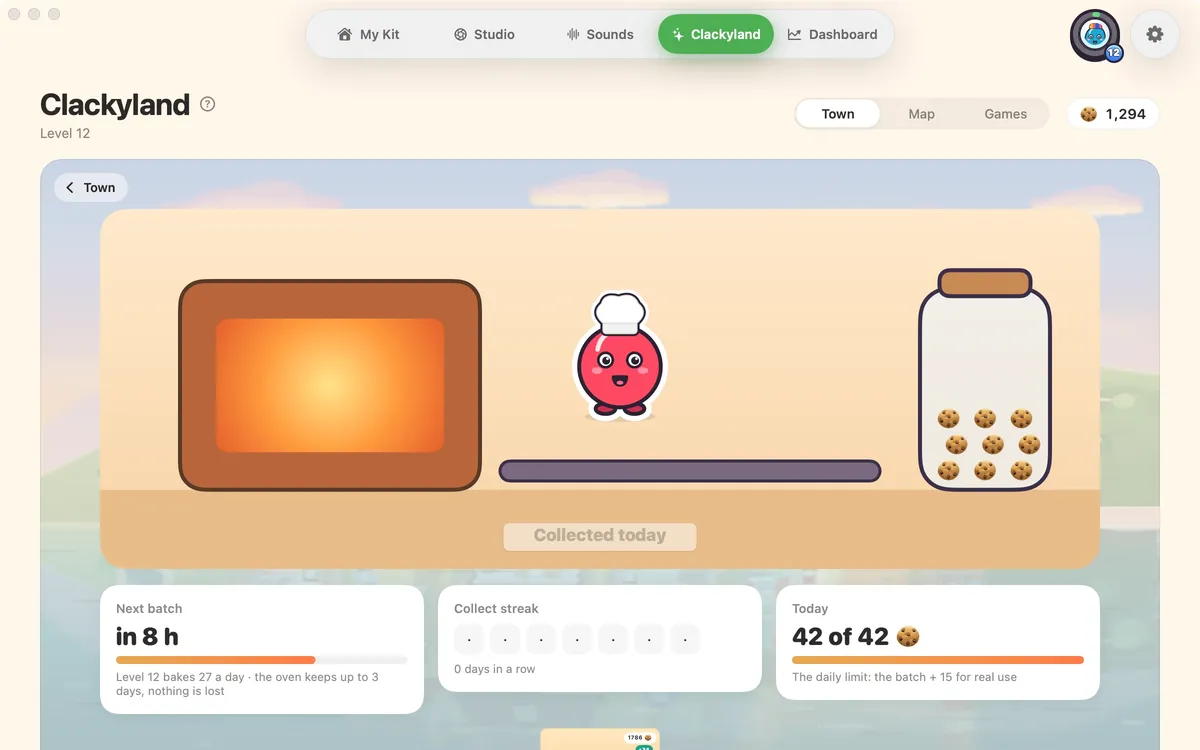
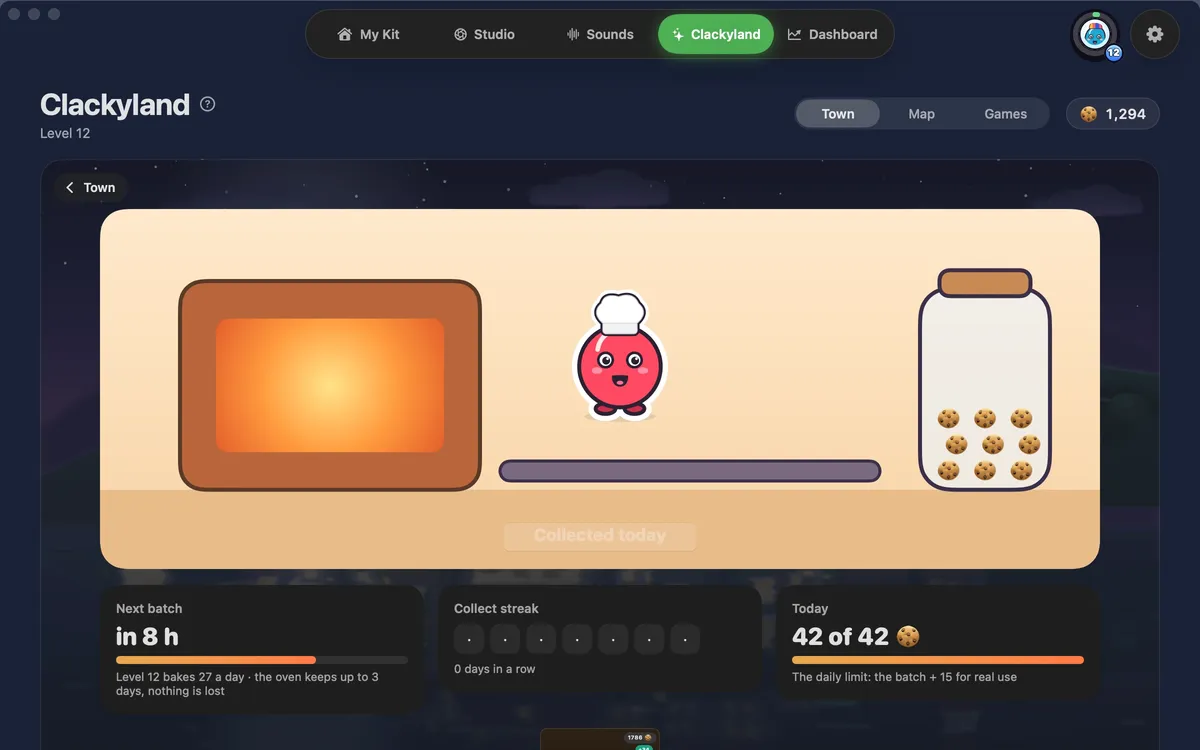
Cookie Factory
Once a day Boop bakes a batch, bigger at higher levels. Away? Up to 3 days of batches wait for you.
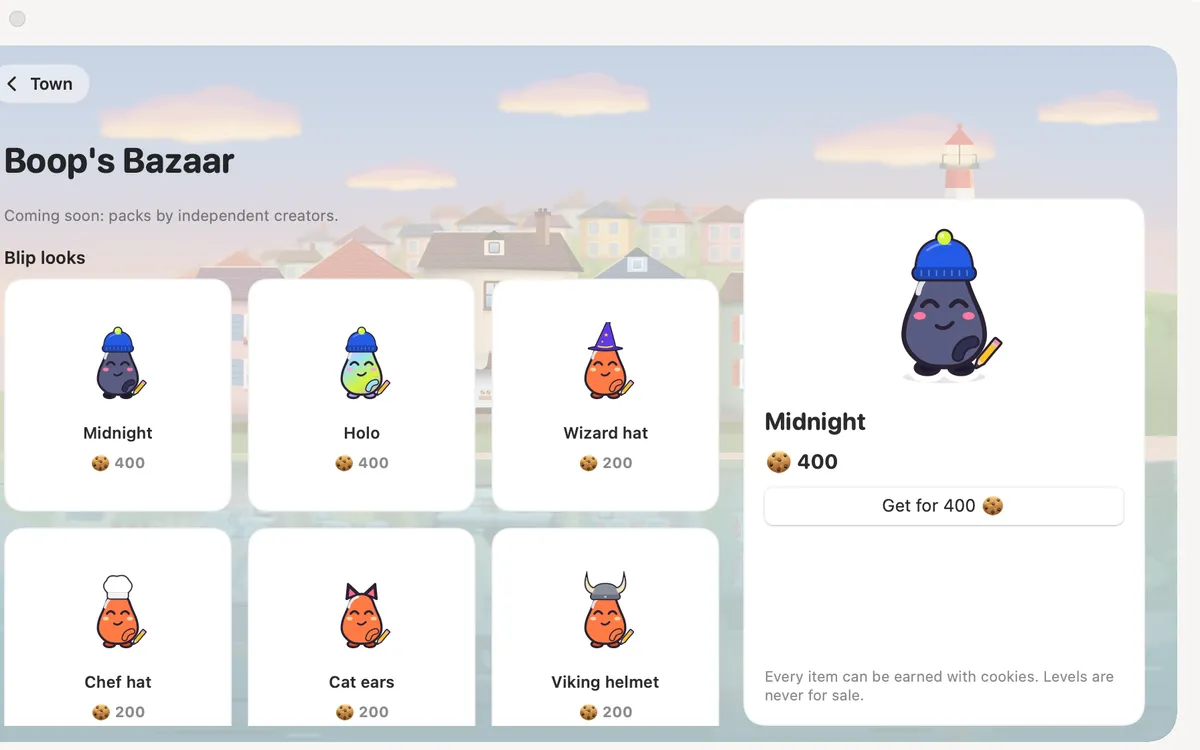
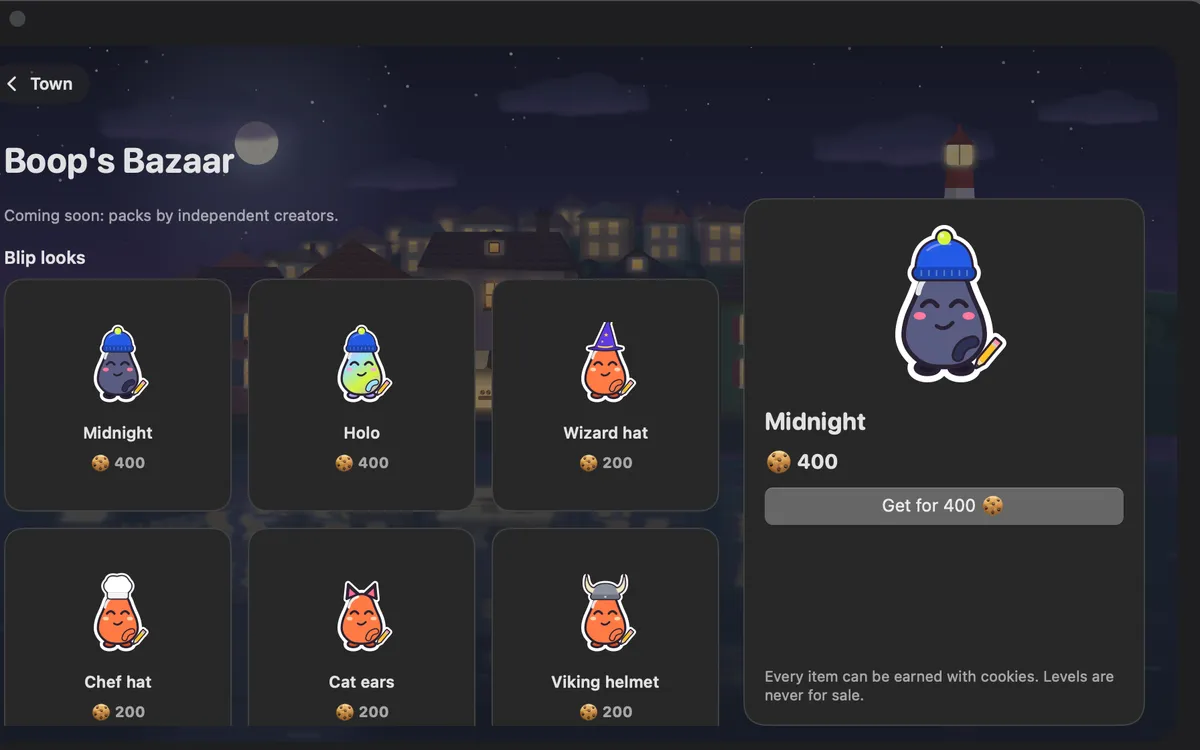
Boop’s Bazaar
Where cookies are spent: looks for your Blip. Hover one to see your Blip wearing it. Levels and freezes are never for sale.
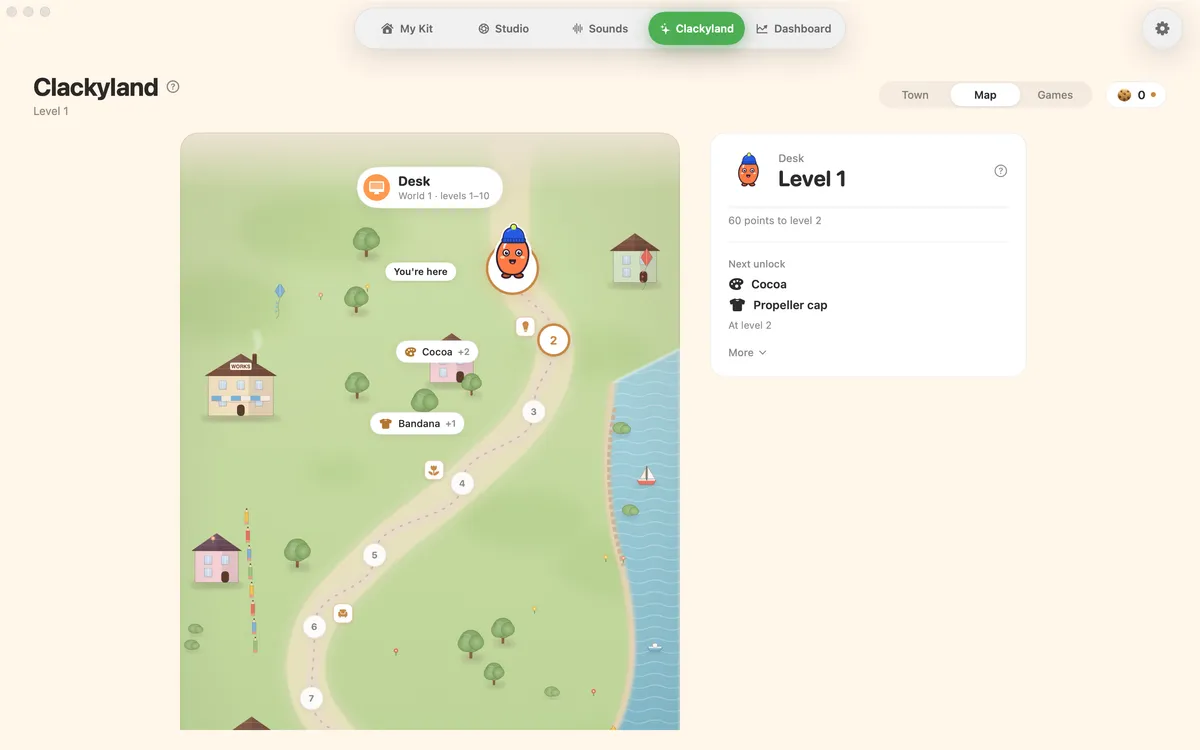
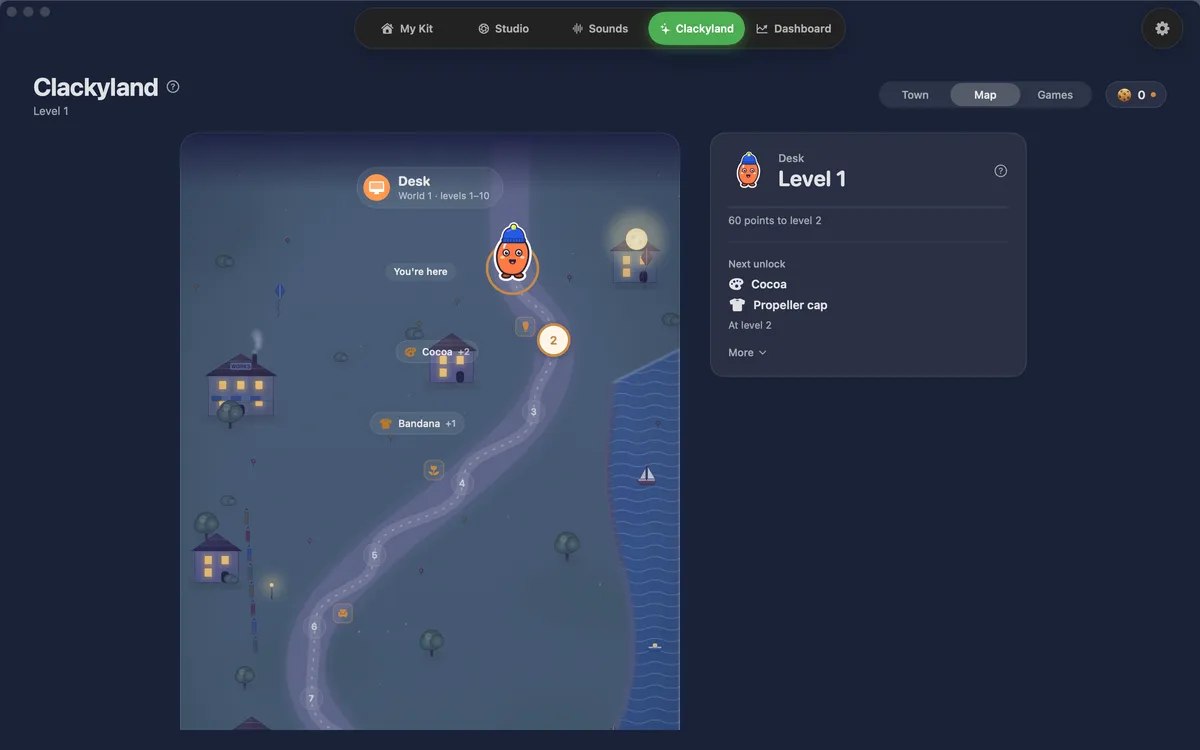
Levels map
100 levels in 10 worlds, from Desk to Golden Hall. Your Blip walks the path, and every few levels unlock something, like harbour props.
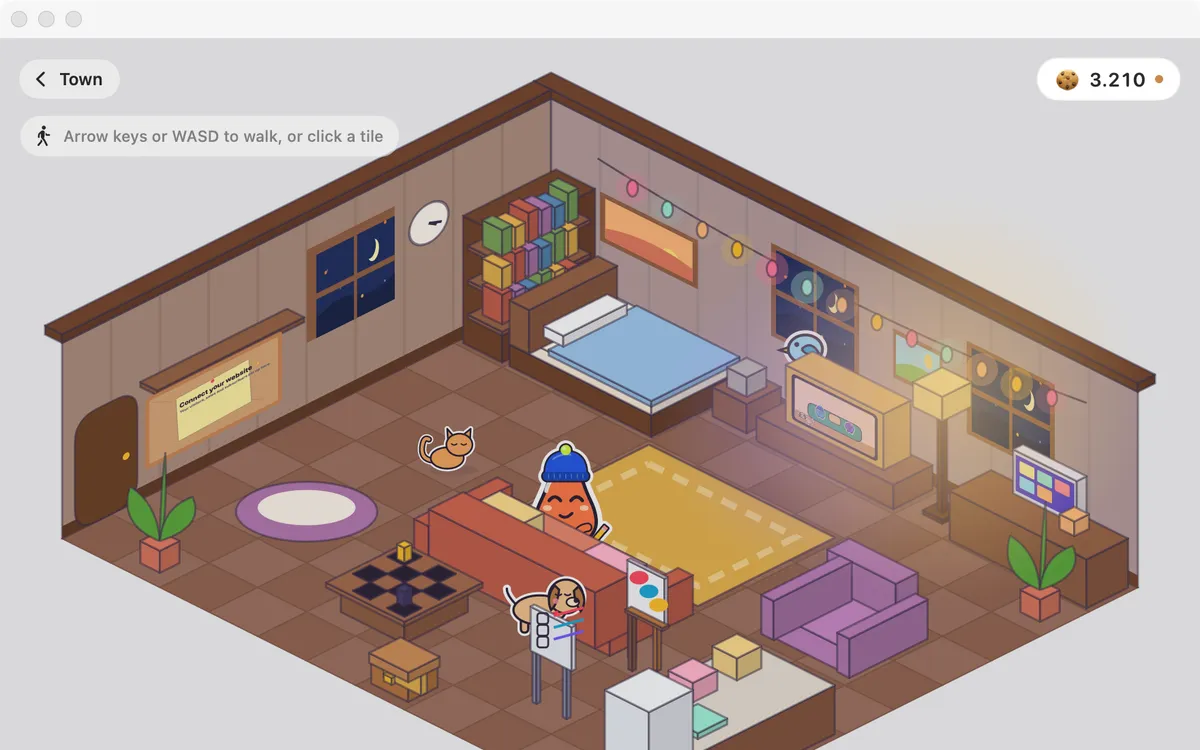
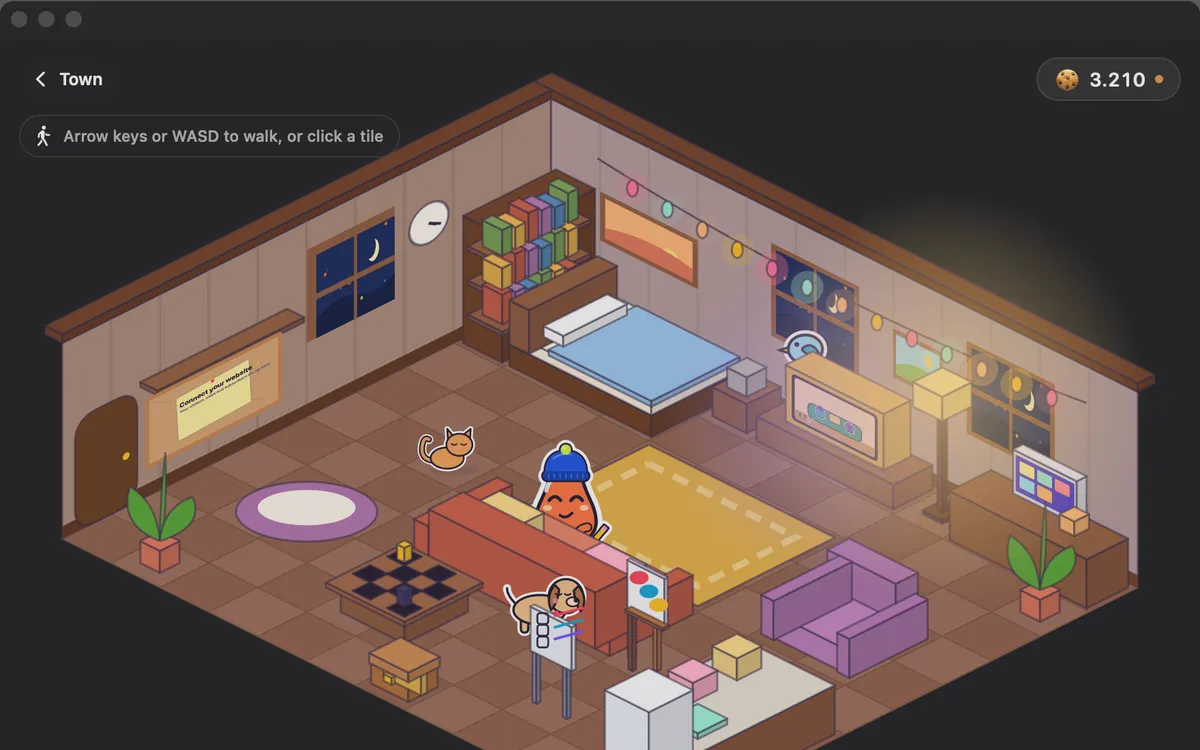
Your Blip’s home
A cozy house: decorate it, hang your best screenshot on the wall, and watch Clacky TV, short original shows starring Blips.
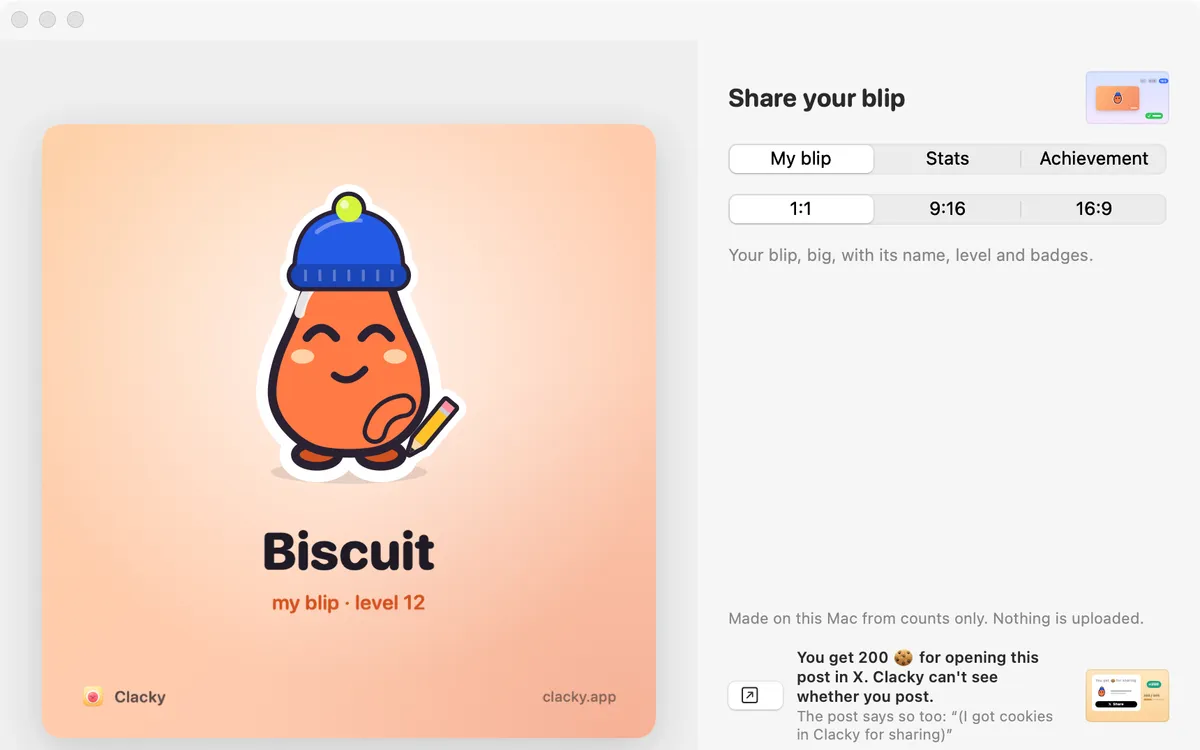
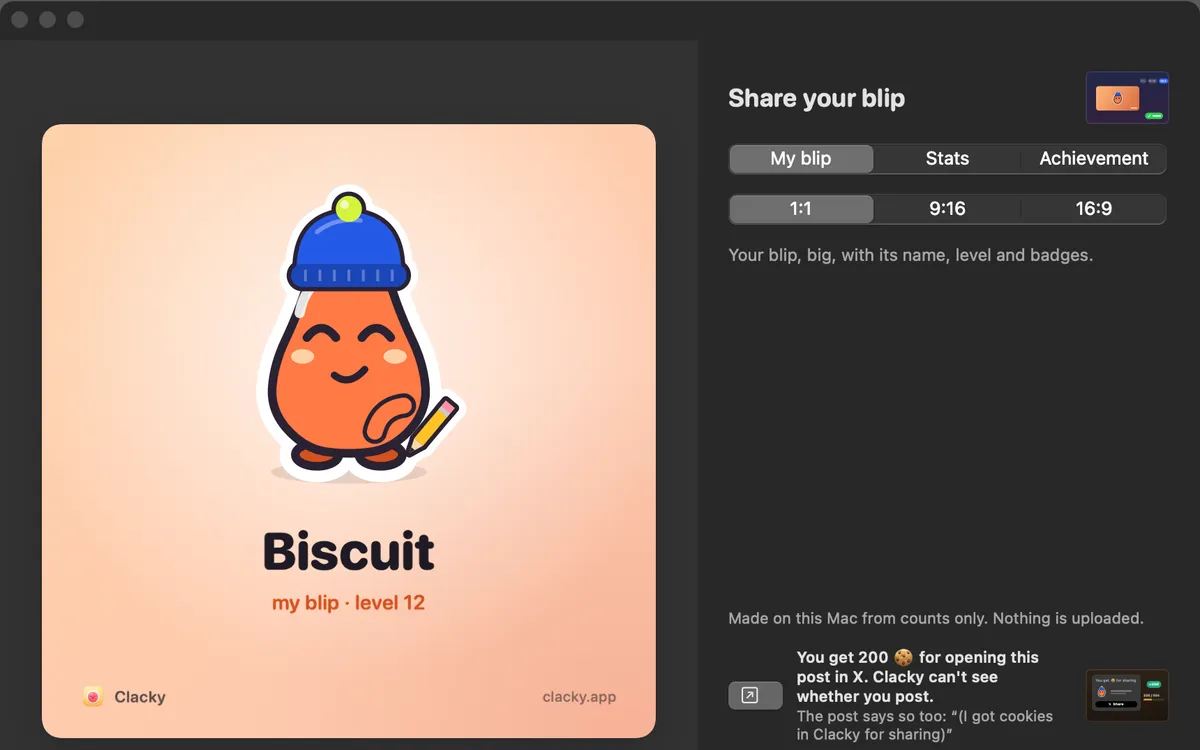
Share cards
A card of your Blip, your stats or an achievement, in 1:1, 9:16 or 16:9, made on your Mac. Nothing is uploaded.
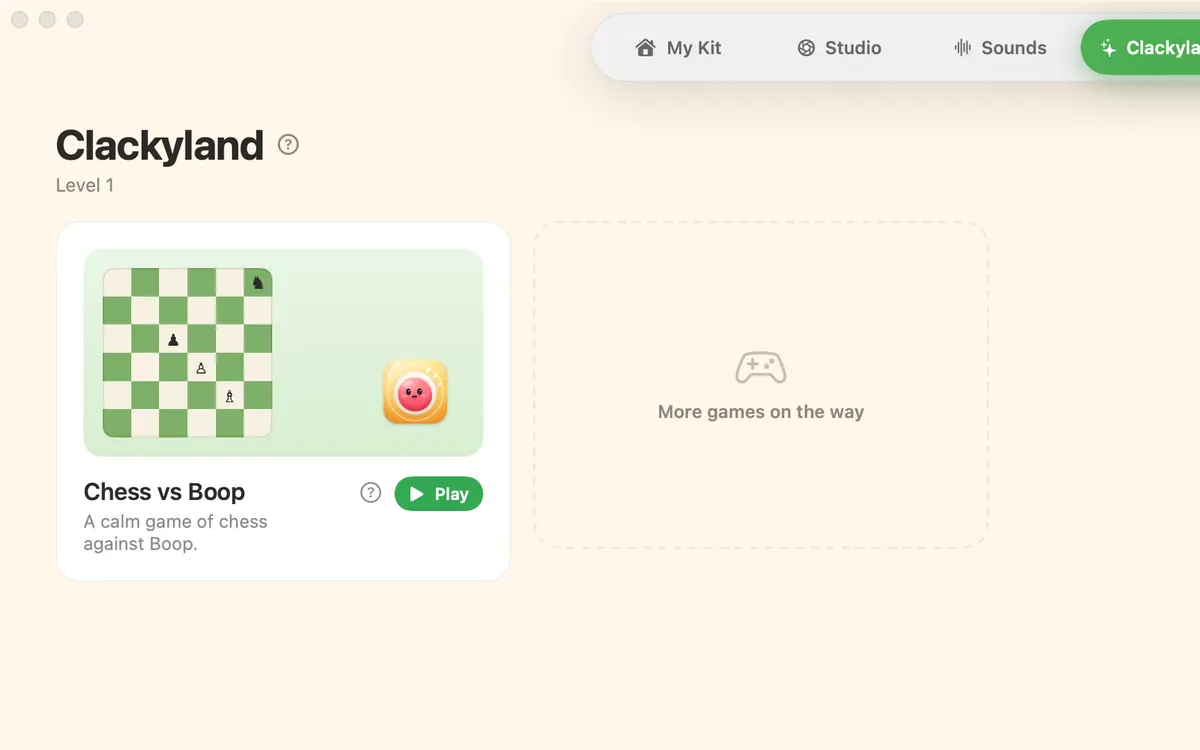
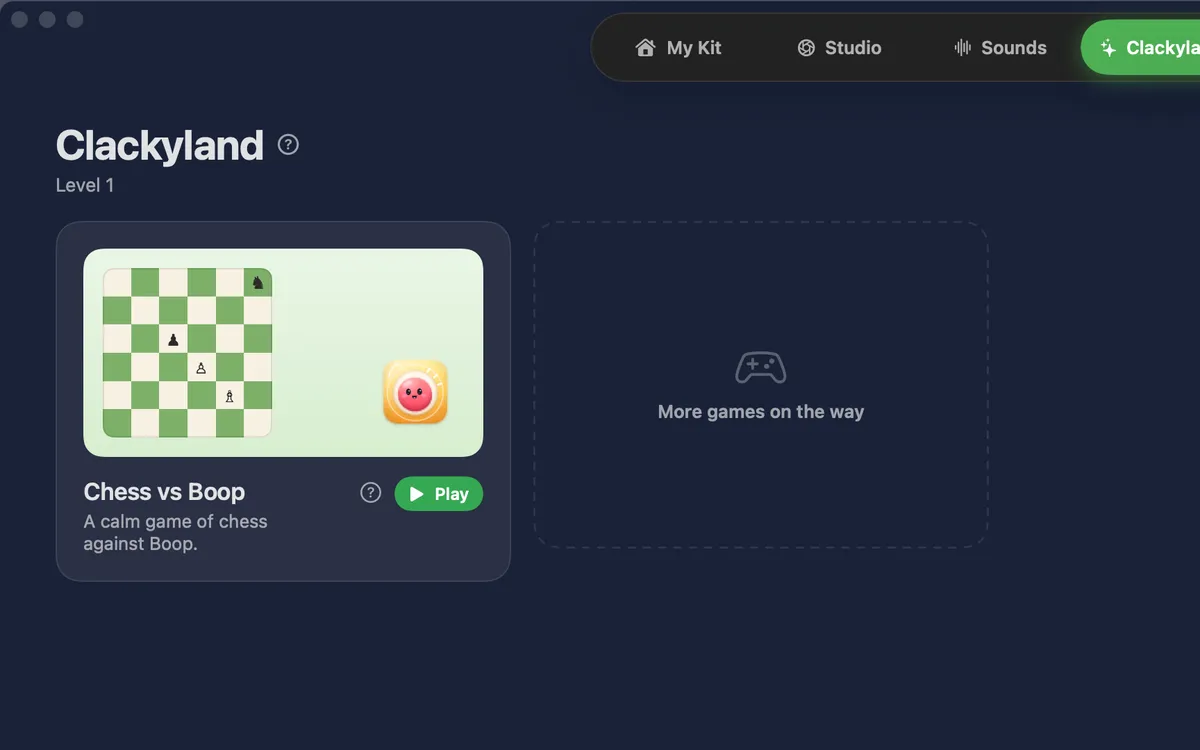
Chess vs Boop
The first game in Games: play Boop at Sleepy, Clever or Genius. Undo and New game are always there.
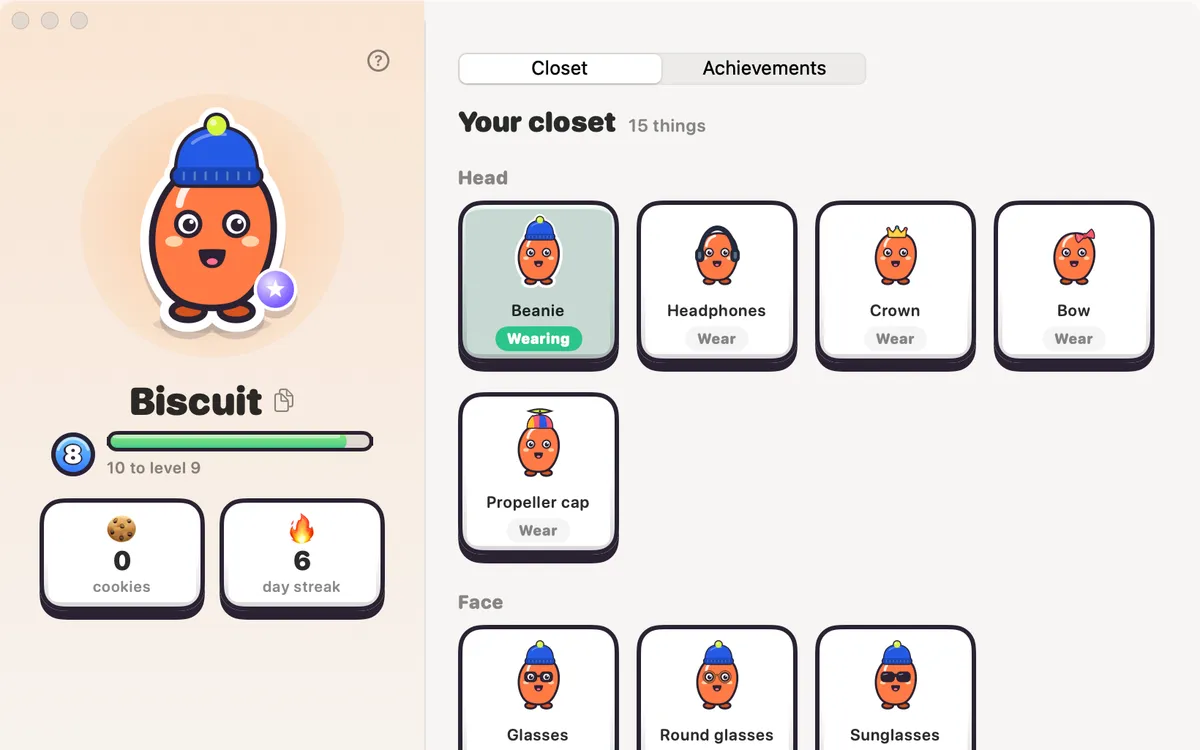
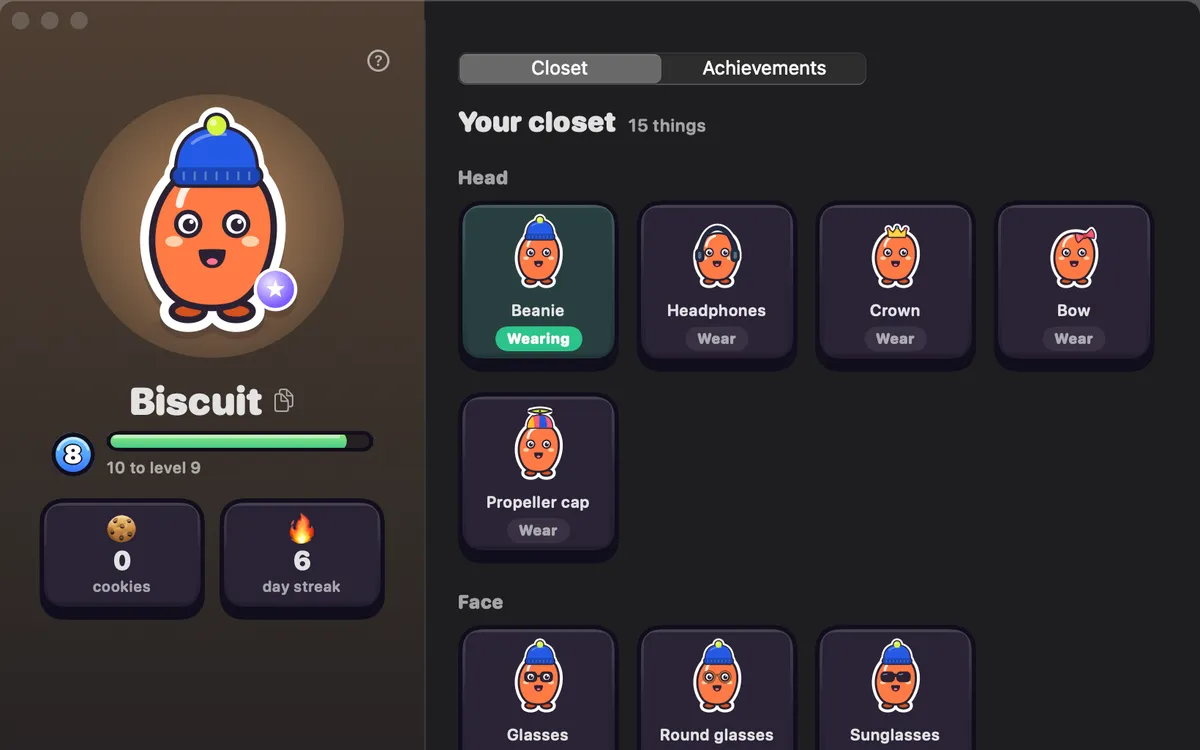
Your Blip
Your own little character. Making things with Clacky levels it up, earns it things to wear and keeps a streak. It stays on your Mac unless you turn on Friends, which shows it to your friends.
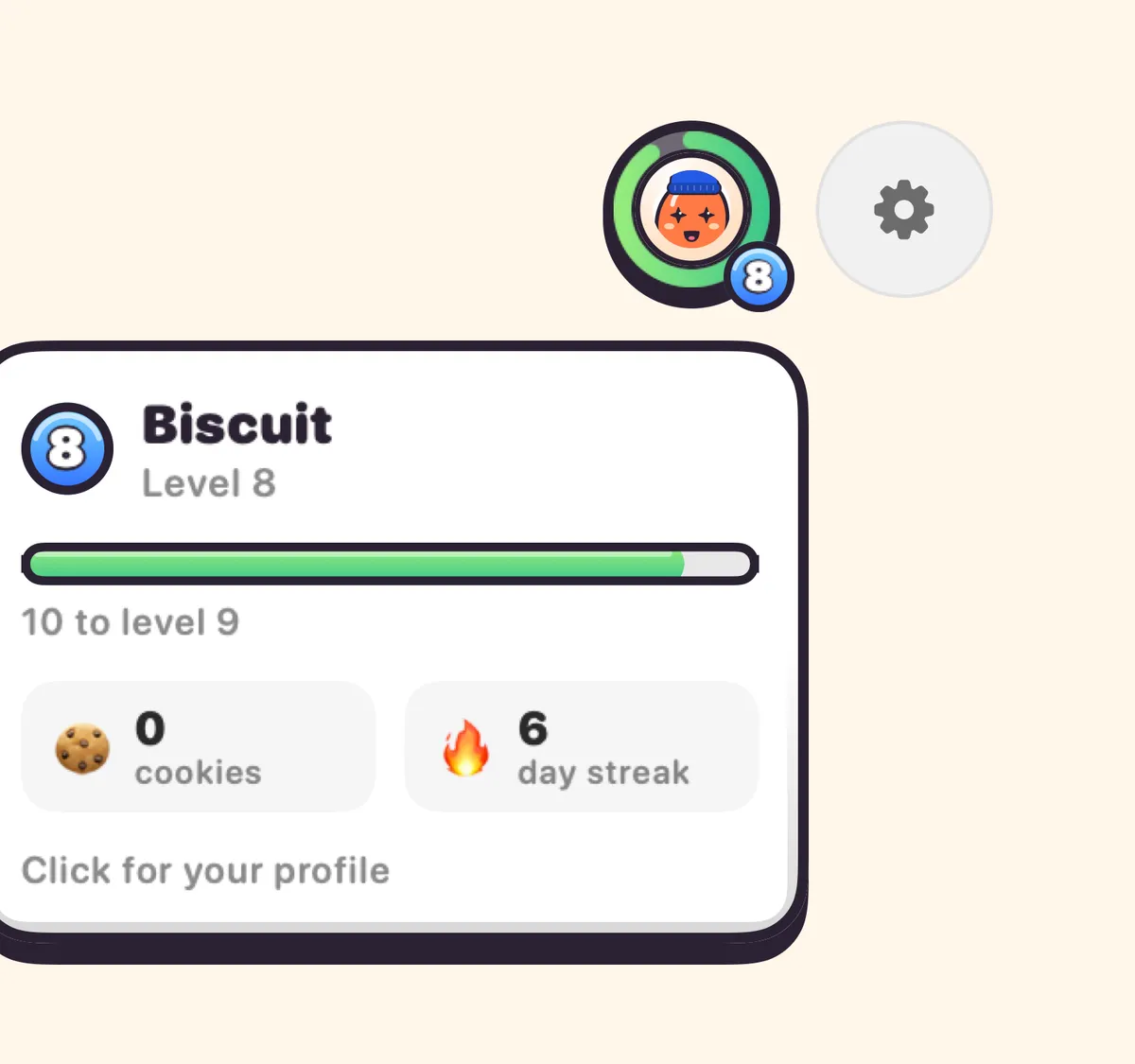
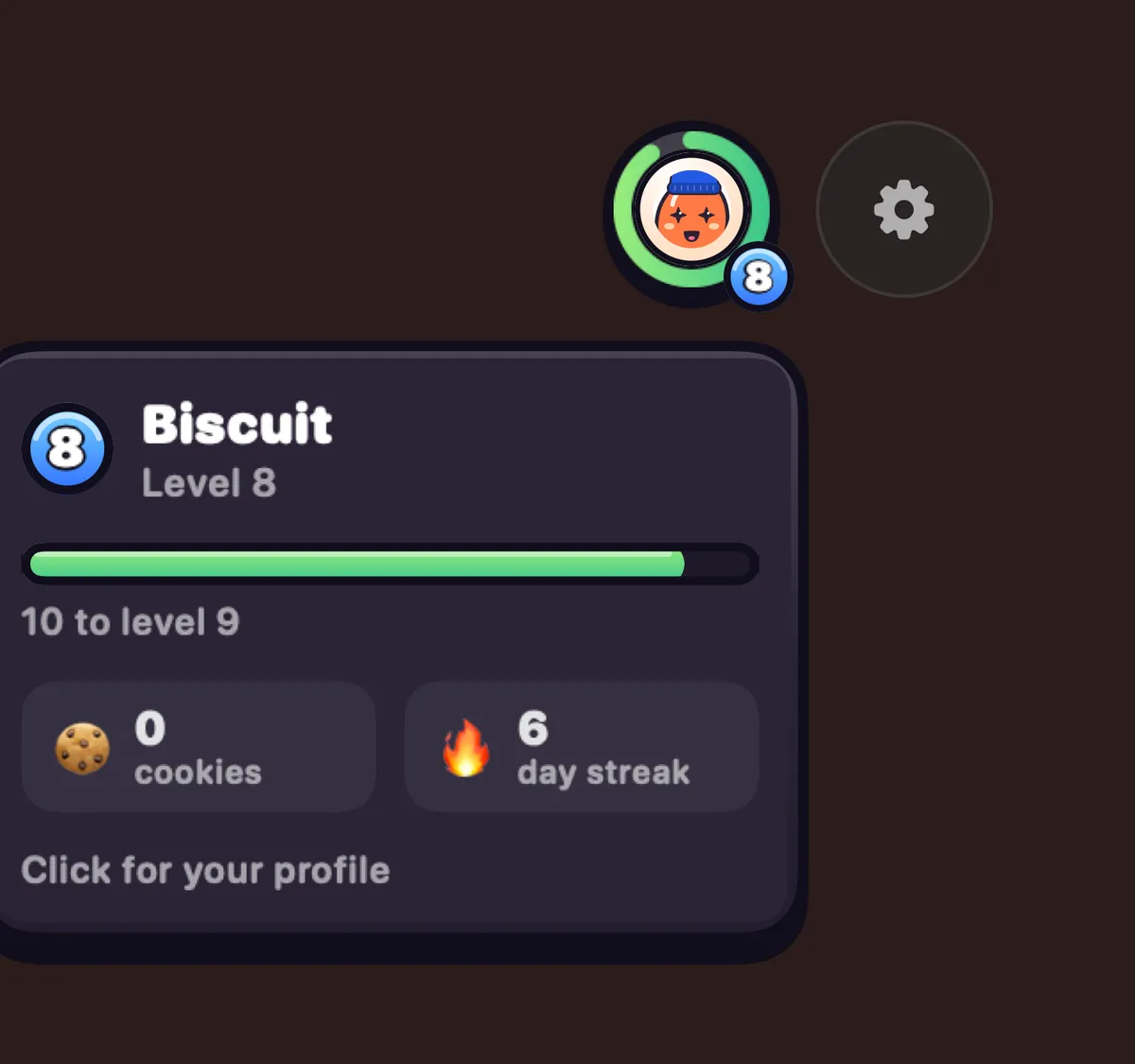
Profile bubble
Your Blip in a ring that fills as you earn points. Hover for level, cookies and streak; click for your closet, achievements and Your Stats.
Daily treat
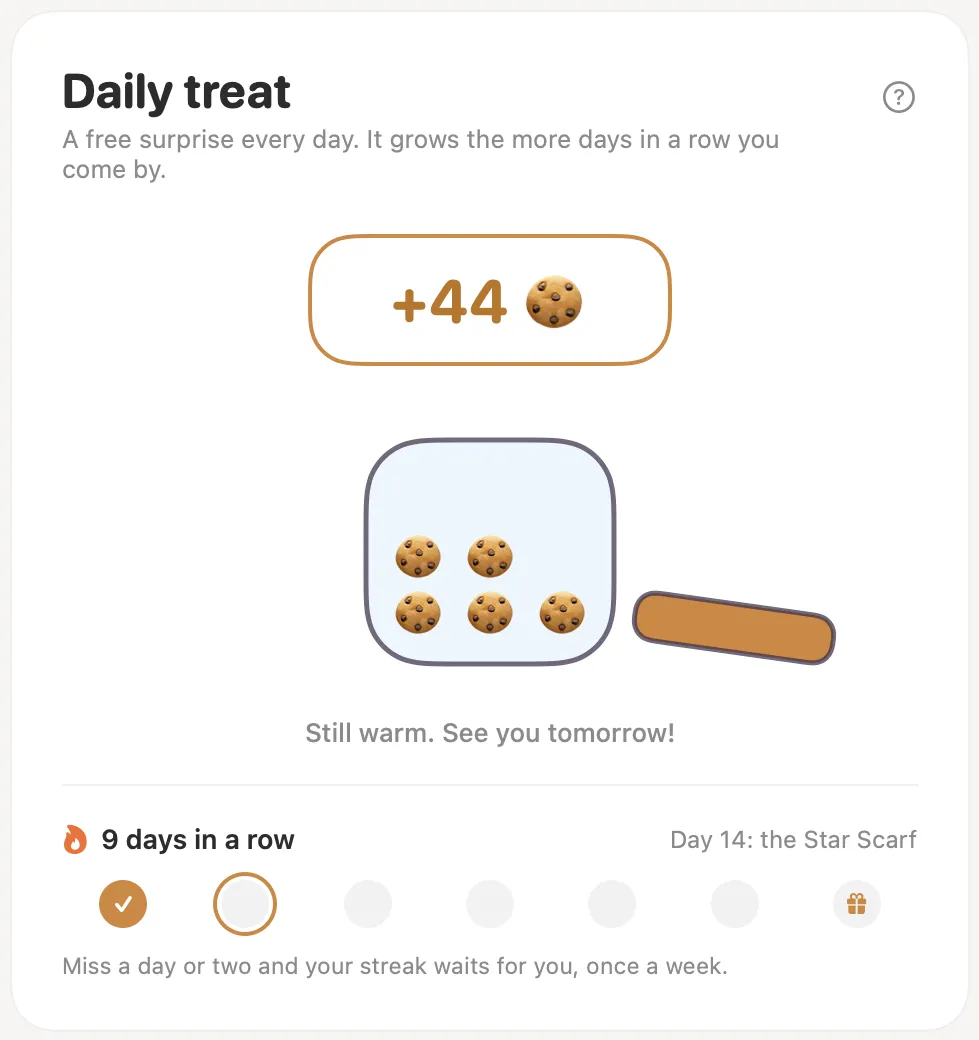
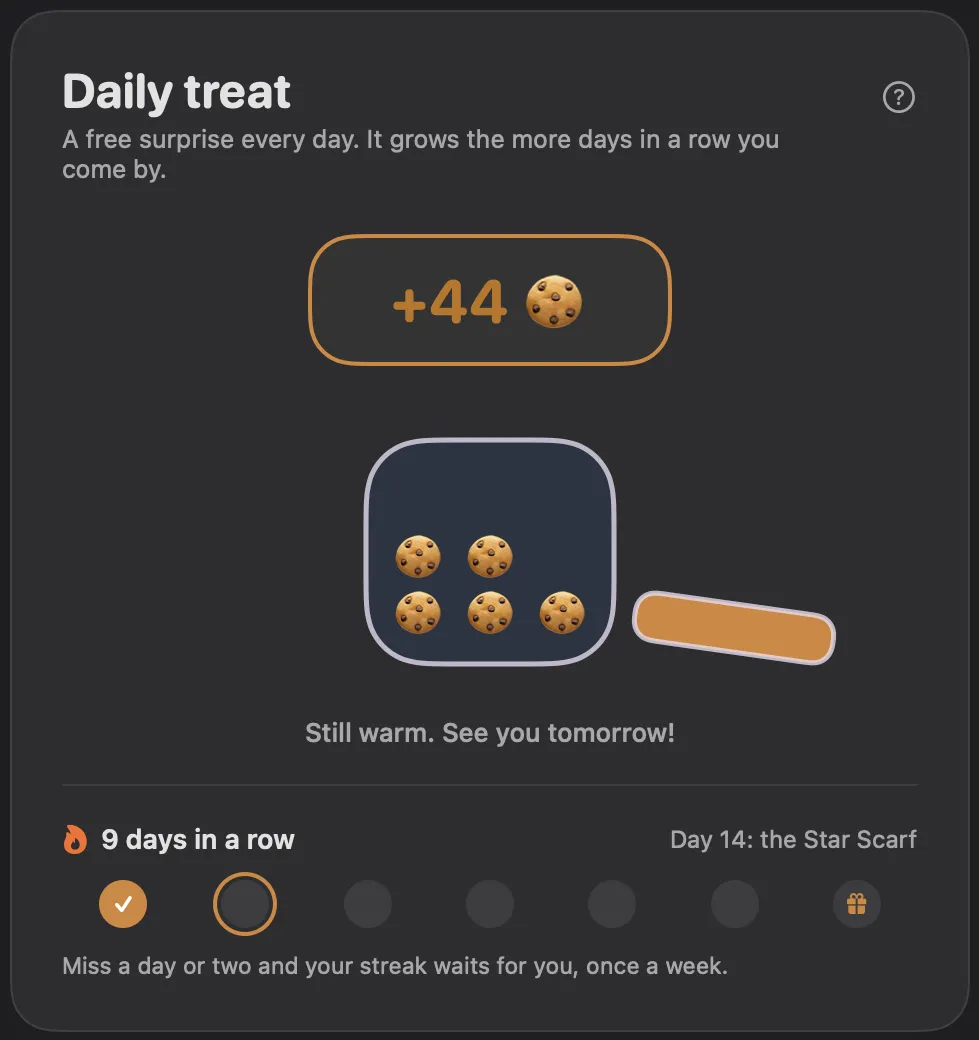
Open one treat a day. Each day in a row adds a little more, days 7, 14 and 30 bring a gift, and a missed day is forgiven once a week.
Achievements
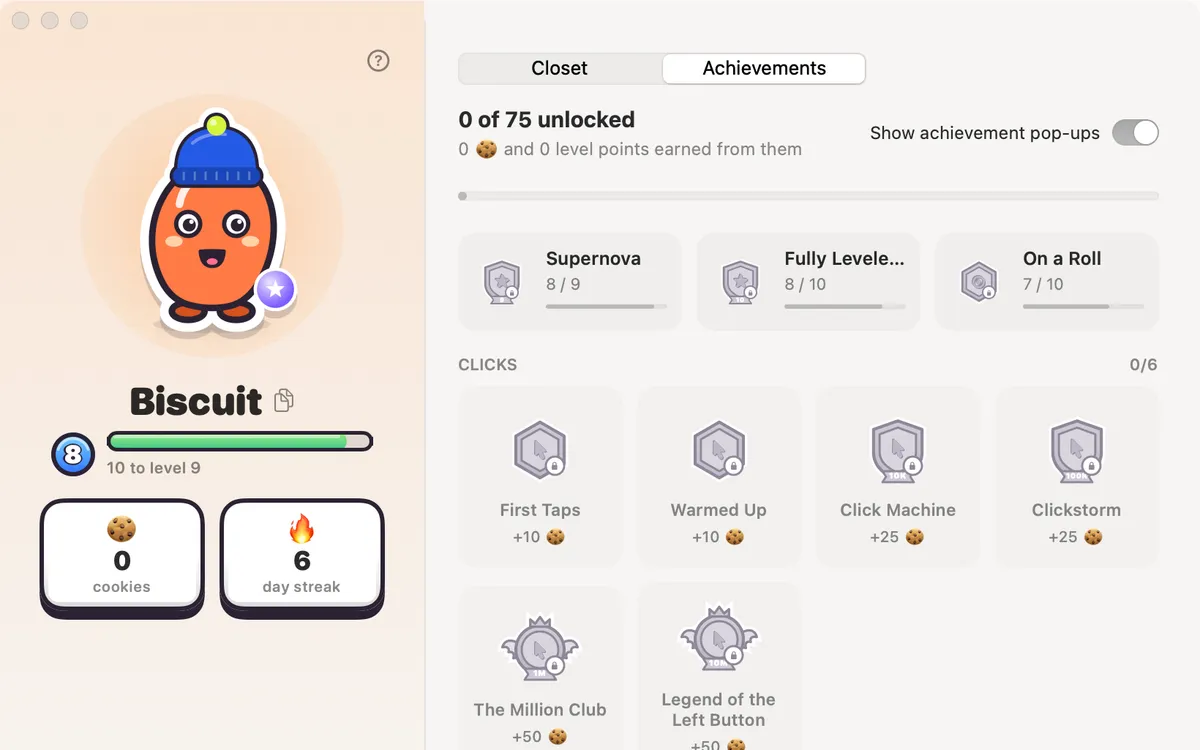
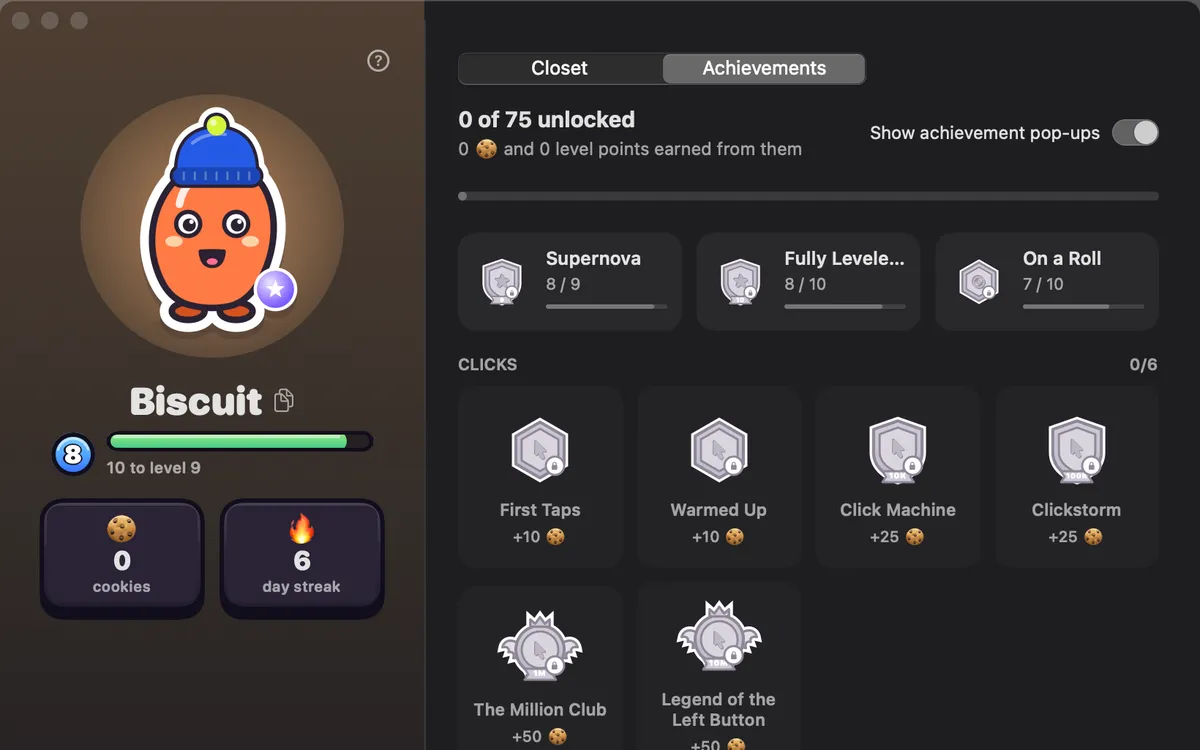
75 achievements for clicks, keys, streaks, making things and more, counted on this Mac. Numbers only, never which keys.
Friends
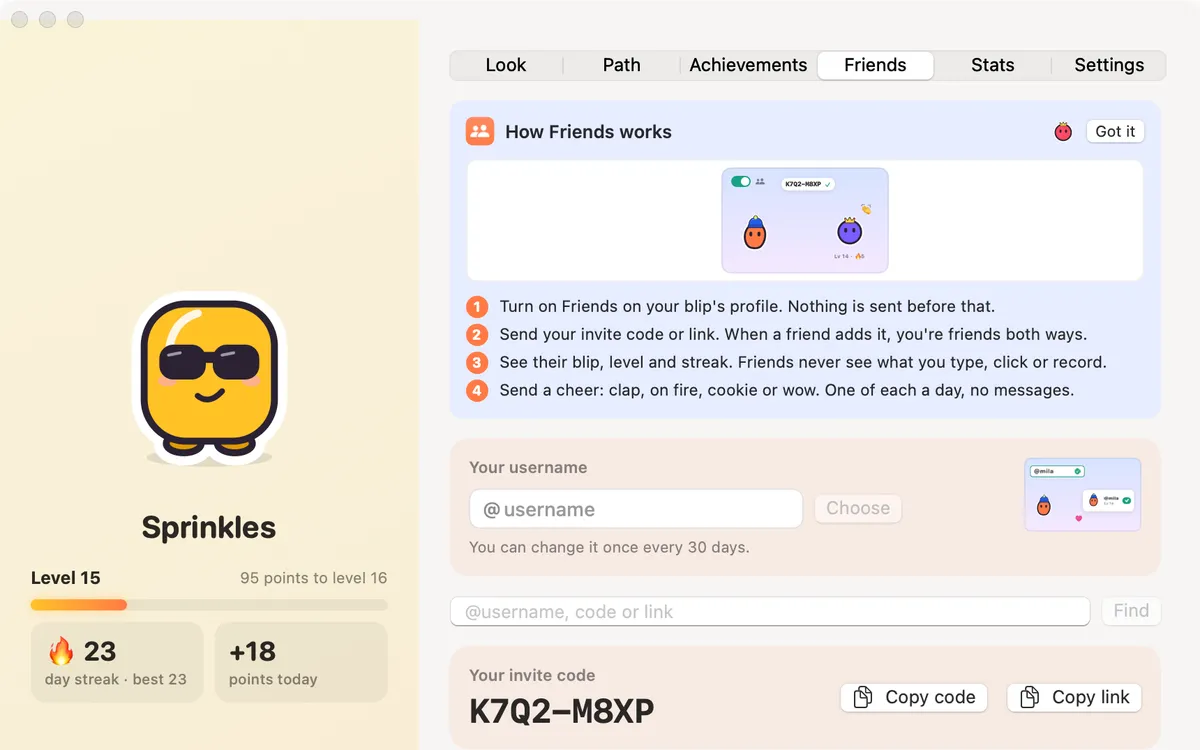
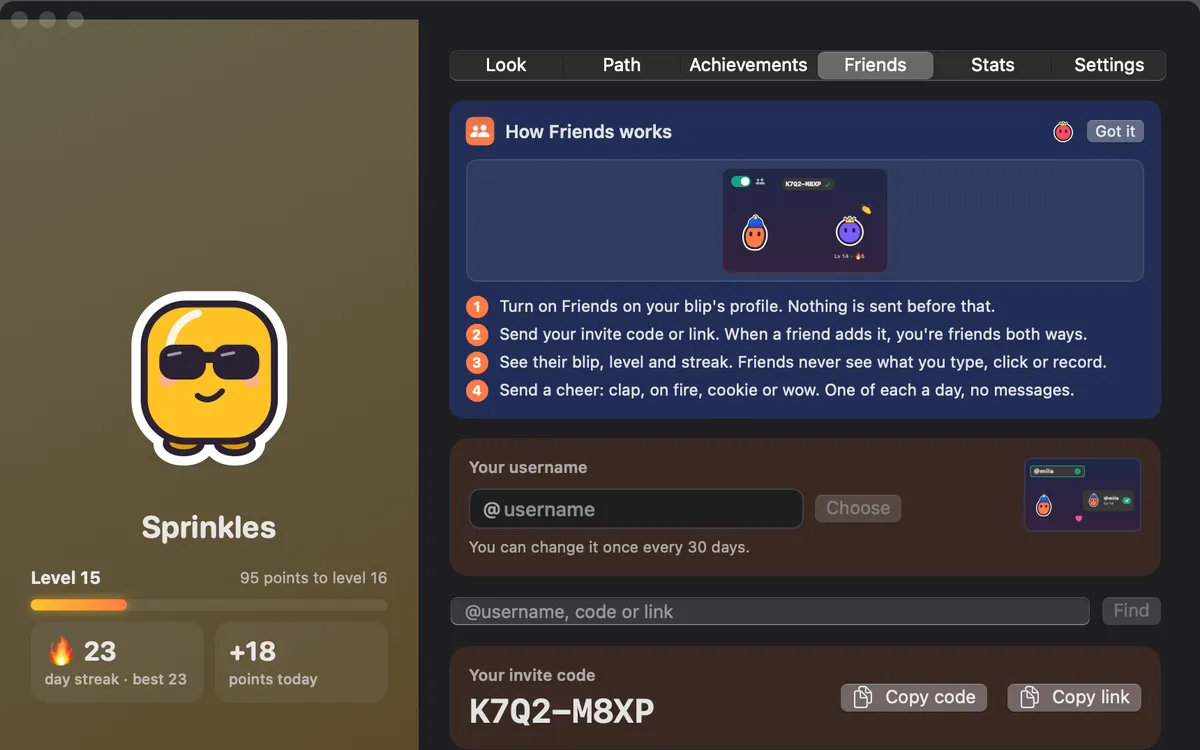
Turn on Friends, add people by @username, invite code or link, and send cheers: clap, on fire, cookie or wow. Nothing is sent before you turn it on.
People
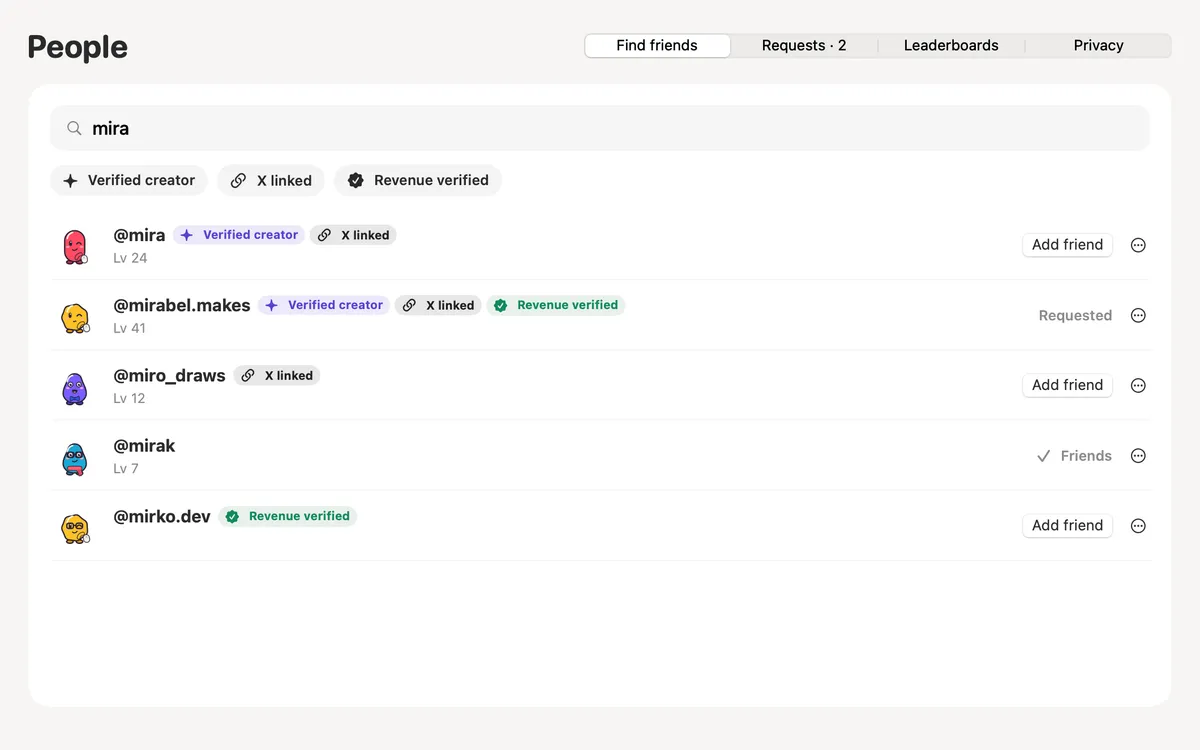
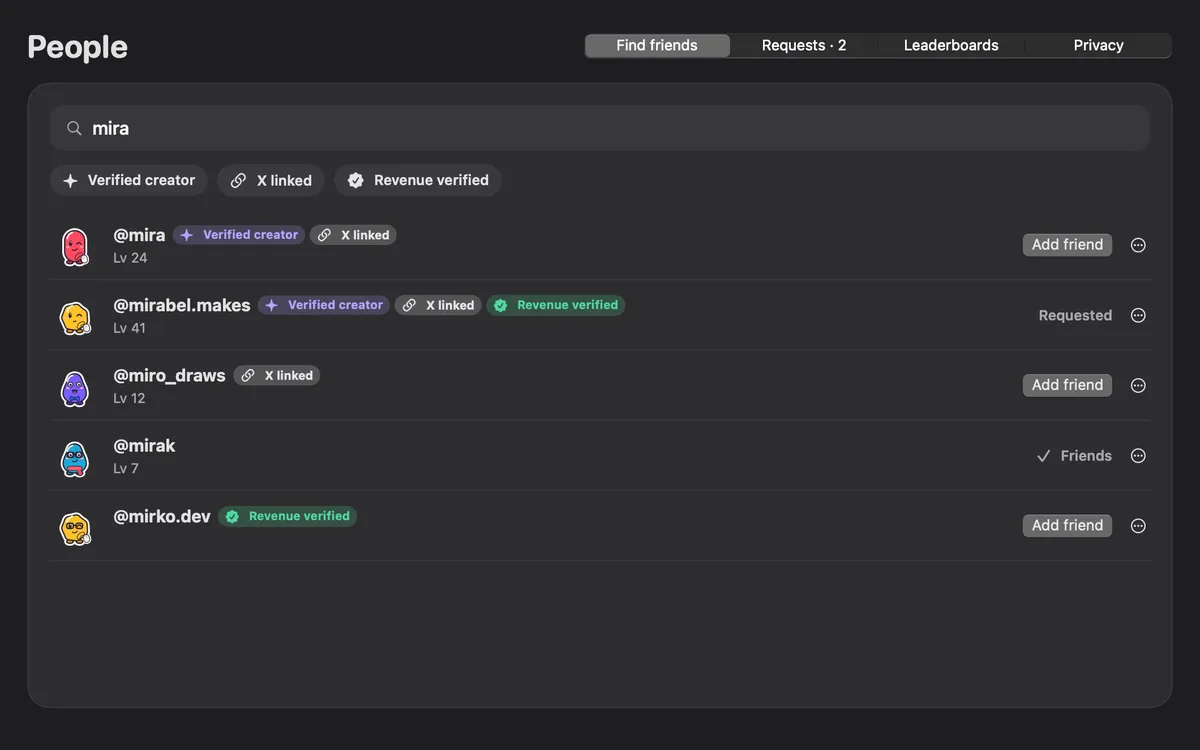
Find friends by @username. With Friends on, you can be found too; turn that off in Privacy. Unfriend, block or report anyone.
Leaderboards
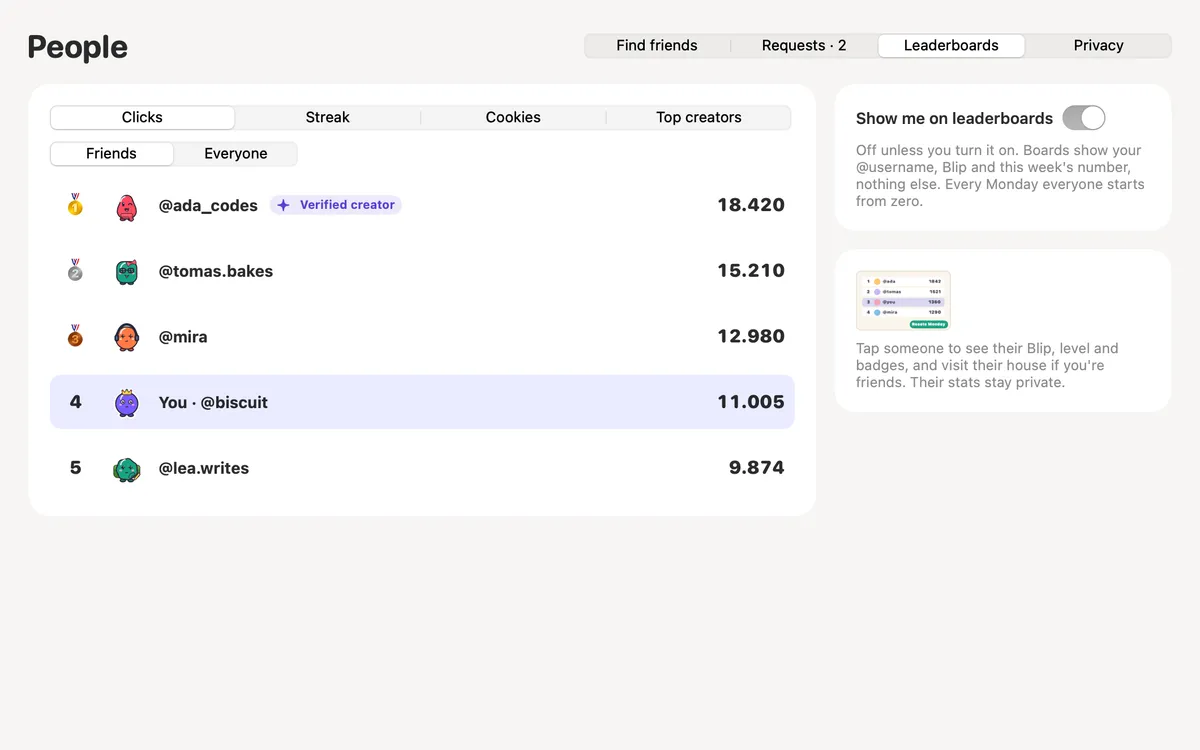
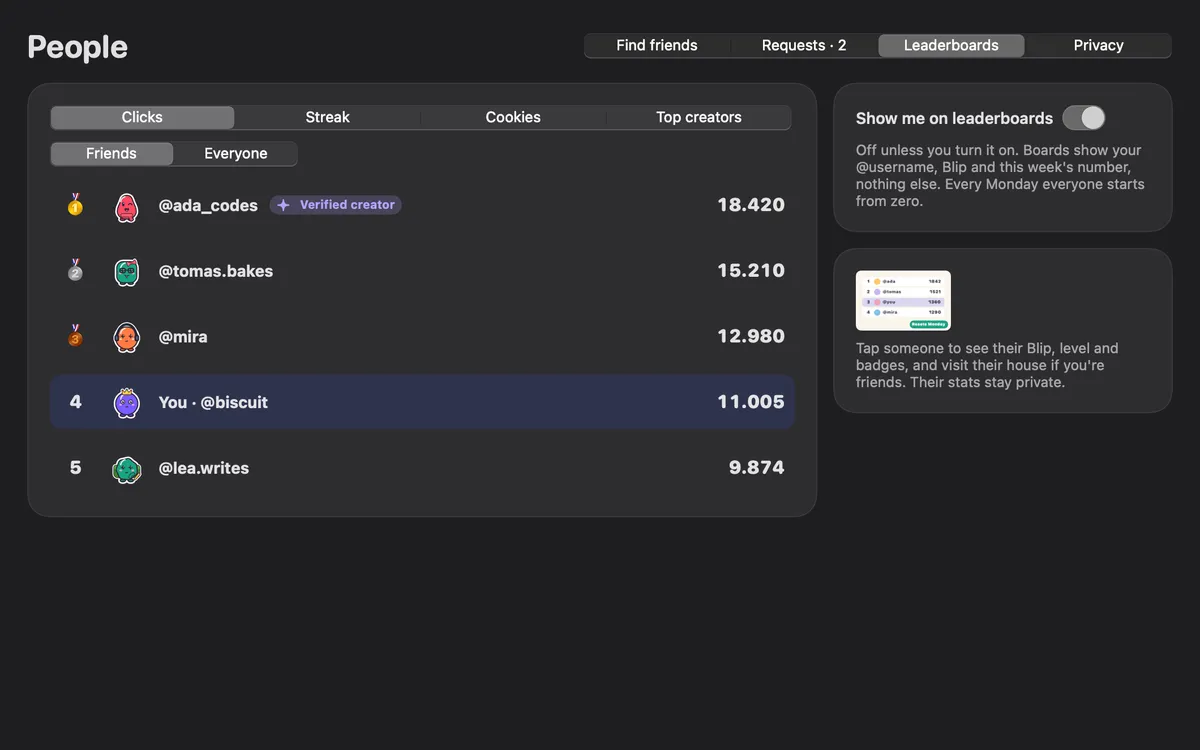
Boards for clicks, streak, cookies and top creators, among friends or everyone. Off until you join; everyone starts from zero each Monday.
Cookie hugs
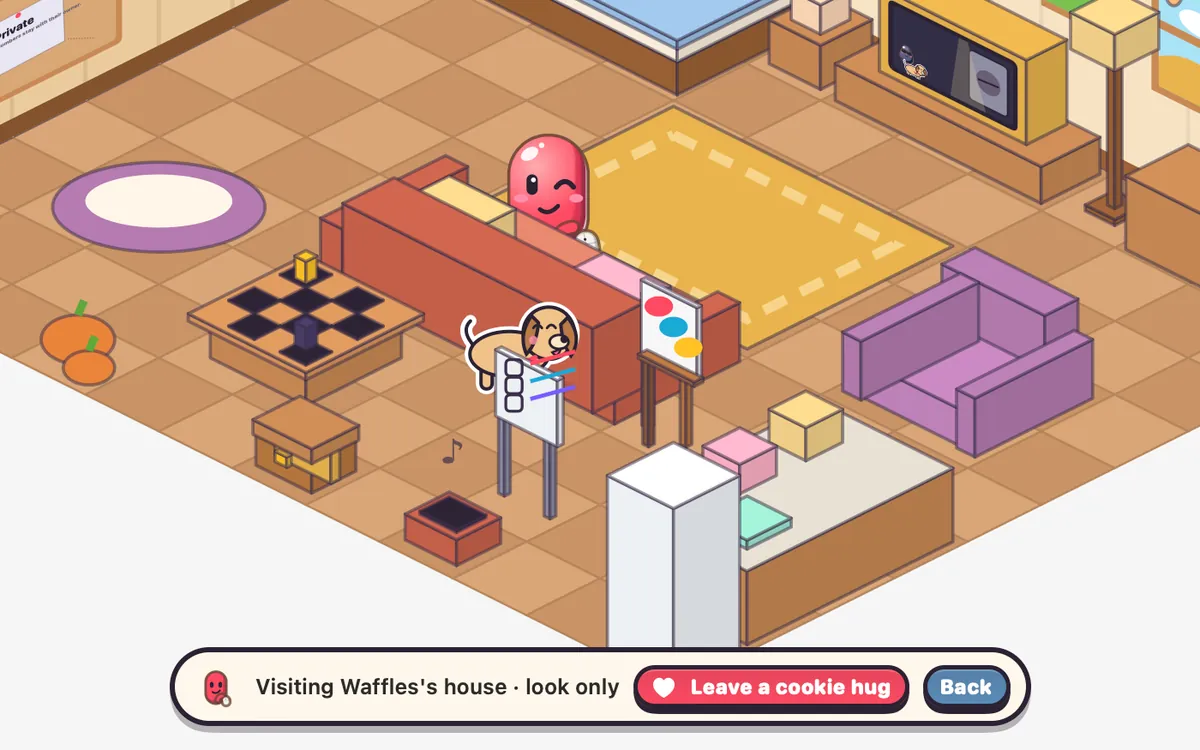
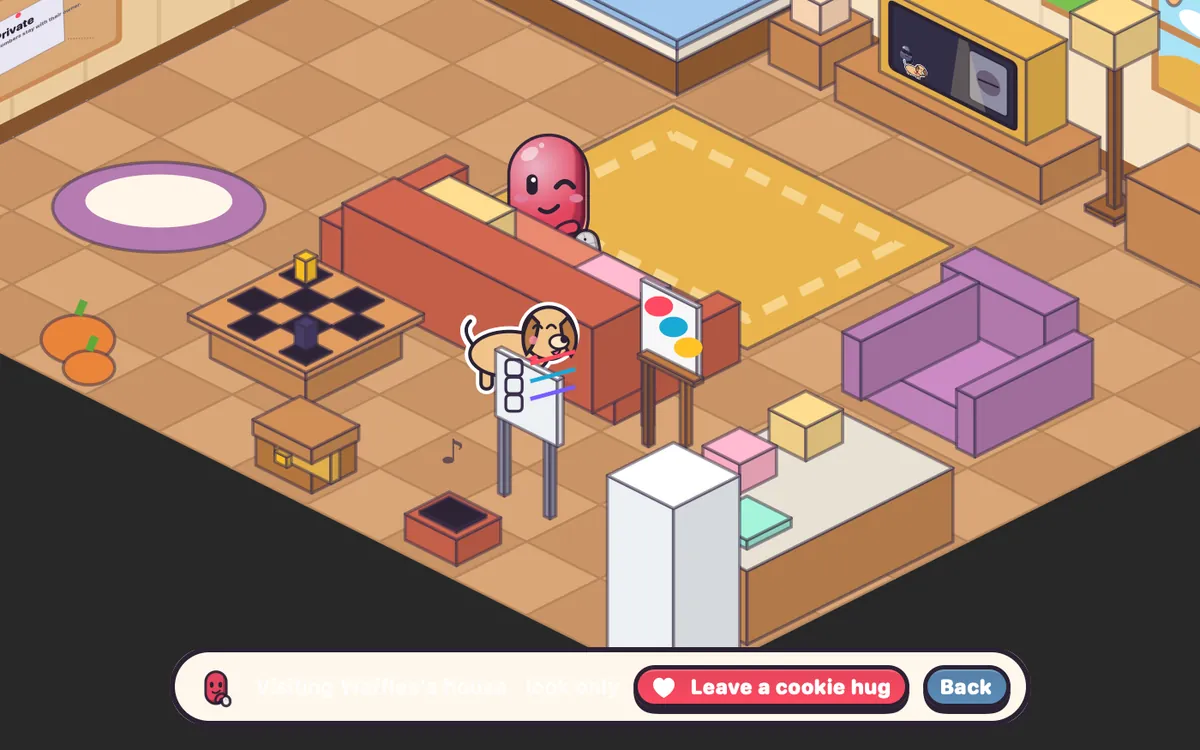
Friends of 7 days or more can leave each other a cookie hug once a day: 10 cookies from Boop’s oven, so nobody’s balance goes down. No trading, no cash-out.
Share rewards
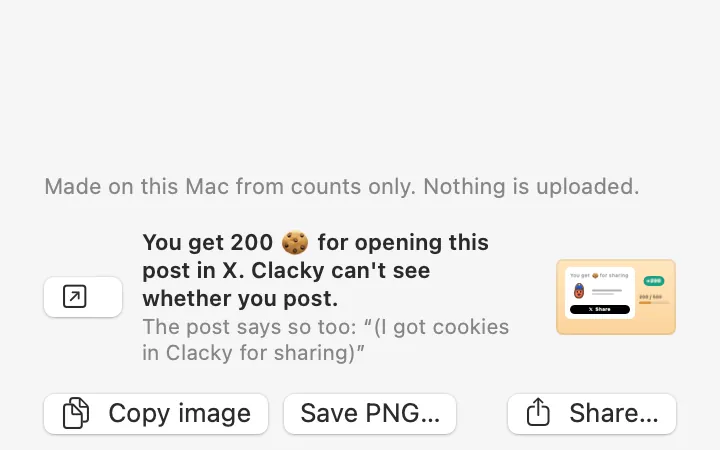
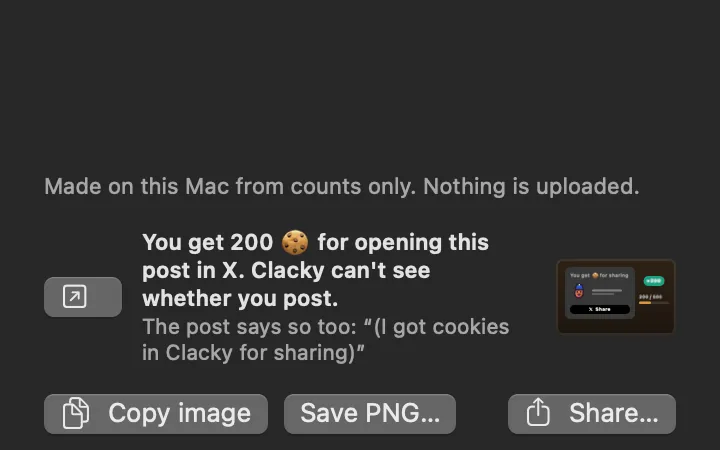
Cookies for sharing your card or a new achievement on X, said plainly in the post. Up to 500 a week.
Blip by the notch
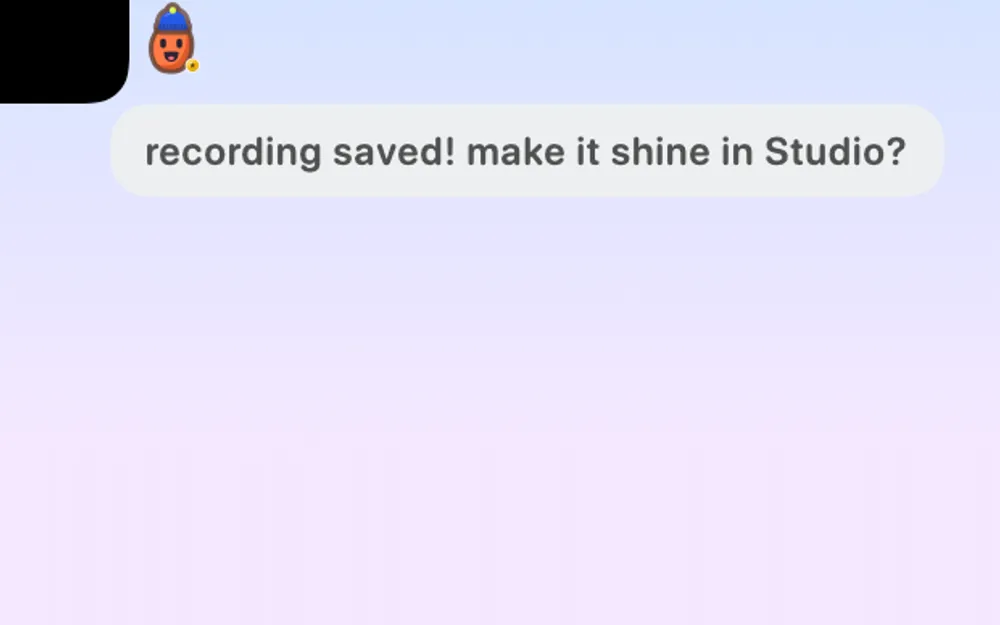
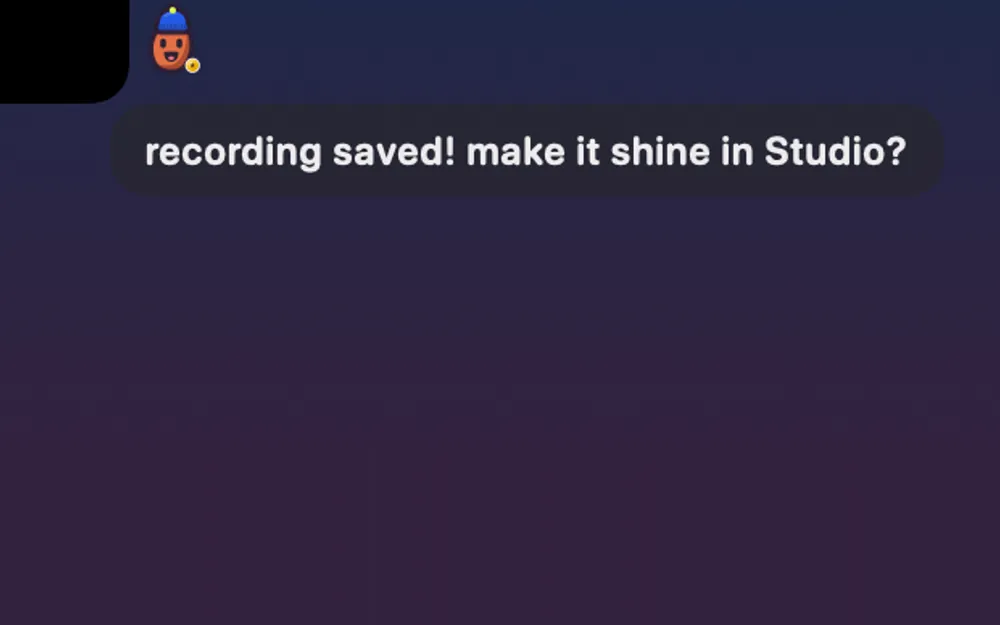
Your Blip sits small beside the notch, blinks now and then, and says one short line when something needs you.
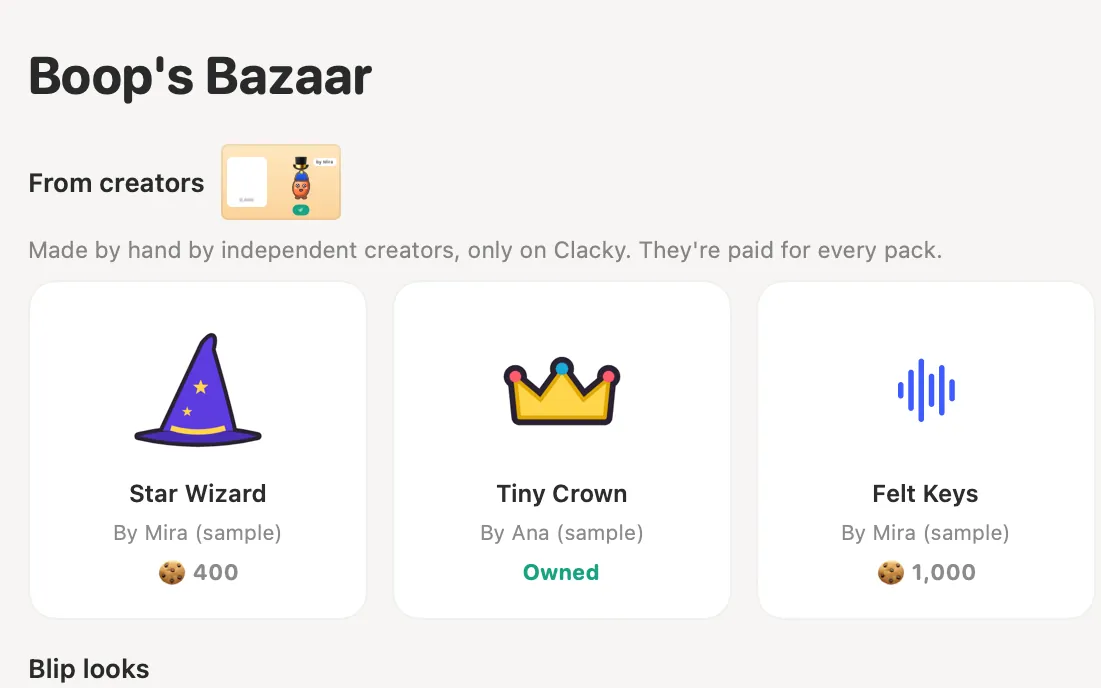
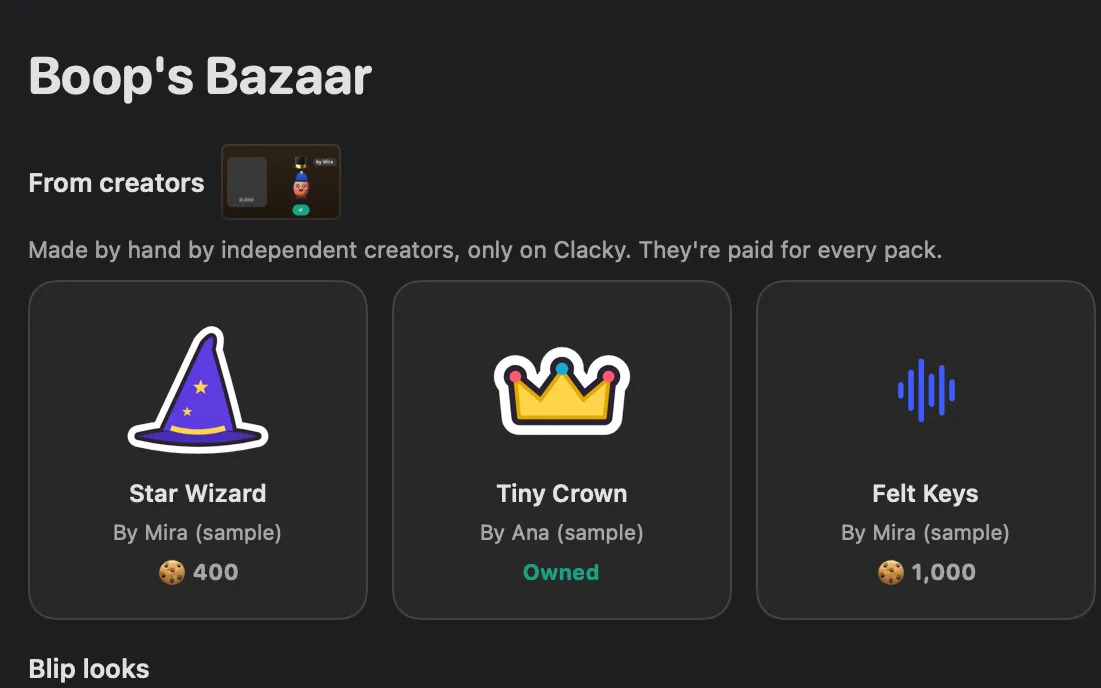
Creator packs Coming soon
Blips, outfits and sounds by independent creators in Boop’s Bazaar, each with its maker’s name.
My Kit: your Clacky at a glance
Sounds, ripples, the notch, the recorder, screenshots and Clackyland, one switch each. Everything works the moment you switch it on.
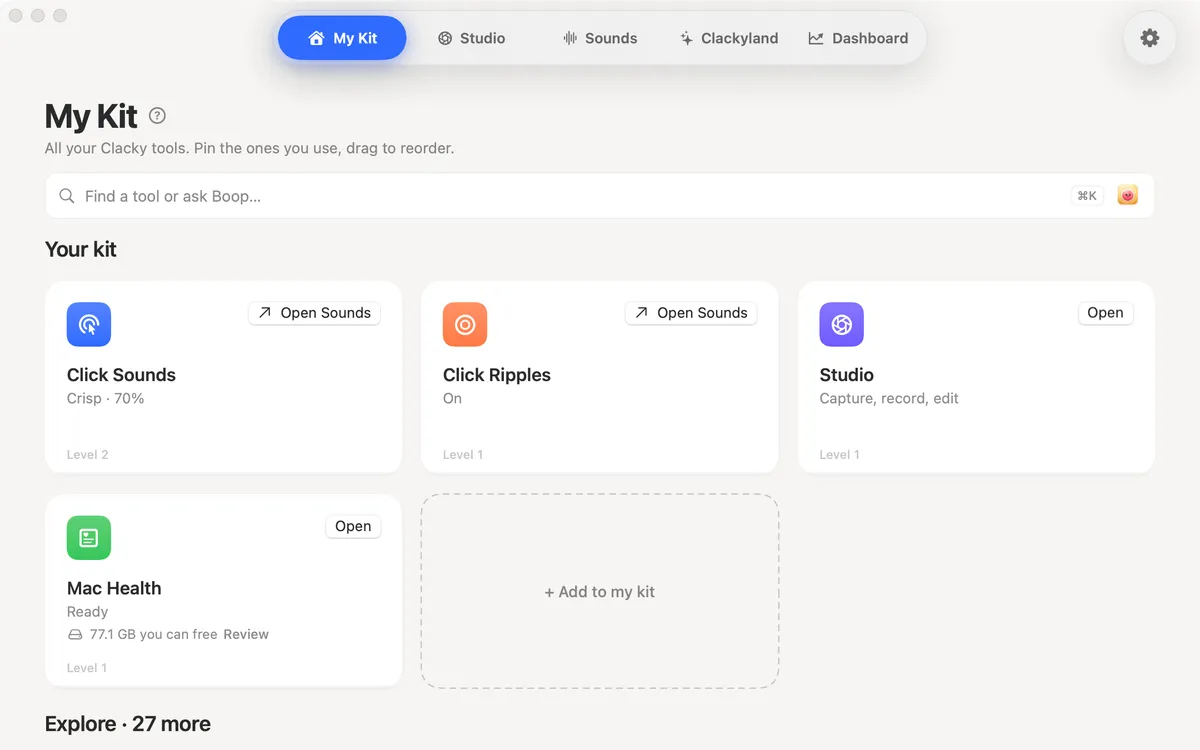
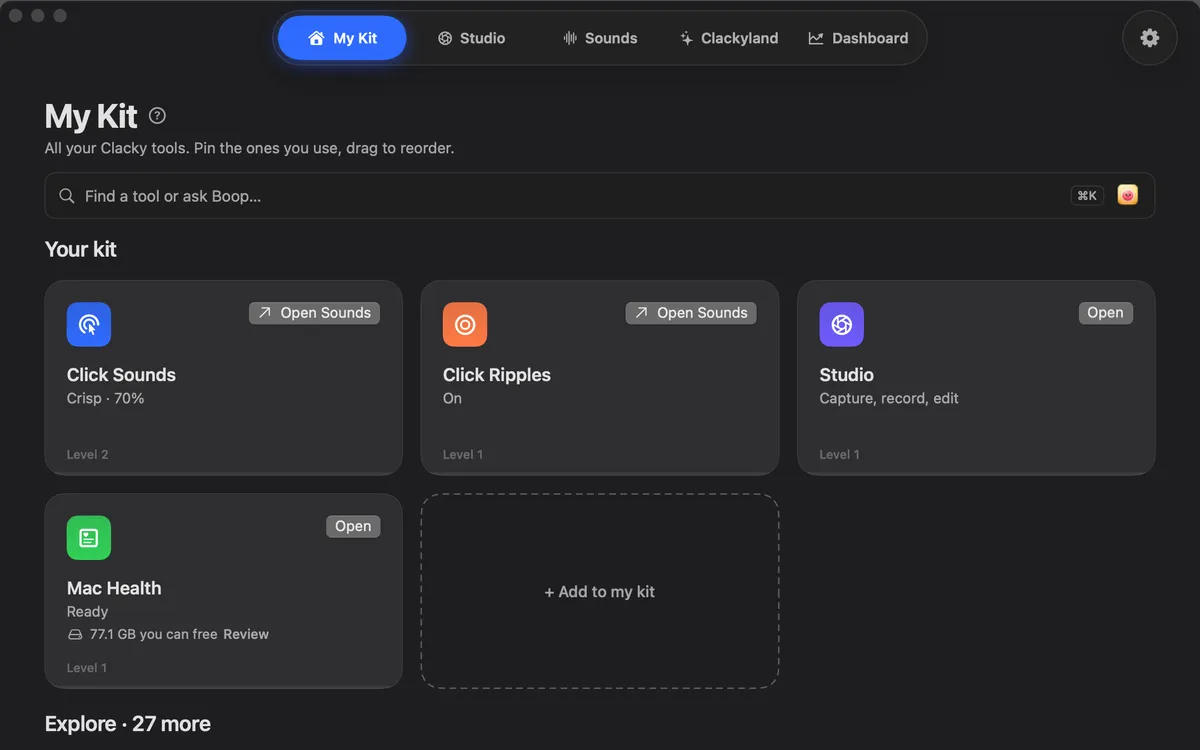
Your kit
Eight tiles on one home, one switch each: Click Sounds, Scroll Ticks, Keyboard Sounds, Click Ripples, Notch, Screen Recorder, Screenshots and Clackyland.
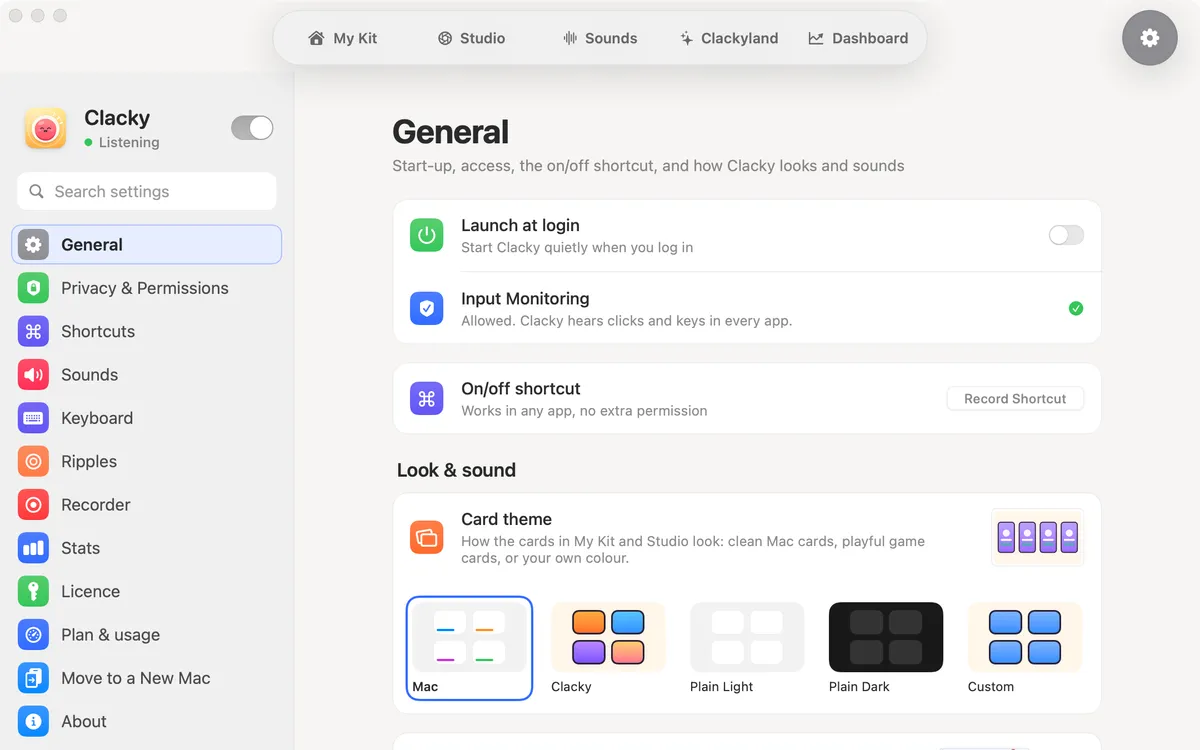
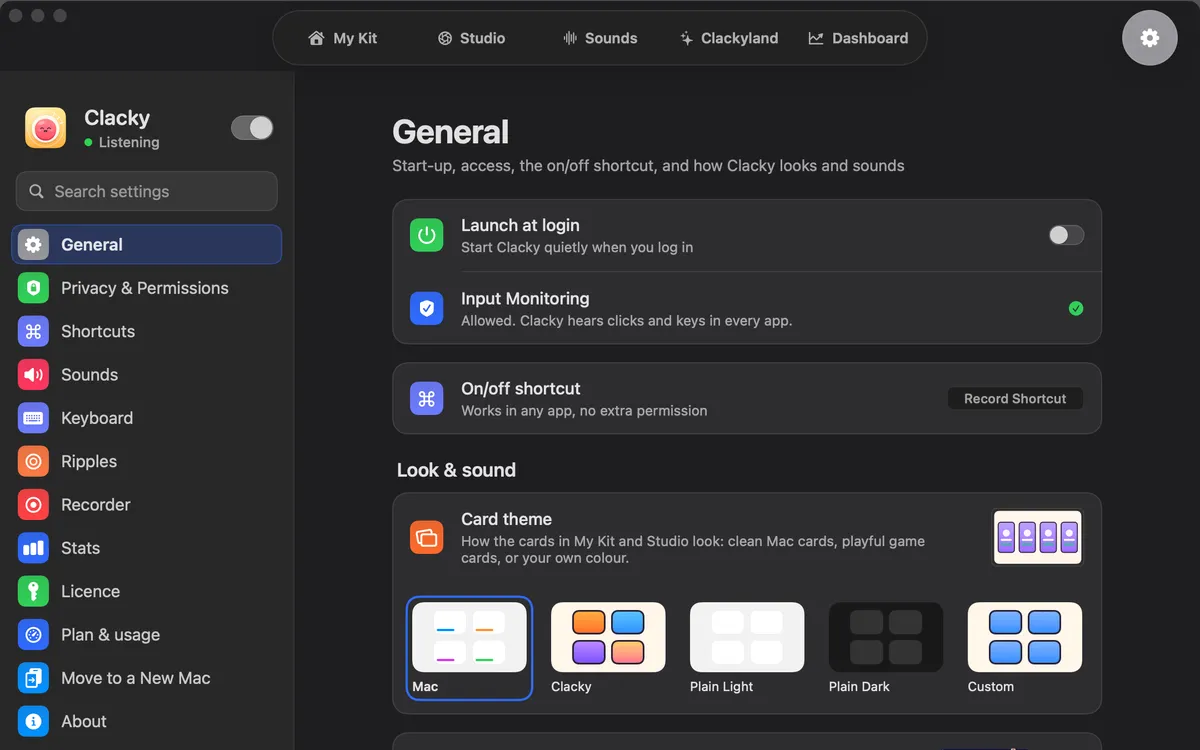
Card looks
Clean Mac cards by default, or colourful game cards with your Blips, Mac Light, Mac Dark, or Custom in one of six accent colours.
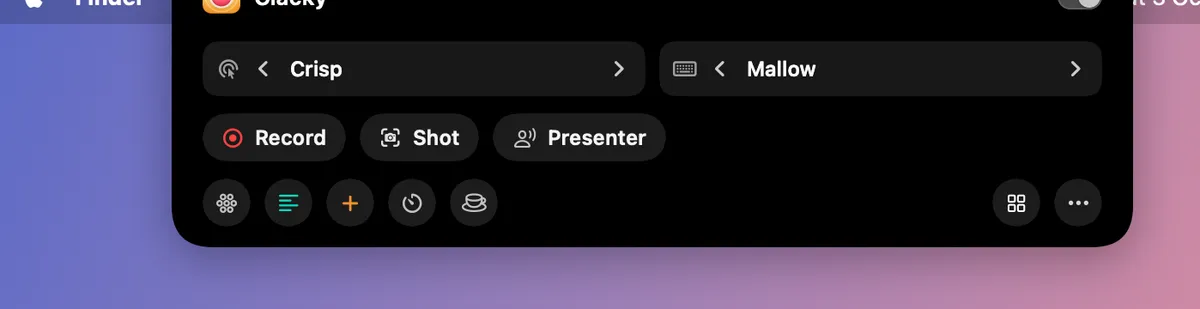
Notch
Clacky’s own notch, with your Blip beside it. Rest on it to see which sound is playing; while you record, Pause and Stop sit there. A drawn notch on screens without one, left out of recordings unless you want it in.
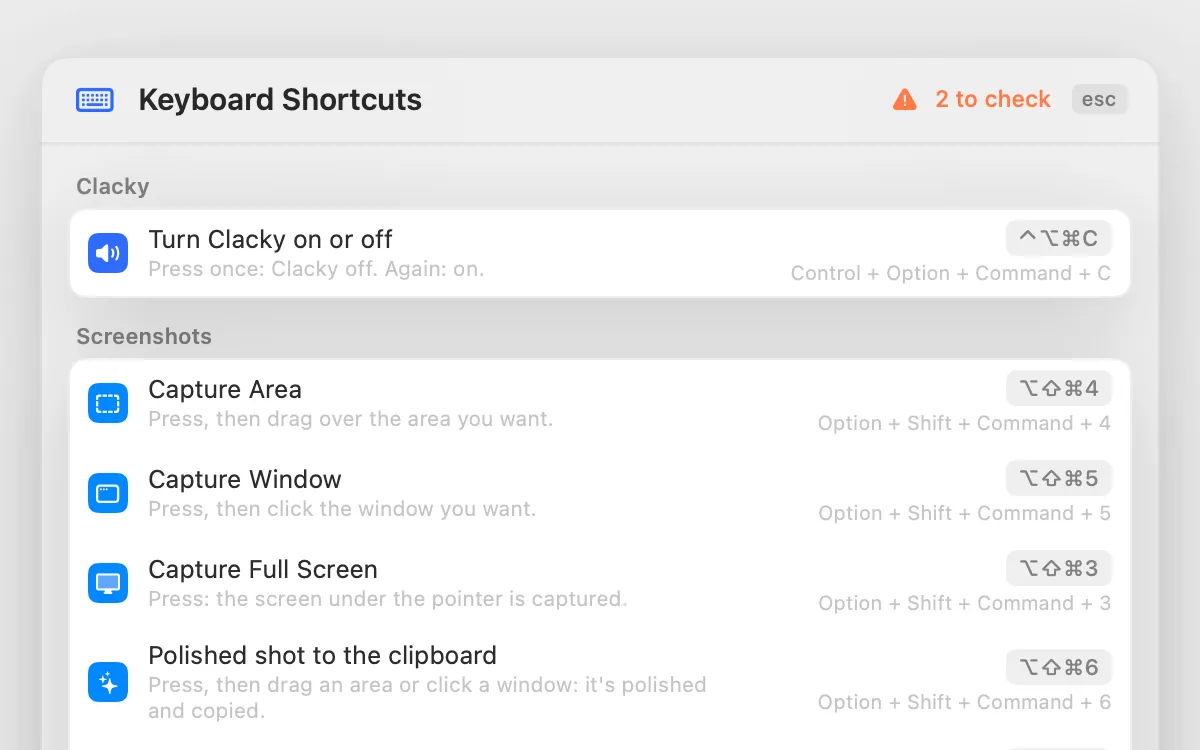
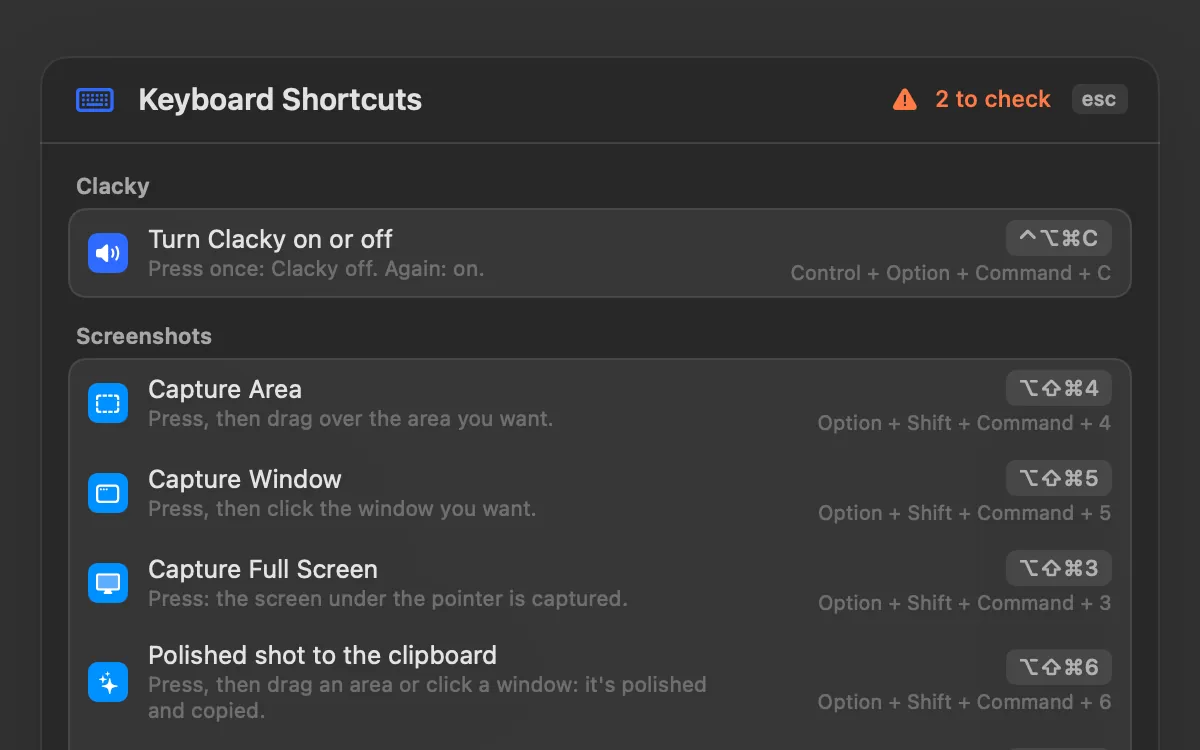
Shortcuts
Every Clacky shortcut in one list. Change any of them; if the keys are taken, Clacky says by whom.
More tools, off until you want them
My Kit also has optional More tools, all off by default: Mac Health, Keep Awake, Mic Mute, Clipboard History, Color Picker, Presenter Mode, Focus Timer, Notes and a few more. Switch on only the ones you want. The features above are the heart of Clacky.
Plans, licence and privacy
Two ways to pay, Monthly or Lifetime, with every feature in both.
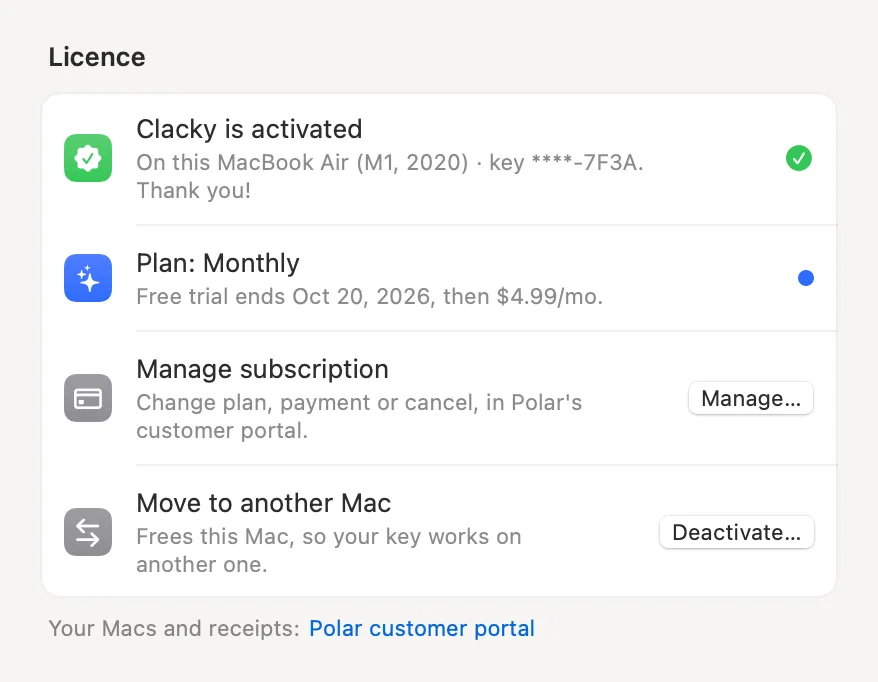
7-day trial
7 days free, with no card and no account. It starts when you first open Clacky. Then $4.99 a month, or $19.99 once.
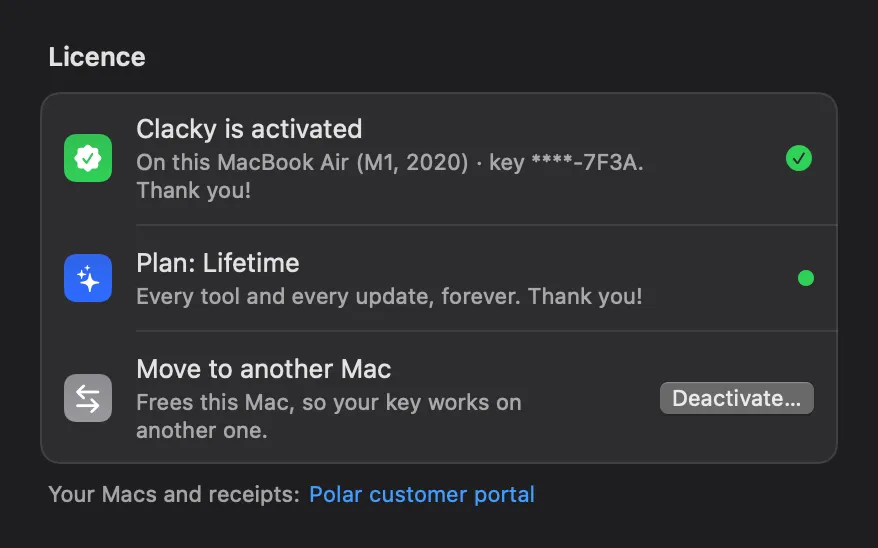
Lifetime
Everything, yours for good, $19.99 once. Bought directly, no trial, with a 7-day refund.
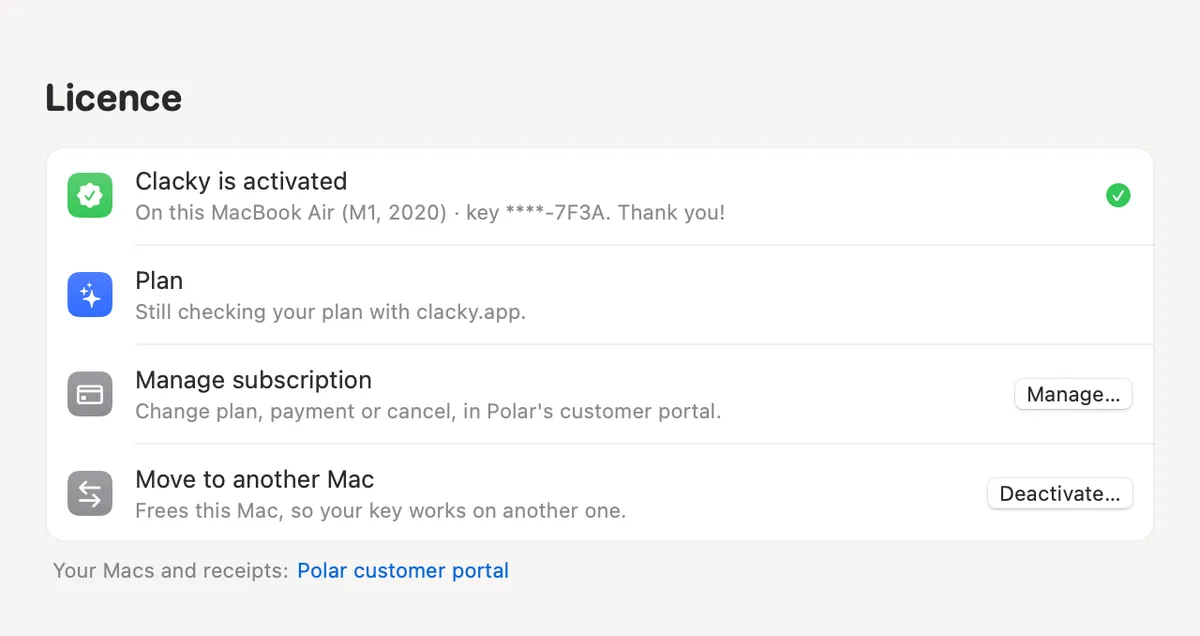
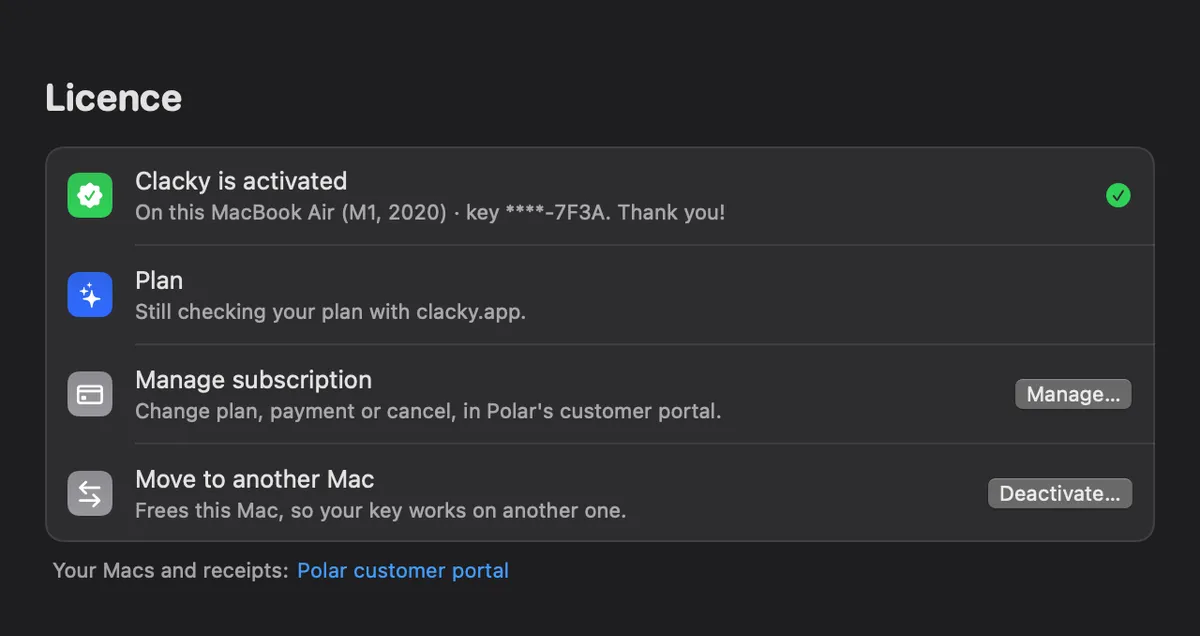
Two Macs
One licence works on 2 Macs. Clacky runs on macOS 13 or later; the recorder needs macOS 15, the screenshot studio macOS 14.
Privacy
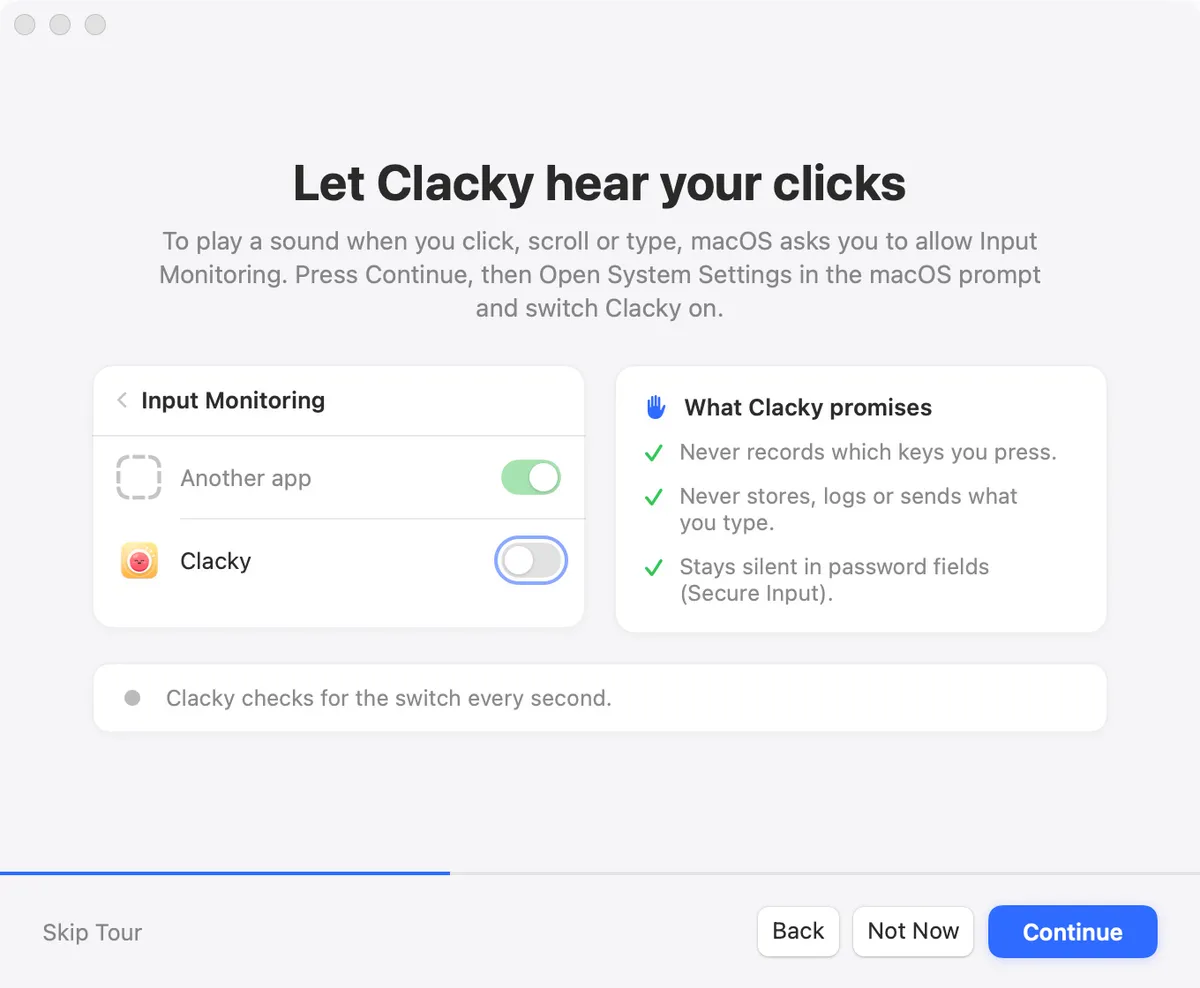
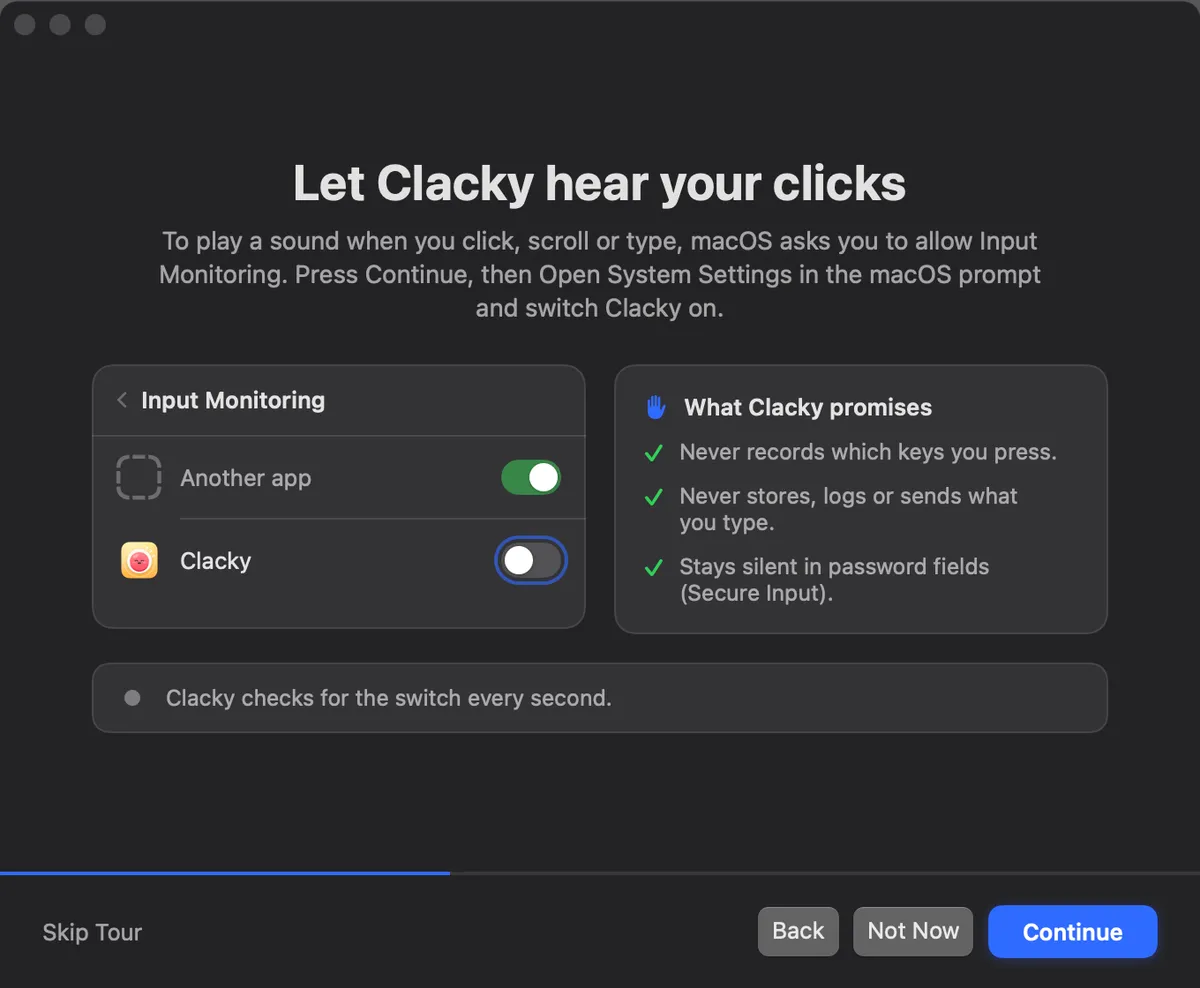
Keyboard sounds listen for key down and up only and never record, store or send which keys you type, and Clacky respects Secure Input. Screenshots, recordings and captions stay on your Mac. Anonymous usage stats you can switch off.
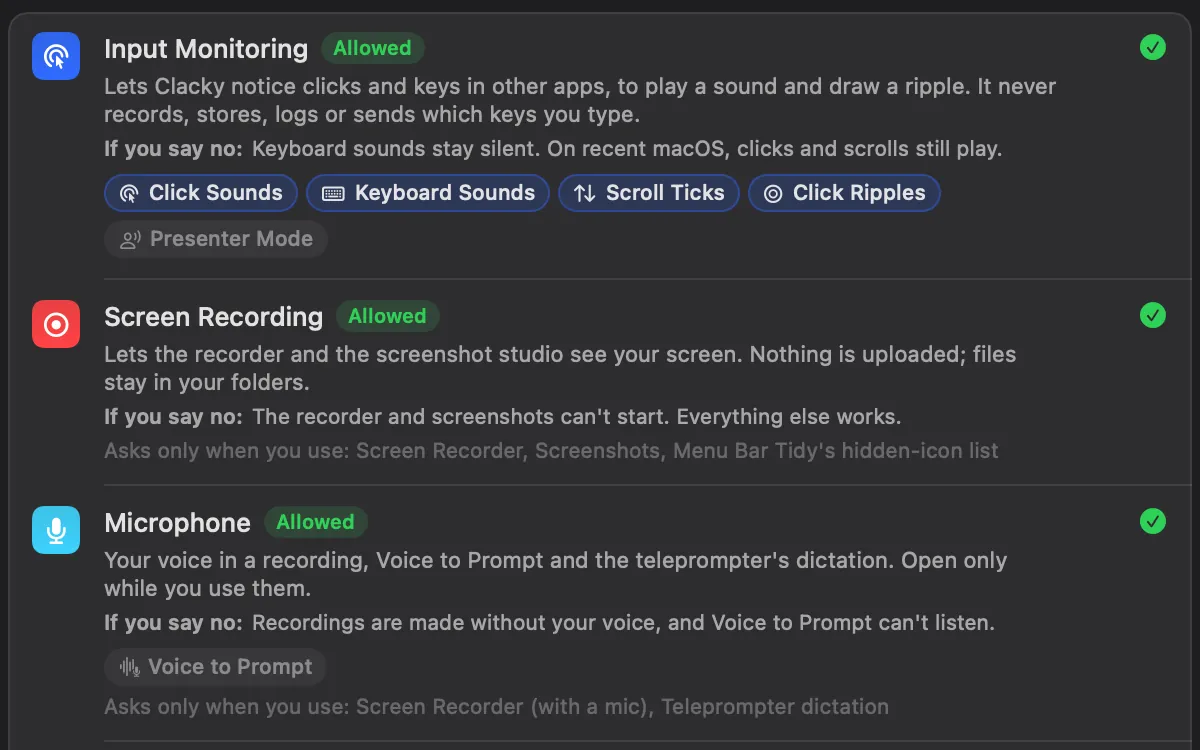
Permissions, explained
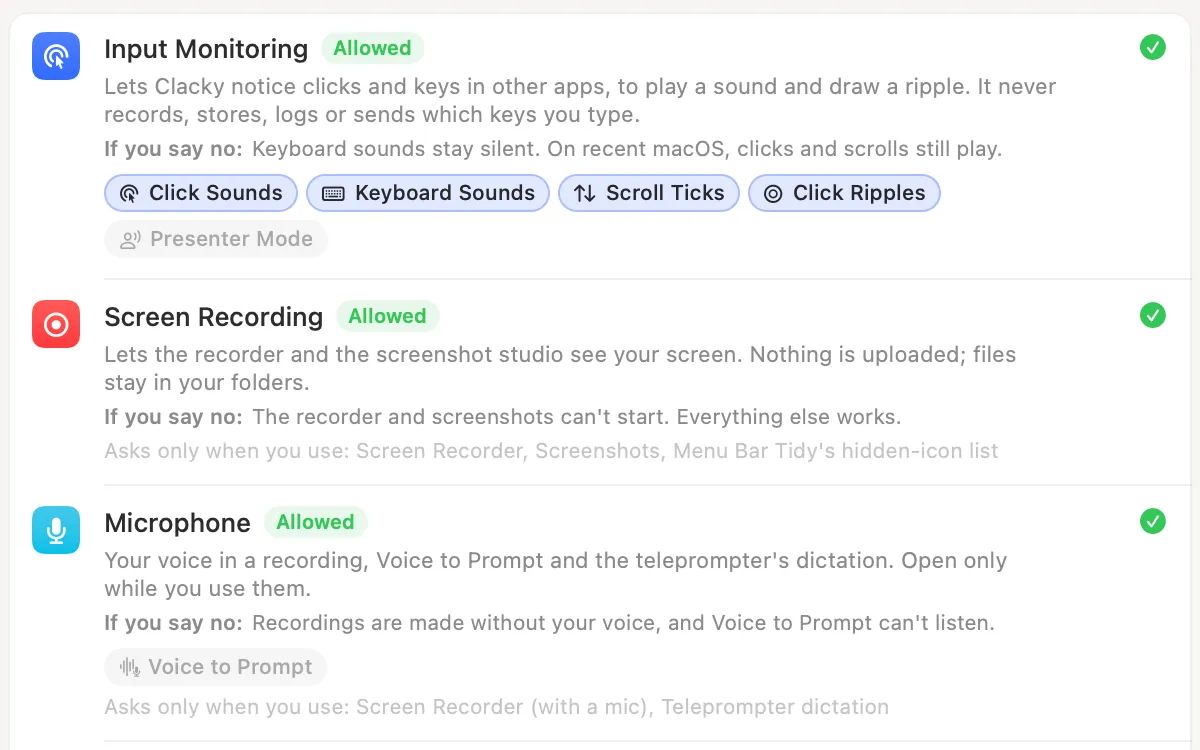
Every permission in one list: why Clacky asks, what happens if you say no, and which of your tools use it right now.
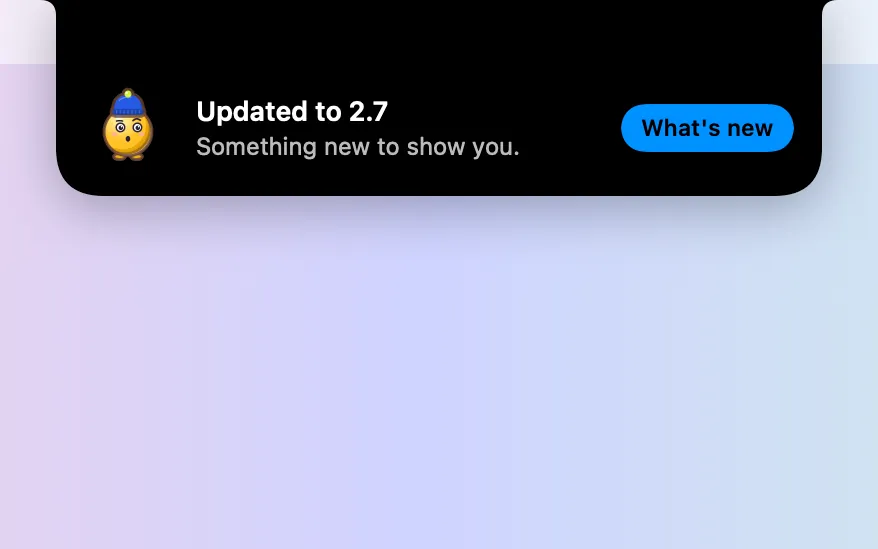
Quiet updates
Updates download in the background and install when you’ve been away and nothing is recording, shared or in a call.
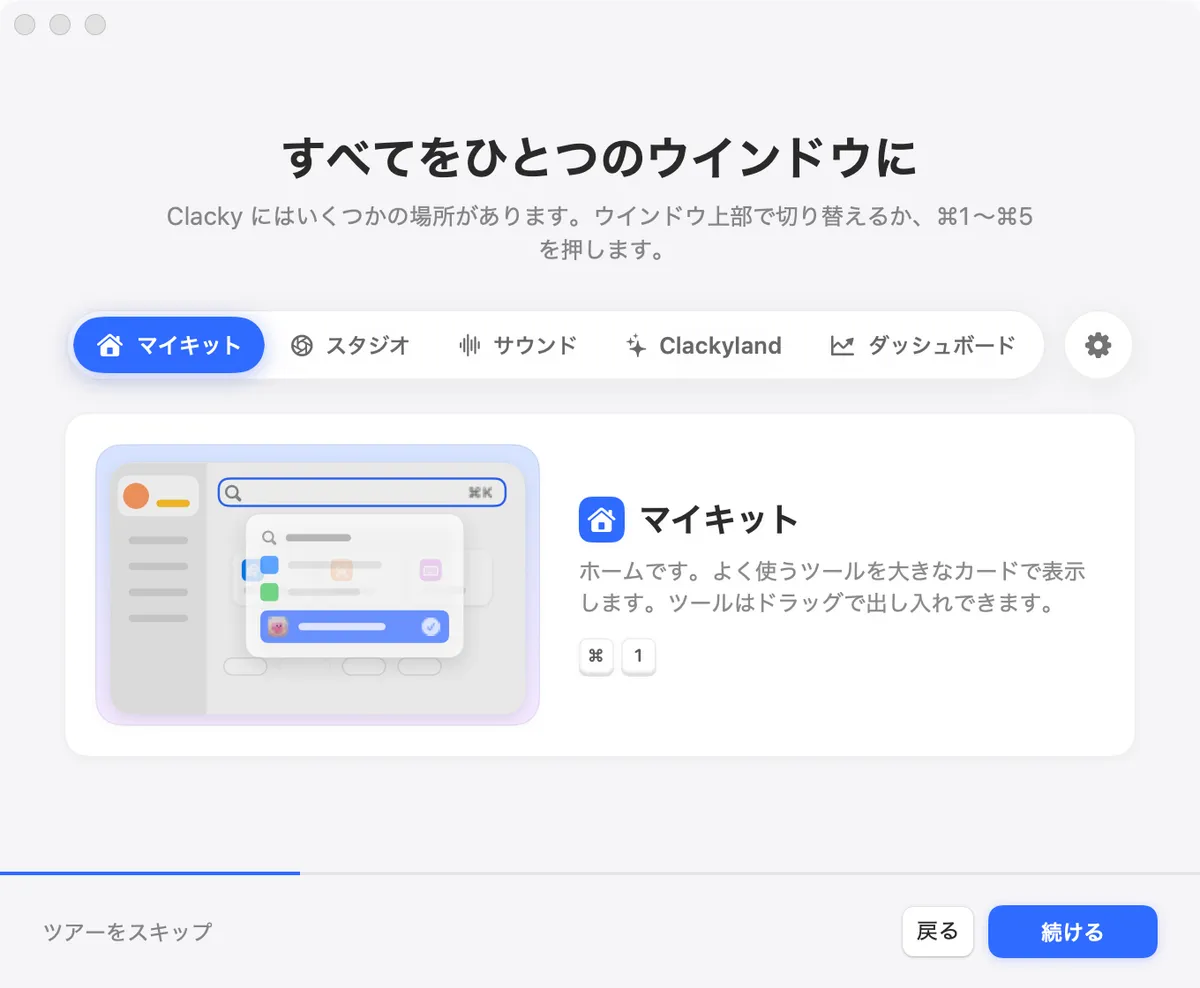
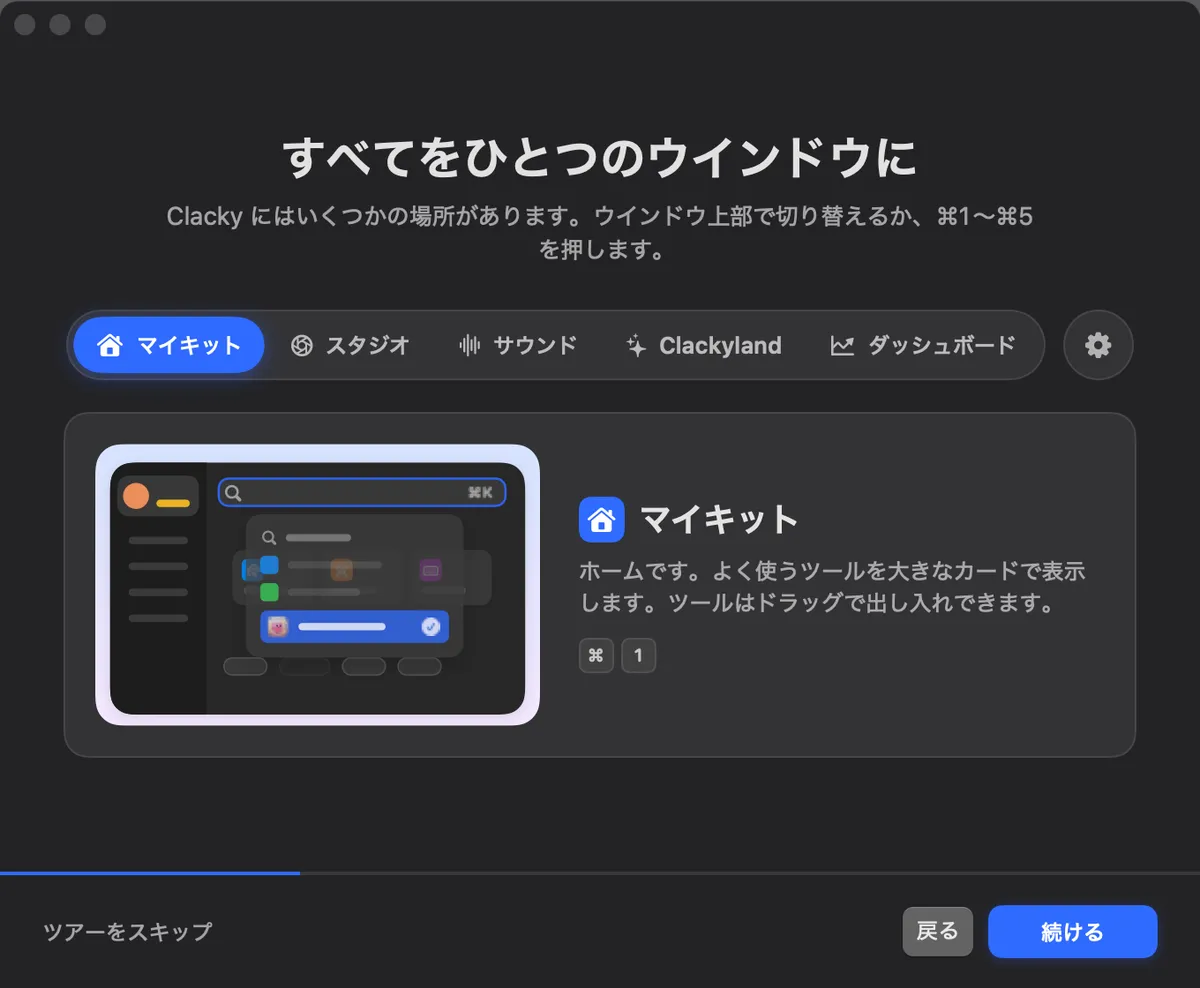
14 languages
The app speaks English, Spanish, German, French, Portuguese, Japanese, Hindi, Italian, Dutch, Korean, Chinese (two scripts), Bengali and Tamil.
Build with Clacky
For people who make things for Clacky, or want to reach people who make things on their Mac.
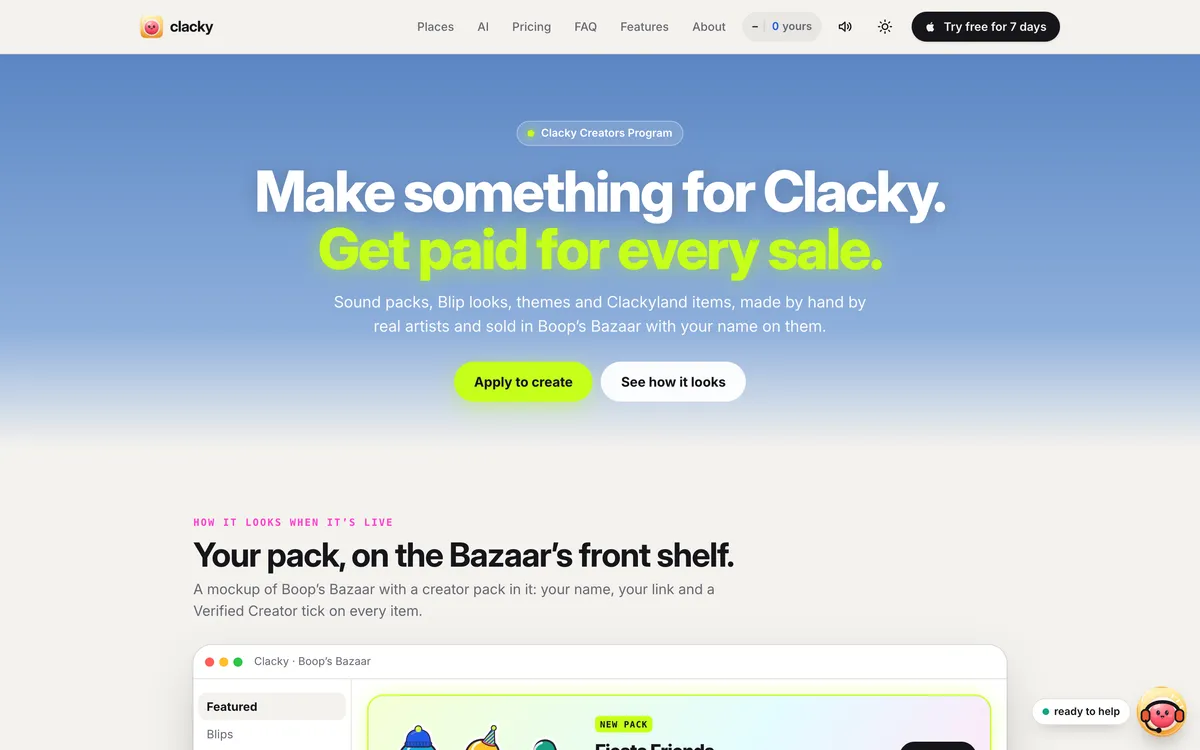
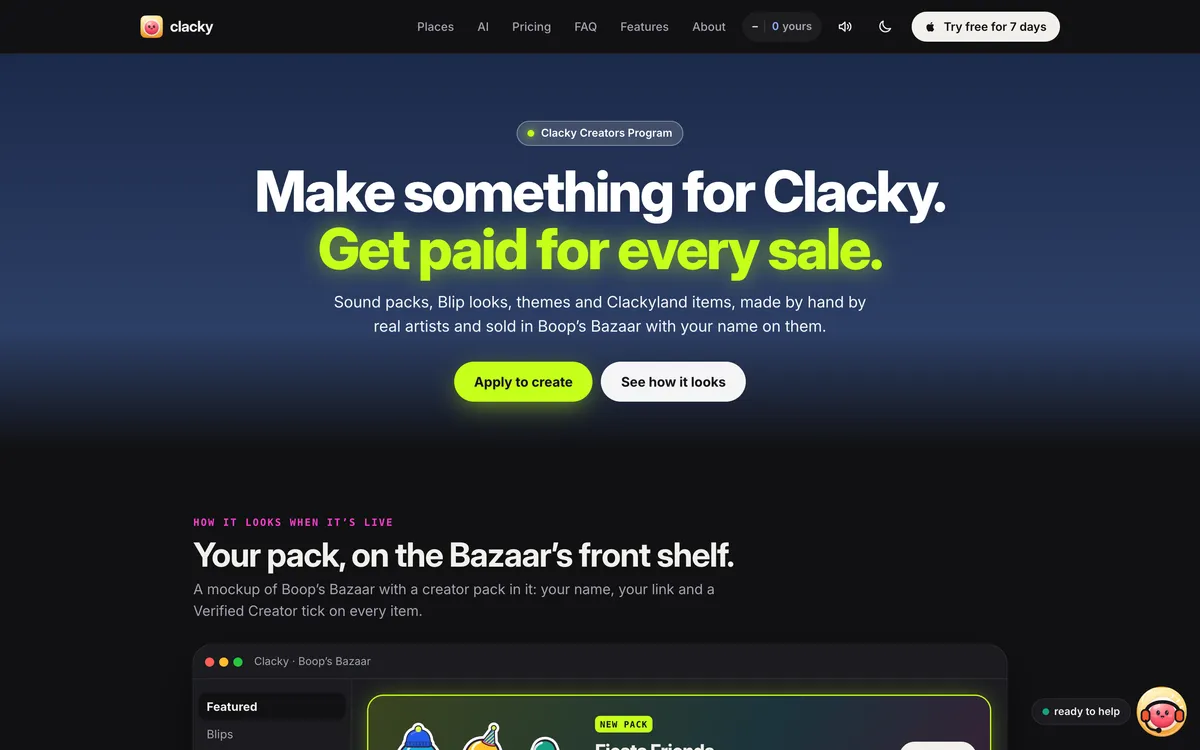
Creators Program
Make Blips, outfits or sounds for Clacky: apply, upload your pack, and get paid for every sale.
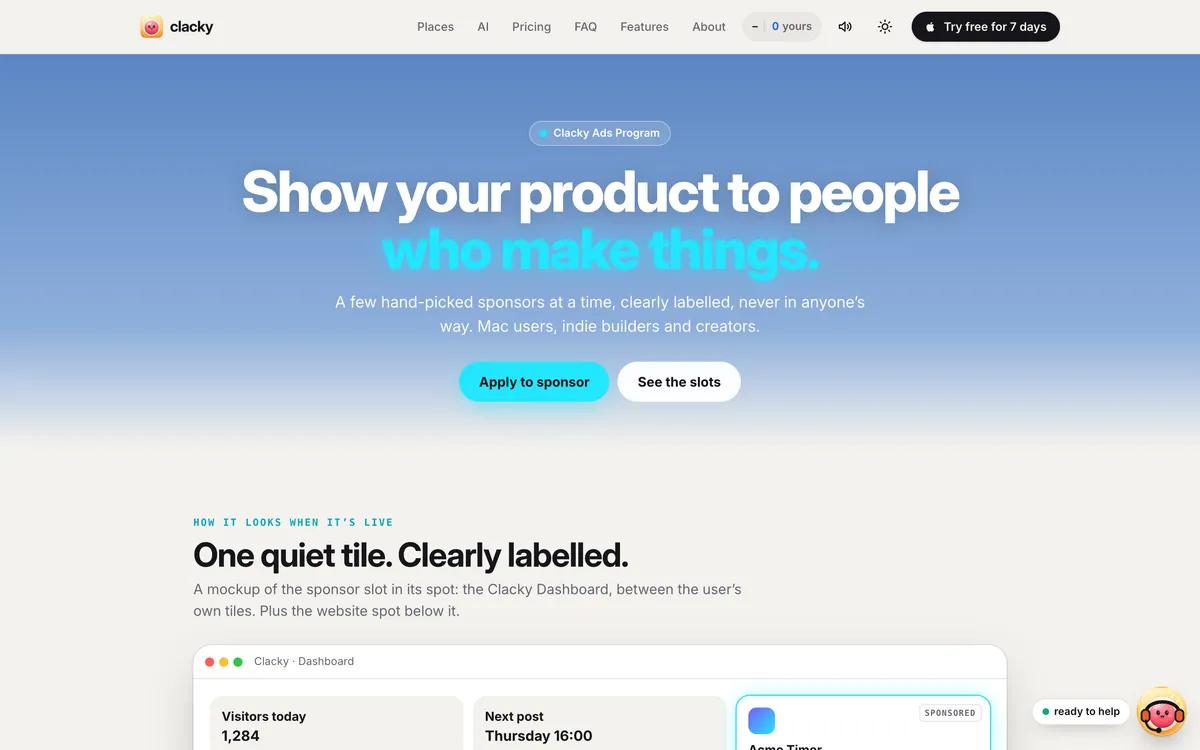
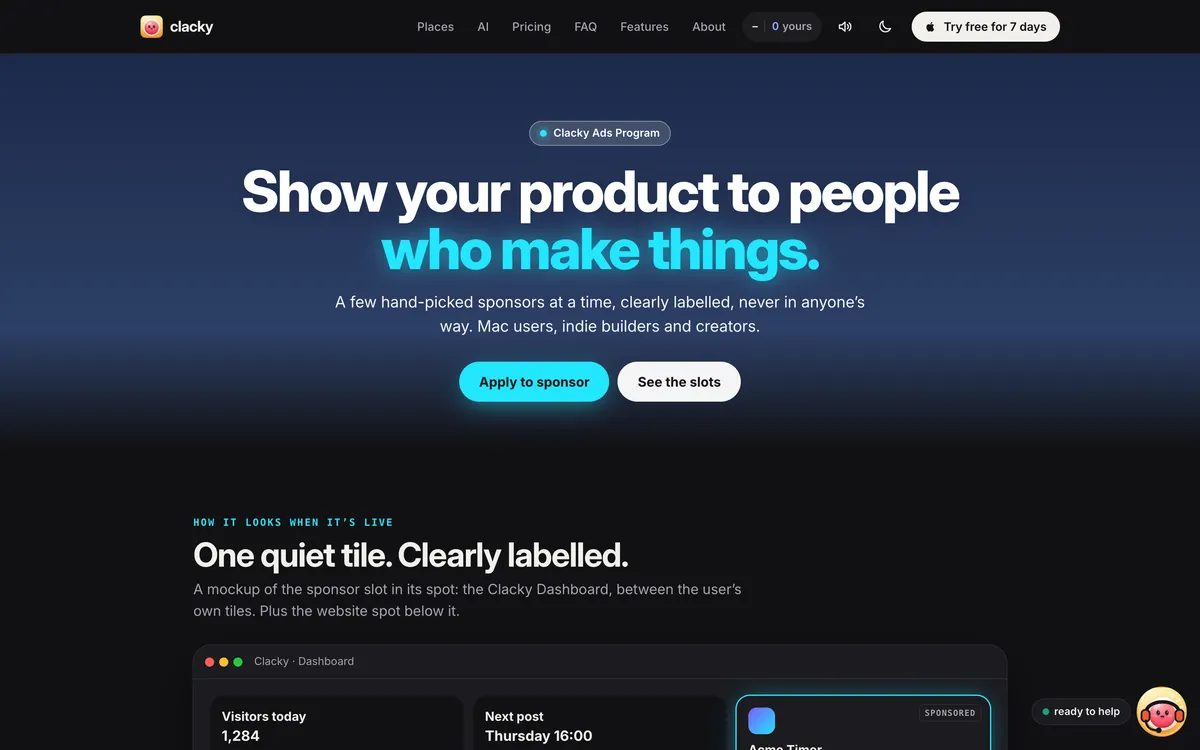
Ads Program
Show your product to people who make things on their Mac.
Make something on your Mac today.
Seven days free, every feature, cancel anytime.